Opticom Elite H Series DVR User Manual
Page 61
Advertising
DIGITAL VIDEO RECORDER MANUAL
DIGITAL VIDEO RECODER MANUAL
61
▶ Apply schedule
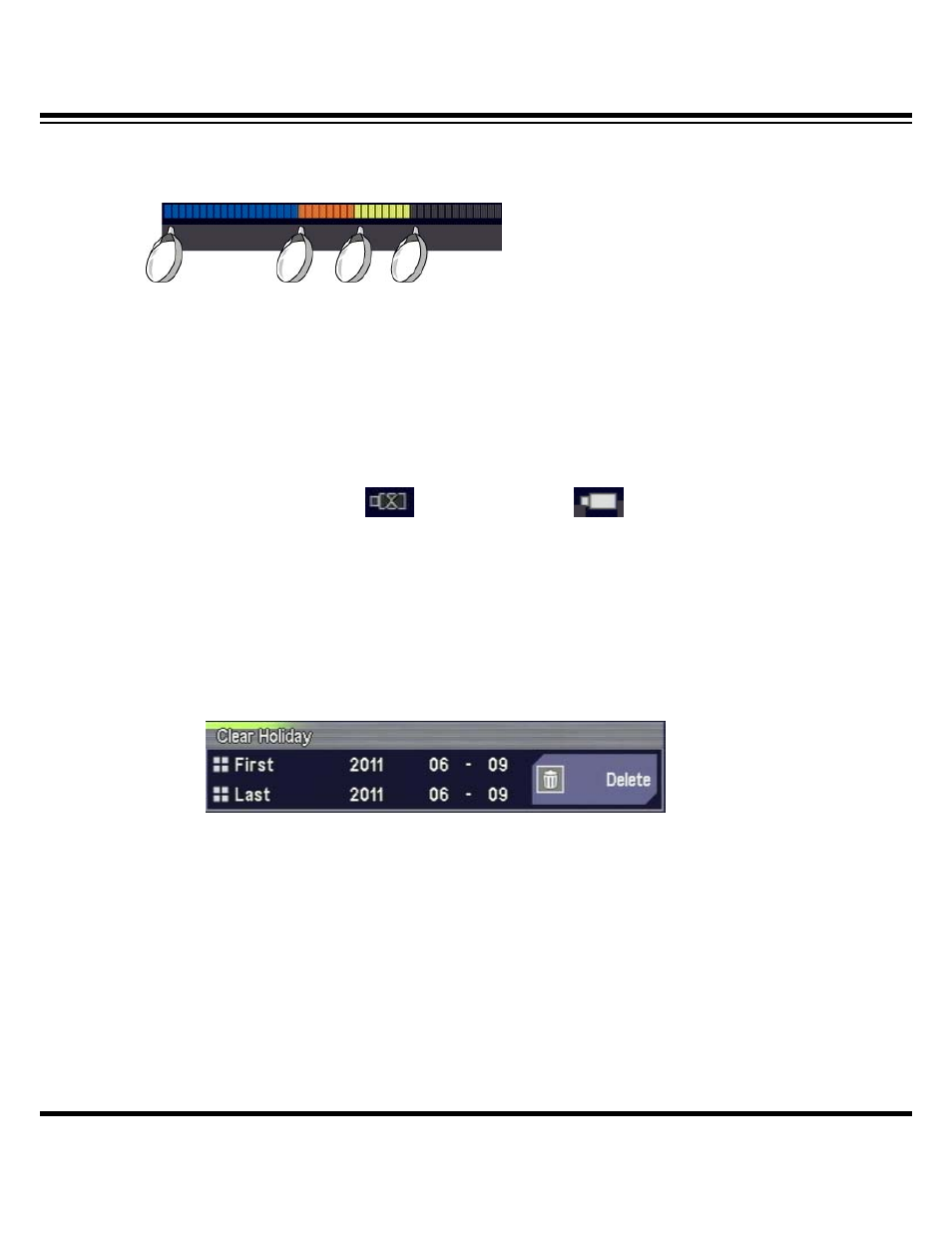
Whenever pressing “Check” for the marked period, event color changes sequentially.
When selecting different time and pressing Check, different color appears.
▶ Copy channel
Applicable to the other channels as well as channel in current use.
Select multiple channels to copy and press “Copy”.
(Not use) (Use)
▶ Delete holidays
Enter the first and last date and press Delete for all-out deletion of holidays within the
specified range.
Advertising