Settings page – SVSi N2000 Series User Manual
Page 37
Advertising
Page 37
N2000 Series User Manual
www.svsiav.com
Chapter 3. Encoder Options
Settings Page
SETTINGS PAGE
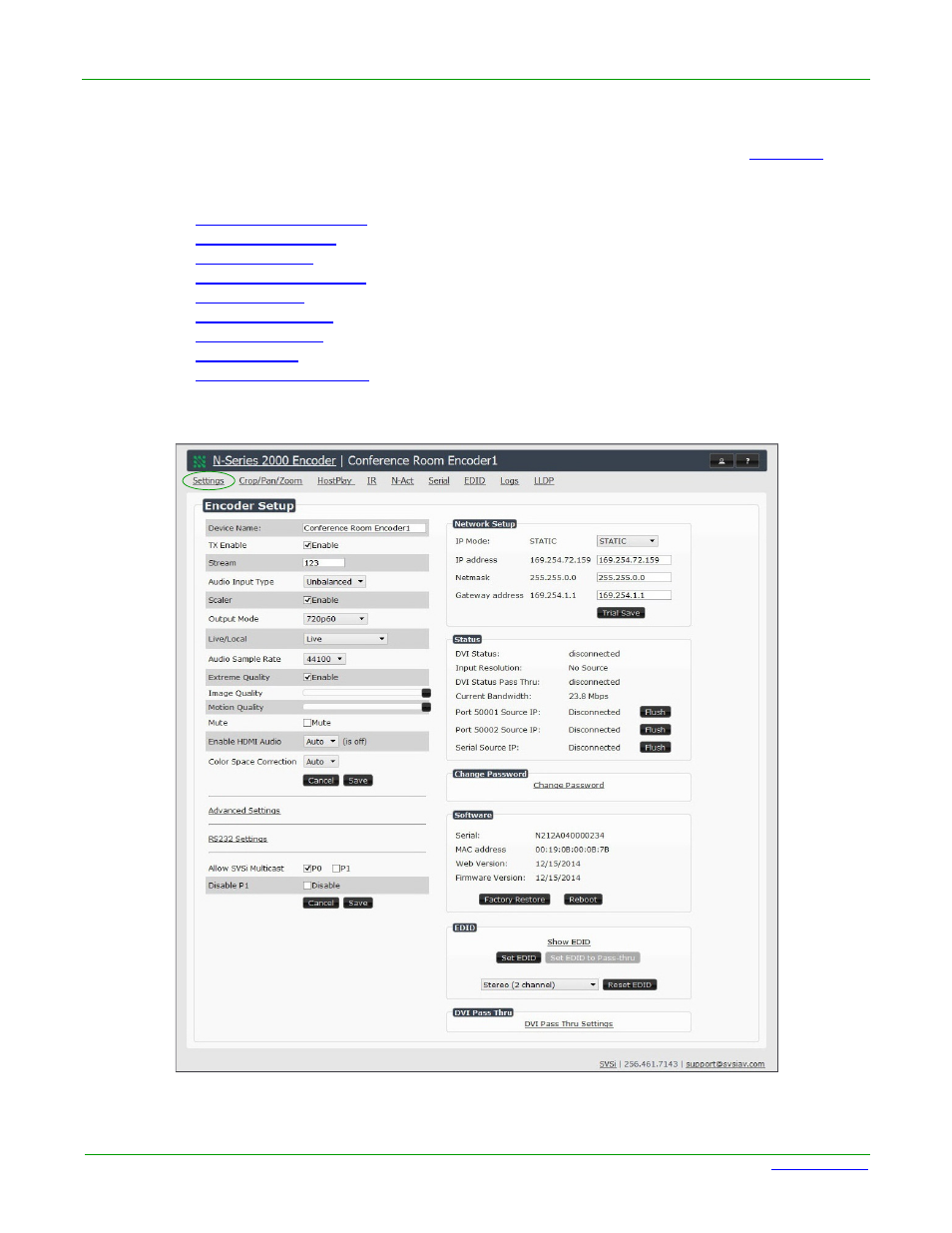
Click the Settings link at the top of any of the main web pages to access the page shown in
. This
page is divided into several sections and also has links to other dialog boxes for additional configuration
options. Refer to the following sections for detailed descriptions:
•
•
•
•
•
•
•
•
•
Figure 3-2. Settings Page
Advertising