Grass Valley Imagestore 750 v.2.0.1 User Manual
Page 263
Advertising
Imagestore 750 User Manual
Web Page
Miranda Technologies Inc.
Page 263
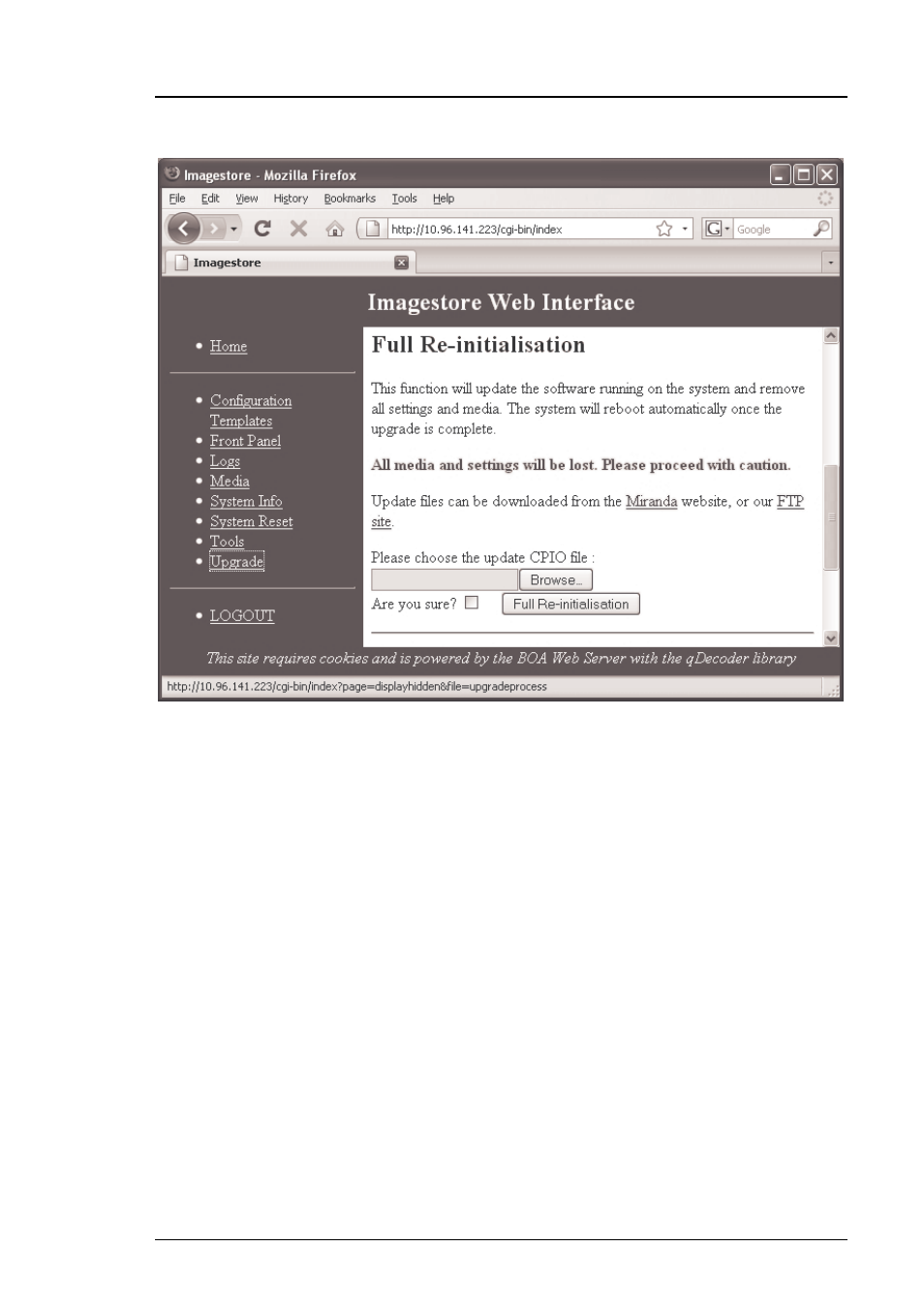
To perform a full software re-initialisation:
•
Click on the “Browse” button in the “Full Re-initialisation” section,
and then select the required CPIO file
•
Click on the “Full Re-initalisation” button after confirming with the
“Are you sure?” checkbox
•
You may monitor the update progress on the front panel which will
run through several parts ending with the message “DONE!”
•
After the software has installed, the Imagestore will automatically
power cycle and boot the new software.
•
When Imagestore restarts the new software will be running.
Advertising
This manual is related to the following products: