Mbcp panels, Selecting destinations, Mbcp panels -22 – Grass Valley Performer SD User Manual
Page 140: Selecting destinations -22, Operation & service, Installation, Multibus control panels allow you to, Select a destination to be controlled, Preset and take sources, Clear entry errors
3-22
Section 3 —
Operation & Service
MBCP Panels
Multibus control panels allow you to:
■
Select a destination to be controlled
■
Preset and take sources
■
Clear entry errors
■
Protect selections
■
Display destinations
■
Display error codes
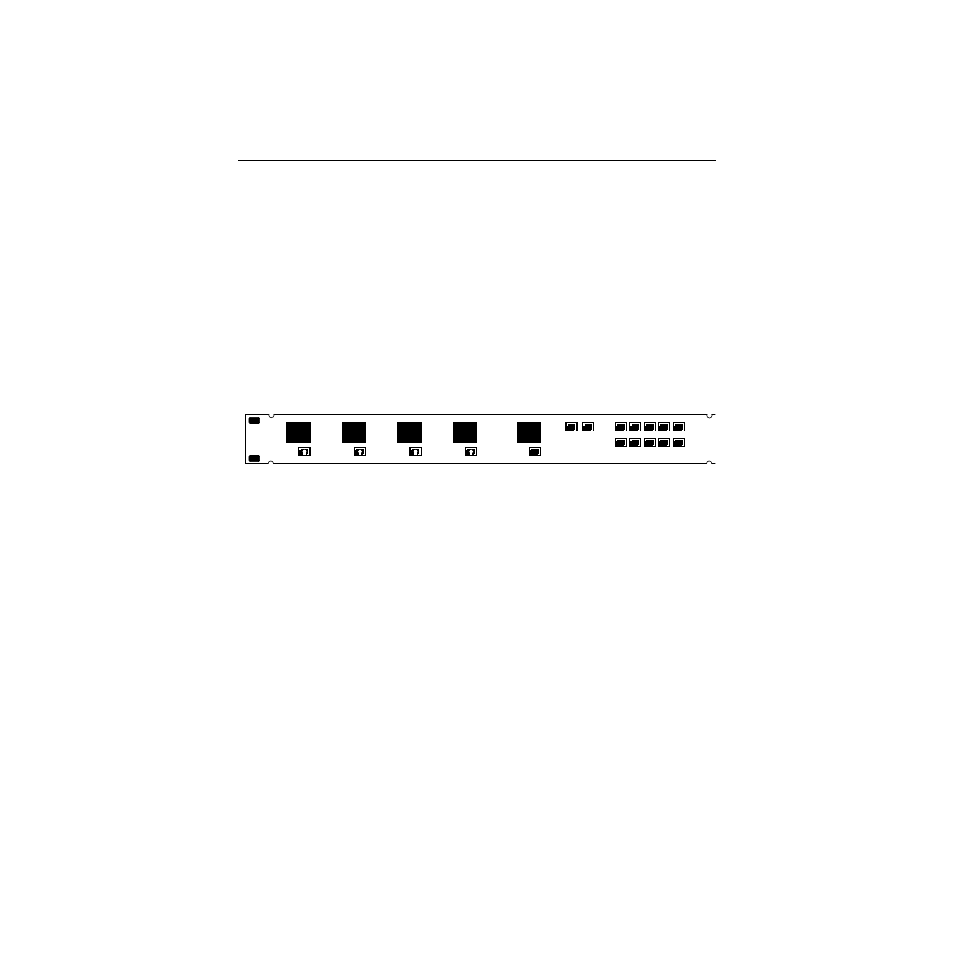
The panel is illustrated below.
Selecting Destinations
The initial destination of control is selected using a switch on back
of the control panel (see the
Installation
section). To select a new
destination of control:
■
Load the destination number into the display using the
numeric buttons
■
Press and hold the ID button
■
Press the TAKE button of DEST A (continuing to hold ID
down)
The destination number will move from the preset to the DEST A
window; the display will blank. Repeat to set DEST B, DEST C,
and DEST D.
PROTECT
0
1
2
3
4
5
6
7
8
9
CLEAR
TAKE
TAKE
TAKE
TAKE
DEST D
DEST C
DEST B
DEST A
ID
GRASS VALLEY GROUP