79 camera controls – Nikon D780 DSLR Camera (Body Only) User Manual
Page 125
79
Camera Controls
[
3D-tracking
]
The user selects the focus point; while the shutter-
release button is pressed halfway, the camera will track
subjects that leave the selected focus point and select
new focus points as required. This option is available
when
AF-A
or
AF-C
is selected for AF mode.
•
Use for subjects that are moving erratically from side
to side (e.g., tennis players).
[
Group-area
AF
]
The camera focuses using a group of focus points
selected by the user. Priority is given to faces detected
by the camera, if any.
•
Choose for snapshots, subjects that are in motion,
and other subjects that are difficult to photograph
using [
Single-point AF
].
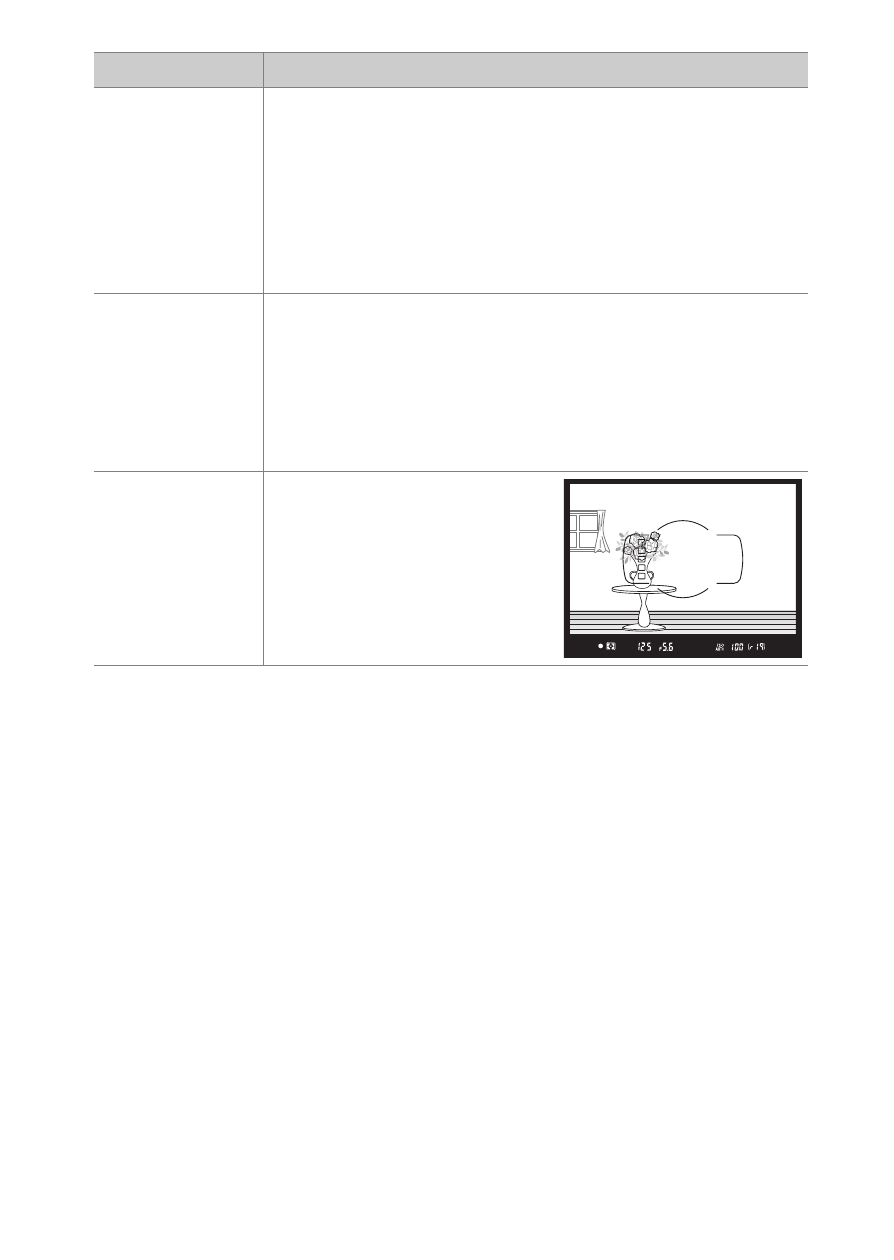
[
Auto-area AF
]
The camera automatically
detects the subject and
selects the focus point. If a
face is detected, the camera
will give priority to the
portrait subject.
Option
Description