White balance bracketing – Nikon D780 DSLR Camera (Body Only) User Manual
Page 278
Advertising
232
Shooting Settings
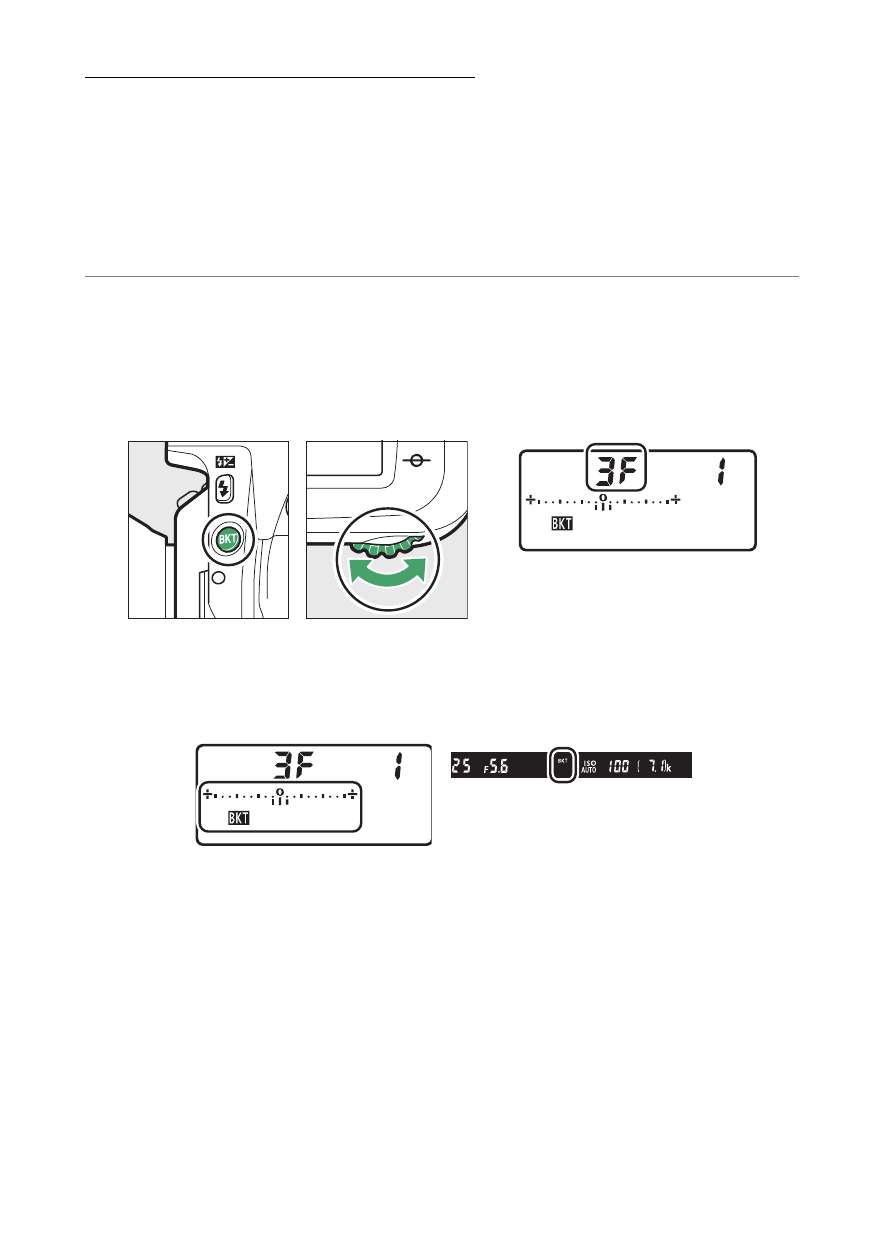
White Balance Bracketing
The camera creates multiple copies of each photograph, each
with a different white balance. To use white balance bracketing:
•
In continuous release modes, the camera will record only the
number of photographs selected in the white balance
bracketing program.
1
Choose the number of shots and exposure
increment.
•
Pressing the
BKT
button, rotate the main command dial to
choose the number of shots in the bracketing sequence.
•
At settings other than zero, a
M
icon and WB bracketing
indicator will appear in the control panel and
BKT
will be
displayed in the viewfinder.
Advertising