28 first steps – Nikon D780 DSLR Camera (Body Only) User Manual
Page 74
28
First Steps
D
Memory Cards
•
Memory cards may be hot after use. Observe due caution when
removing memory cards from the camera.
•
Do not perform the following operations during formatting or while
data are being recorded, deleted, or copied to a computer or other
device. Failure to observe these precautions could result in loss of data
or in damage to the camera or card.
- Do not remove or insert memory cards
- Do not turn the camera off
- Do not remove the battery
- Do not disconnect AC adapters
•
Do not touch the card terminals with your fingers or metal objects.
•
Do not use excessive force when handling memory cards. Failure to
observe this precaution could damage the card.
•
Do not bend or drop memory cards or subject them to strong physical
shocks.
•
Do not expose memory cards to water, heat, or direct sunlight.
•
Do not format memory cards in a computer.
D
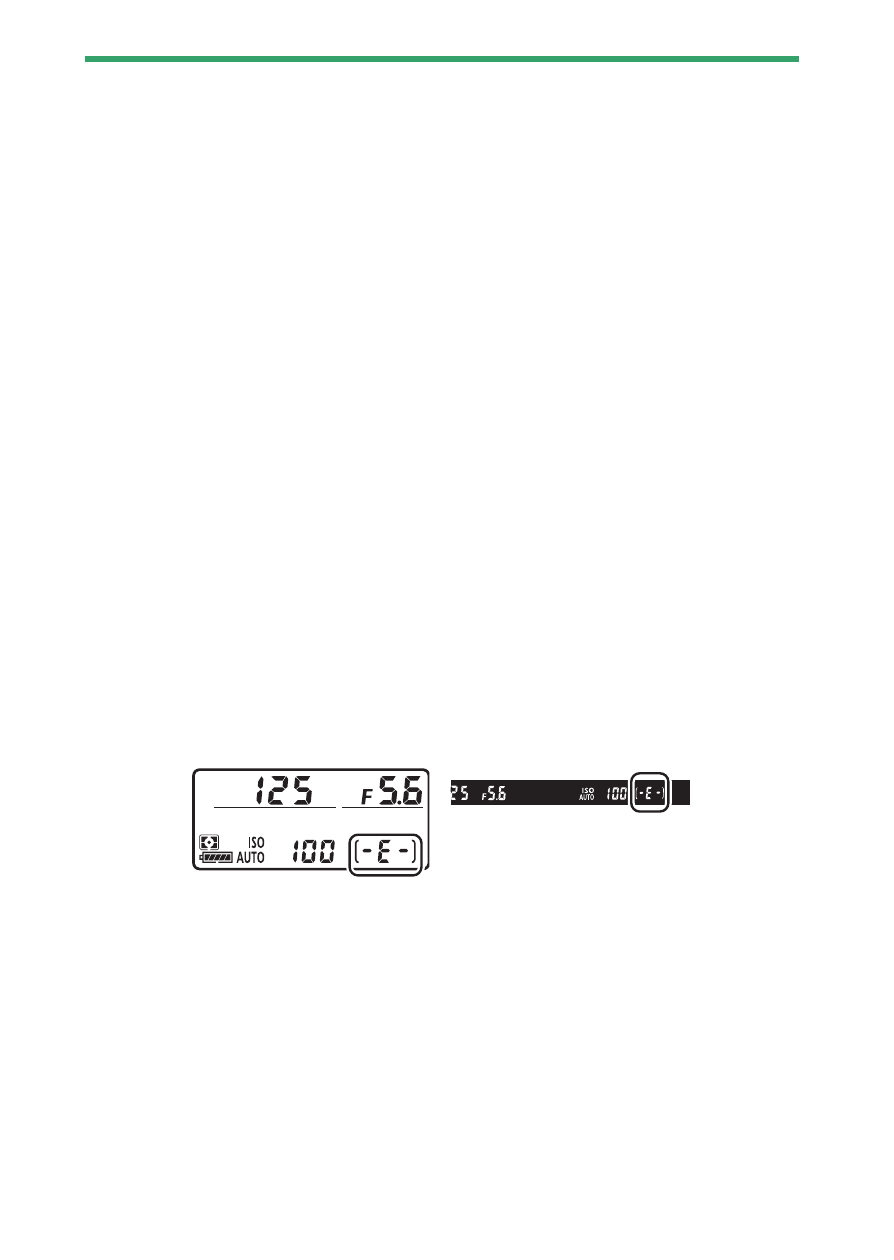
No Memory Card Inserted
If no memory card is inserted, the exposure count displays in the control
panel and viewfinder will show
S
. If the camera is turned off with a
battery and no memory card inserted,
S
will be displayed in the
control panel.