Touch controls – Nikon D780 DSLR Camera (Body Only) User Manual
Page 60
Advertising
14
Getting to Know the Camera
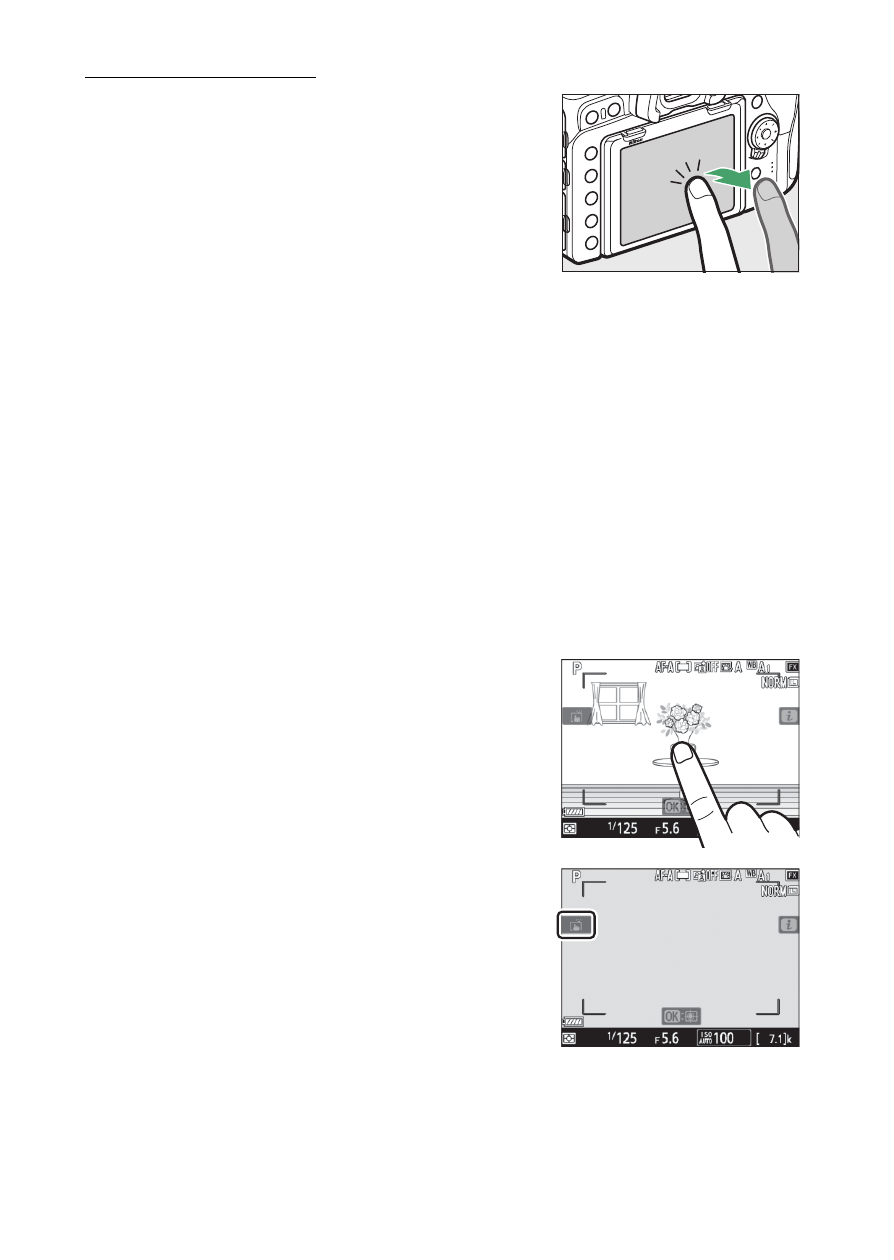
Touch Controls
•
The touch-sensitive monitor offers a
variety of controls that can be operated
by touching the display with your
fingers.
•
Touch controls can be used to:
- Focus and release the shutter (
- Adjust settings (
- View pictures (
16)
- View movies (
- Access the
i
menu (
- Enter text (
18)
- Navigate the menus (
19)
❚❚
Focusing and Releasing the Shutter
•
Touch the monitor during live view to
focus on the selected point (touch AF).
•
During still photography, the shutter
will be released when you lift your
finger from the display (touch shutter).
•
Touch AF settings can be adjusted by
tapping the
W
icon.
Advertising