G2: custom controls – Nikon D780 DSLR Camera (Body Only) User Manual
Page 691
Advertising
645
Menu Guide >
A
Custom Settings
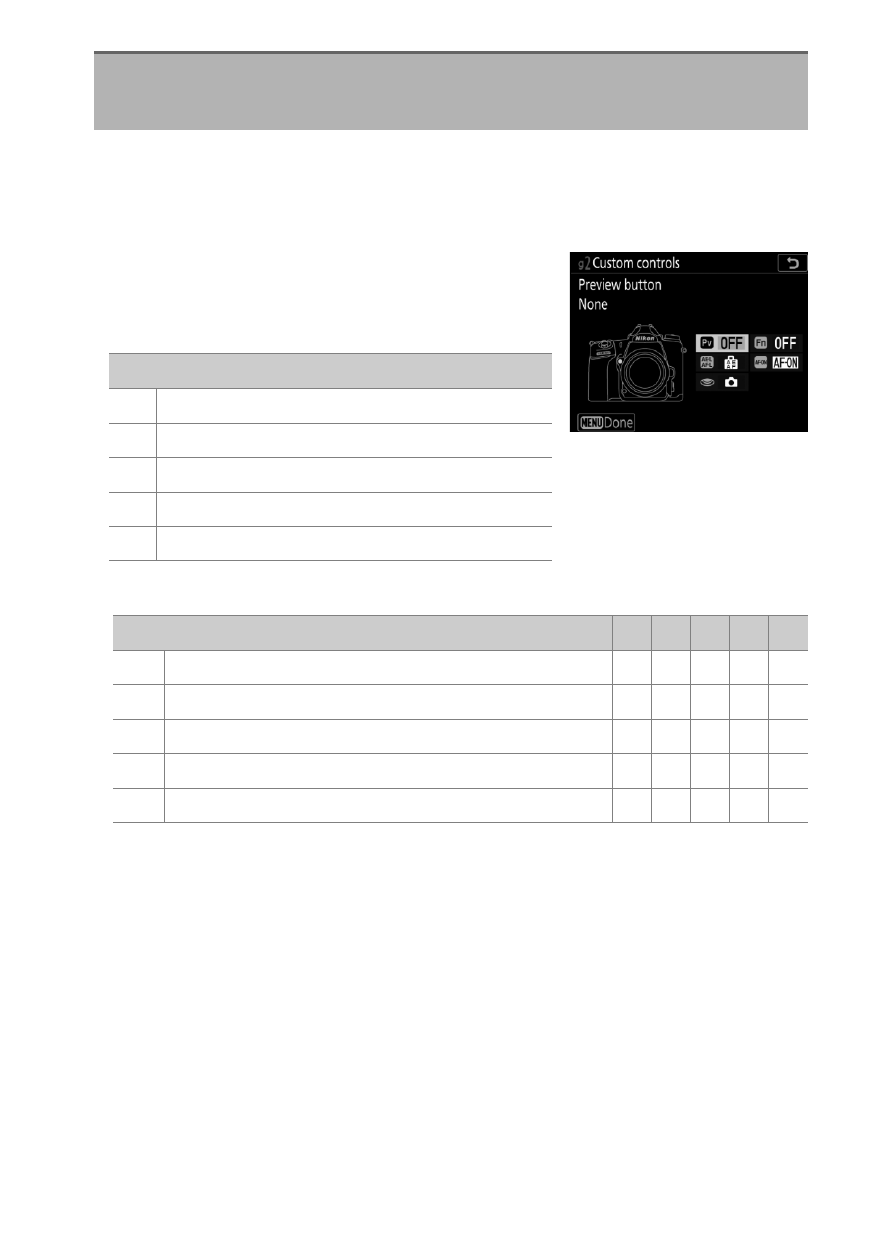
Choose the functions performed either by pressing camera
controls or by pressing controls and rotating command dials
during filming.
•
Choose the roles played by the controls
below. Highlight the desired control
and press
J
.
•
The roles that can be assigned to these controls are as follows:
g2: Custom Controls
G
button
U
A
Custom Settings menu
Option
0
[
Preview button
]
2
[
Fn button
]
!
[
AE-L/AF-L button
]
V
[
AF-ON button
]
G
[
Shutter-release button
]
Option
0 2 ! V
G
t
[
Power aperture (open)
]
4
— — — —
q
[
Power aperture (close)
]
—
4
— — —
i
[
Exposure compensation +
]
4
— — — —
h
[
Exposure compensation -
]
—
4
— — —
b
[
Framing grid display
]
4 4
— — —
Advertising