Copy the photographs – Nikon D780 DSLR Camera (Body Only) User Manual
Page 764
Advertising
718
Menu Guide >
N
The Retouch Menu
7
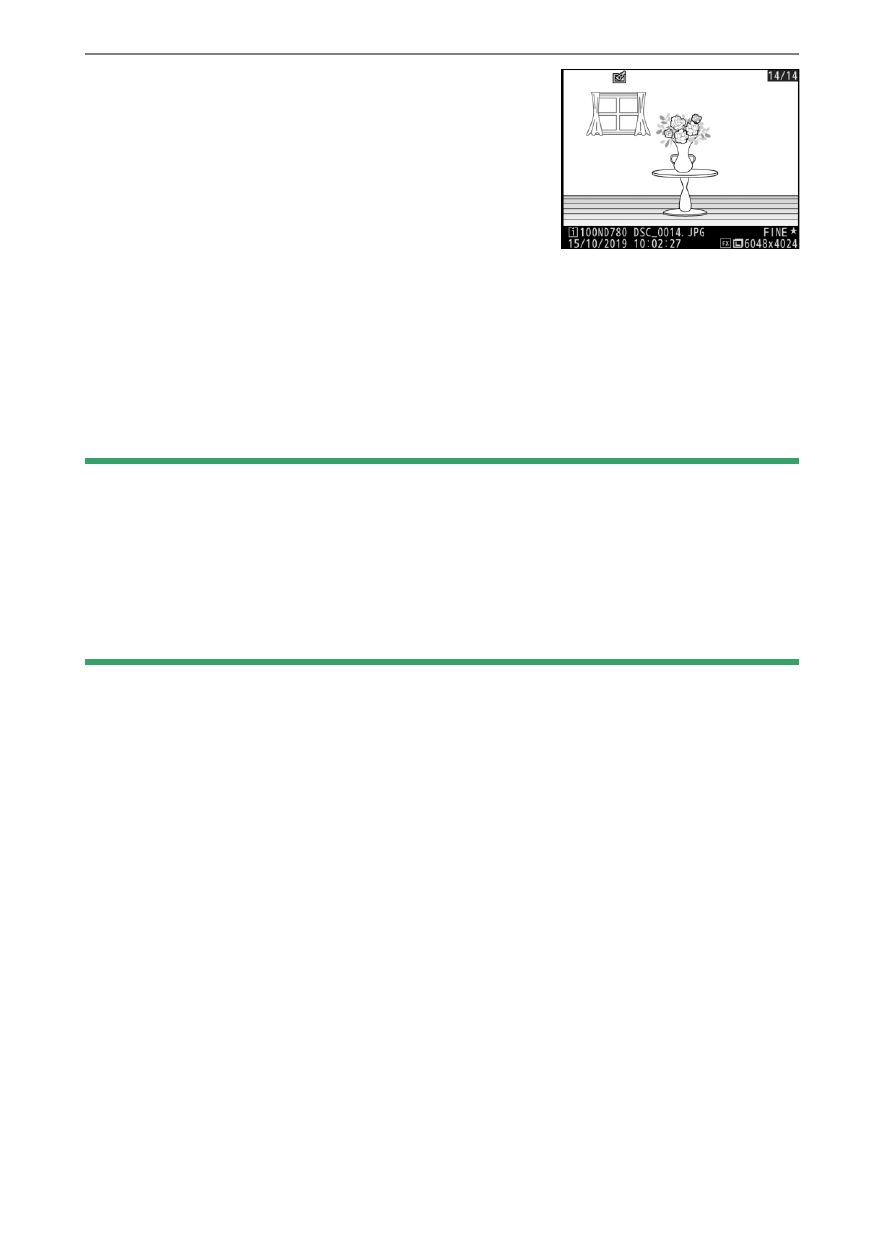
Copy the photographs.
•
Highlight [
EXE
] and press
J
to
create a JPEG copy of the selected
photograph.
•
If multiple photos are selected, a
confirmation dialog will be
displayed after you highlight [
EXE
] and press
J
; highlight
[
Yes
] and press
J
to create JPEG copies of the selected
photos.
•
To exit without copying the photographs, press the
G
button.
D
NEF (RAW) Processing
•
NEF (RAW) processing is available only with NEF (RAW) images created
with this camera. Images in other formats and NEF (RAW) images taken
with other cameras or Camera Control Pro 2 cannot be selected.
•
[
Exposure compensation
] can only be set to values between −2 and
+2 EV.
Advertising