Create a retouched copy – Nikon D780 DSLR Camera (Body Only) User Manual
Page 757
711
Menu Guide >
N
The Retouch Menu
4
Create a retouched copy.
•
Press
J
to create a retouched copy.
•
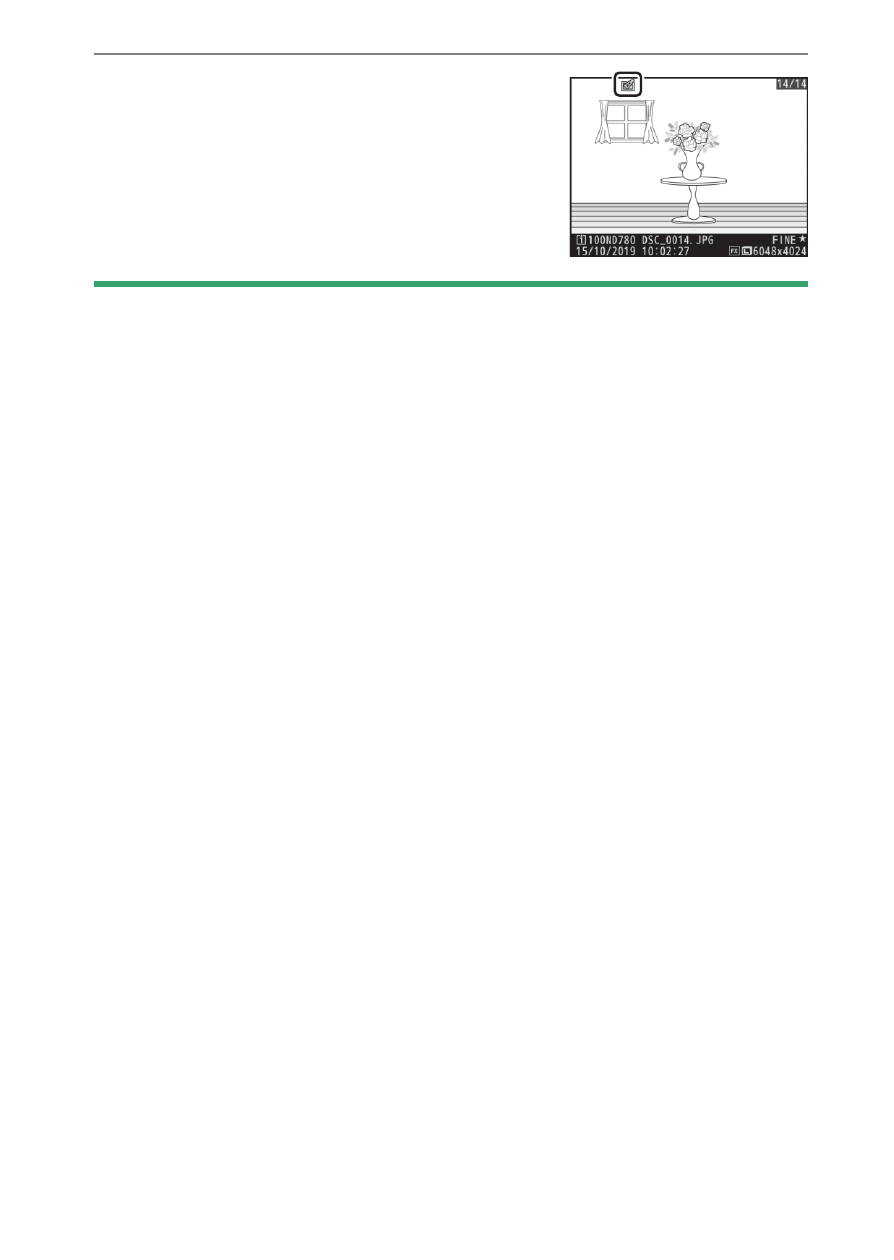
Retouched copies are indicated by a
p
icon.
D
Retouching the Current Image
To create a retouched copy of the current image, press
i
and select
[
Retouch
].
D
Retouch
•
The camera may not be able to display or retouch images that were
taken or retouched using other cameras or that have been retouched
on a computer.
•
If no actions are performed for a brief period, the display will turn off
and any unsaved changes will be lost. To increase the time the display
remains on, choose a longer menu display time using Custom Setting c4
[
Monitor off delay
] > [
Menus
].
D
Retouching Copies
•
Most options can be applied to copies created using other retouch
options, although multiple edits may result in reduced image quality or
faded colors.
•
With the exception of [
Trim movie
], each option can be applied only
once.
•
Some options may be unavailable depending on the options used to
create the copy.
•
Options that cannot be applied to the current image are grayed out and
unavailable.