326 other shooting options – Nikon D780 DSLR Camera (Body Only) User Manual
Page 372
326
Other Shooting Options
D
During Shooting
•
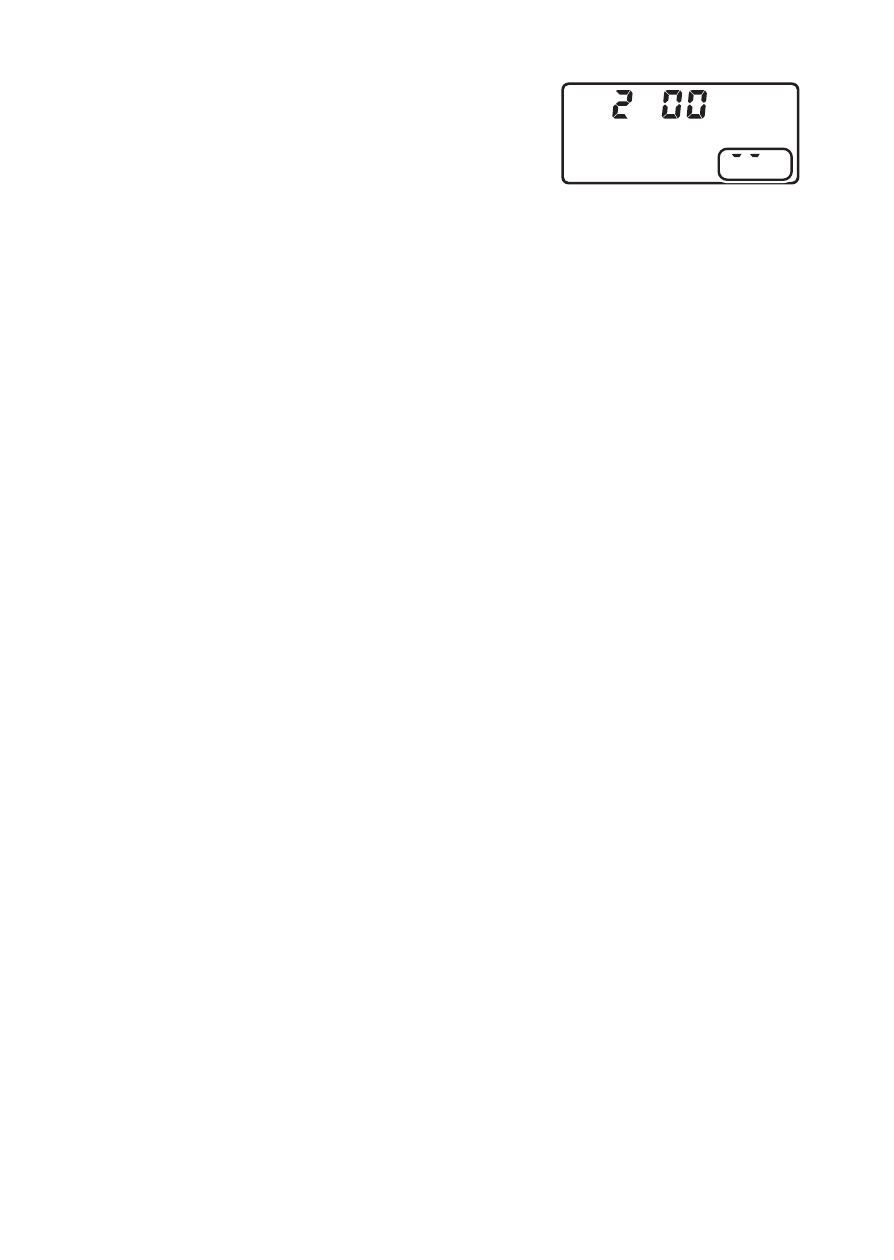
During shooting, the memory card access
lamp will light and a time-lapse recording
indicator will be displayed in the control
panel. The time remaining (in hours and
minutes) appears in the control panel
shutter-speed display immediately before each frame is recorded.
•
At other times, the time remaining can be viewed by pressing the
shutter-release button halfway.
D
Adjusting Settings Between Shots
Shooting and menu settings can be adjusted between shots. Note,
however, that the monitor will turn off approximately 2 s before the next
shot is taken.
D
Time-Lapse Movies: Restrictions
Time-lapse movie recording cannot be combined with some camera
features, including:
•
EFCT
mode
•
Live view photography
•
Movie recording
•
Long time-exposures (bulb or time photography)
•
The self-timer
•
Bracketing
•
Multiple exposure
•
HDR (high dynamic range)
•
Interval-timer photography
•
Focus shift
•
The negative digitizer