Canon imagePROGRAF GP-4000 User Manual
Page 813
Advertising
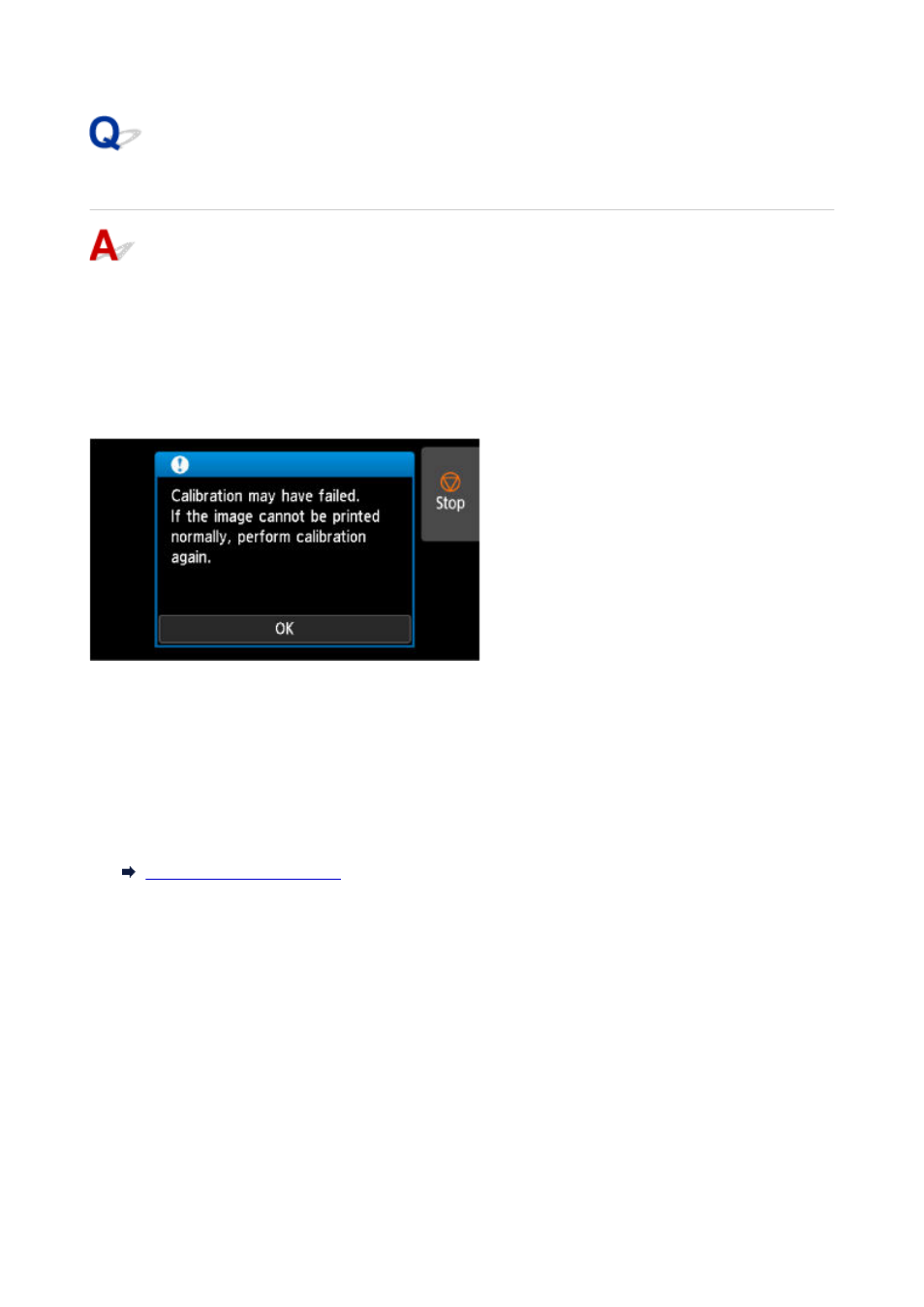
Warning Message is Displayed When Performing Color Calibration
In the following cases, perform color calibration again or create a color calibration target.
• A warning message is displayed when performing color calibration.
•
• A warning message is displayed when creating a color calibration target.
•
• An error was seen in the print result when printing on a calibrated sheet.
•
An example of a warning message
Please check the following:
• The print head nozzles are not blocked.
•
• The paper is not curled or bent.
•
• The paper is loaded correctly.
•
• Paper settings are specified correctly.
•
• The paper size is compatible with color calibration.
•
813
Advertising