Marantz SR6008 User Manual
Page 92
92
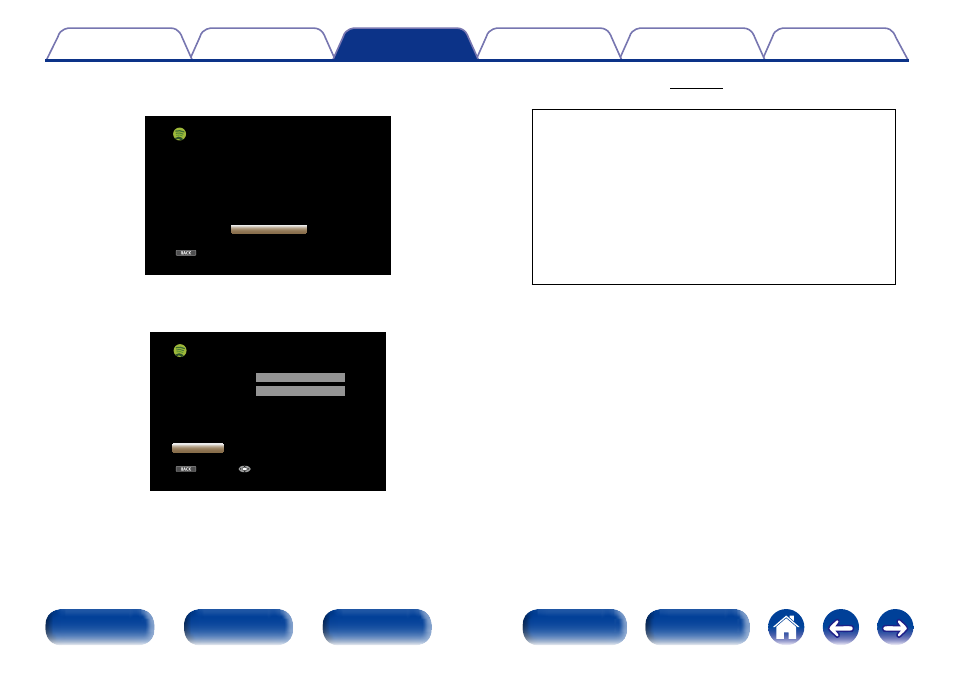
4
If you have a Spotify account, then press ENTER.
BACK
Spotify
Get Started
Introduce your Marantz to a whole new world
of music. With Spotify, you can enjoy instant
access to millions of songs.
A Spotify Premium subscription is required.
Just subscribe at spotify.com
Exit
5
Use ui p to enter your username and password.
BACK
Enter
Username
Password
zzzzz
zzzzz
Log In
Exit
Spotify Log In
• For character input, see page 143.
The types of characters that can be input are as shown below.
GUpper case characters/Numbers/SymbolsH
ABCDEFGHIJKLMNOPQRSTUVWXYZ
ÄÀÁÂÃÅÆÇÐÈÉÊËÌÍÎÏÑÖÒÓÔÕØÜÙÚÛÝÞ
0123456789
! “ # $ % & ’ ( ) z + , ; < = >
GLower case characters/Numbers/SymbolsH
abcdefghijklmnopqrstuvwxyz
äàáâãåæçðèéêëìíîïñöòóôõøüùúûýþÿß
0123456789
. @ - _ / : ˜ ? [ \ ] ^ ’ { | }
• The password should be no longer than 99 characters.
• Press BACK to cancel the input. When “Cancel Input?” is
displayed, select “Yes”, then press ENTER.