Grass Valley Kayenne XL Package v.7.0.4 User Manual
Page 106
Advertising
104
Kayenne XL Package — User Manual
Section 3 — Control Panel
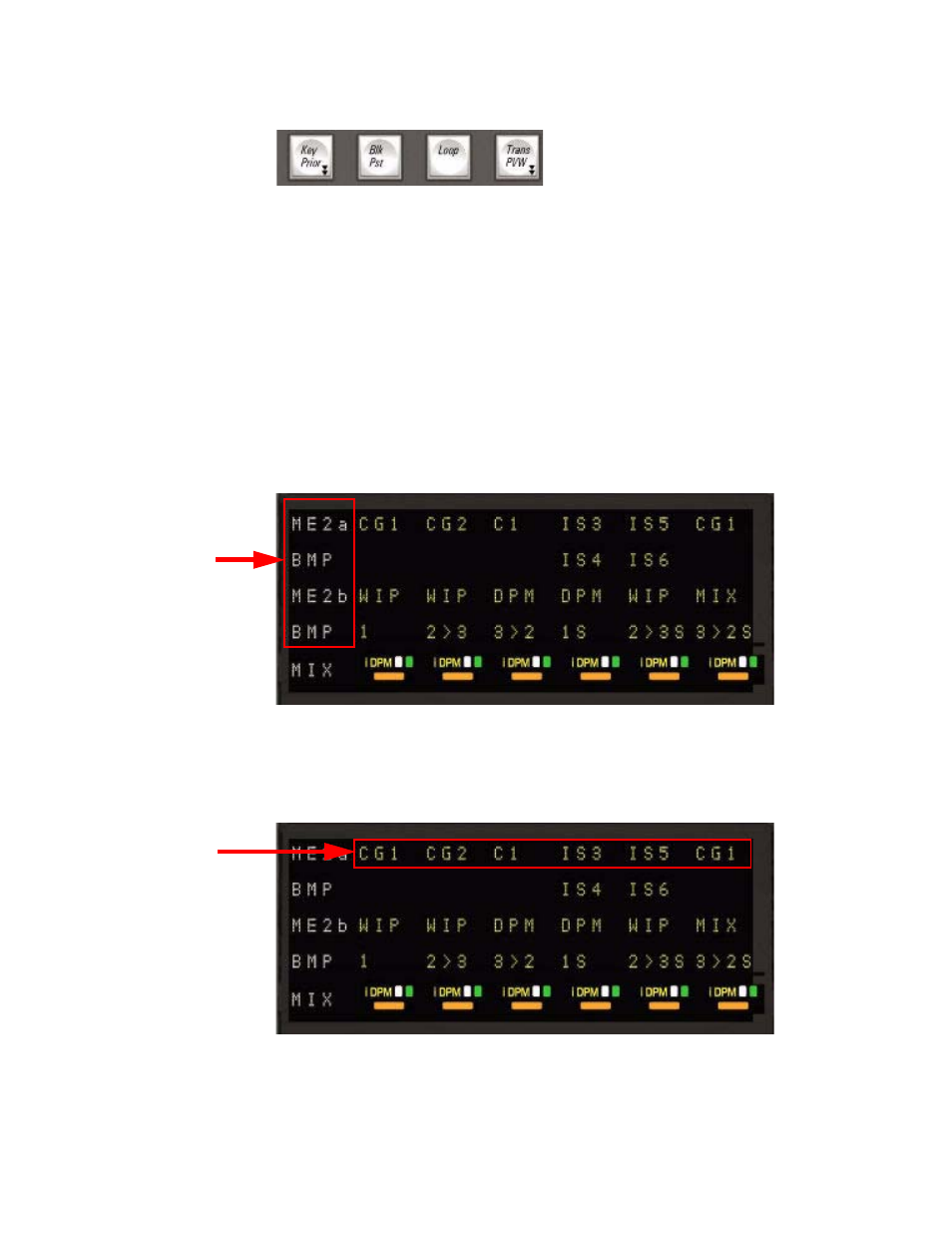
Figure 62. Kayenne XL Transition Panel - Function Buttons
•
Key Prior
Dissolve from ”Current” to ”Next” Priority stack.
•
Blk Pst
Enable ”Black Preset transition”.
•
Loop
Determines if eDPM transitions remain in signal path.
•
Trans PVW
Enables Transition PVW for the next transition on designated PVW out.
Figure 63. Kayenne XL Transition Panel - Module Display
Source Name Display for selected crosspoint on designated Bus/M/E .
Source on Program-Bus, Preset-Bus, Utility1- and Utility2-Bus.
Figure 64. Kayenne XL Transition Panel - Module Display
Source Name Display for selected crosspoint on designated Bus/M/E.
Source on : Key-Fill Bus 1-6 and Key-Key Bus 1-6.
Advertising
This manual is related to the following products: