Grass Valley Kayenne XL Package v.7.0.4 User Manual
Page 282
280
Kayenne XL Package — User Manual
Section 4 — Sidepanel Menu Summaries
With the buttons on the top of the page, basic text formatting can be
selected:
•
Bold: Font style „Bold“
•
Italic: Font style „Italic“
•
Font Style: Predefined text formatting for headlines and standard text.
•
Align Text: Align the text to Left, Center, Right
•
Cut, Copy, Paste: Edit functions
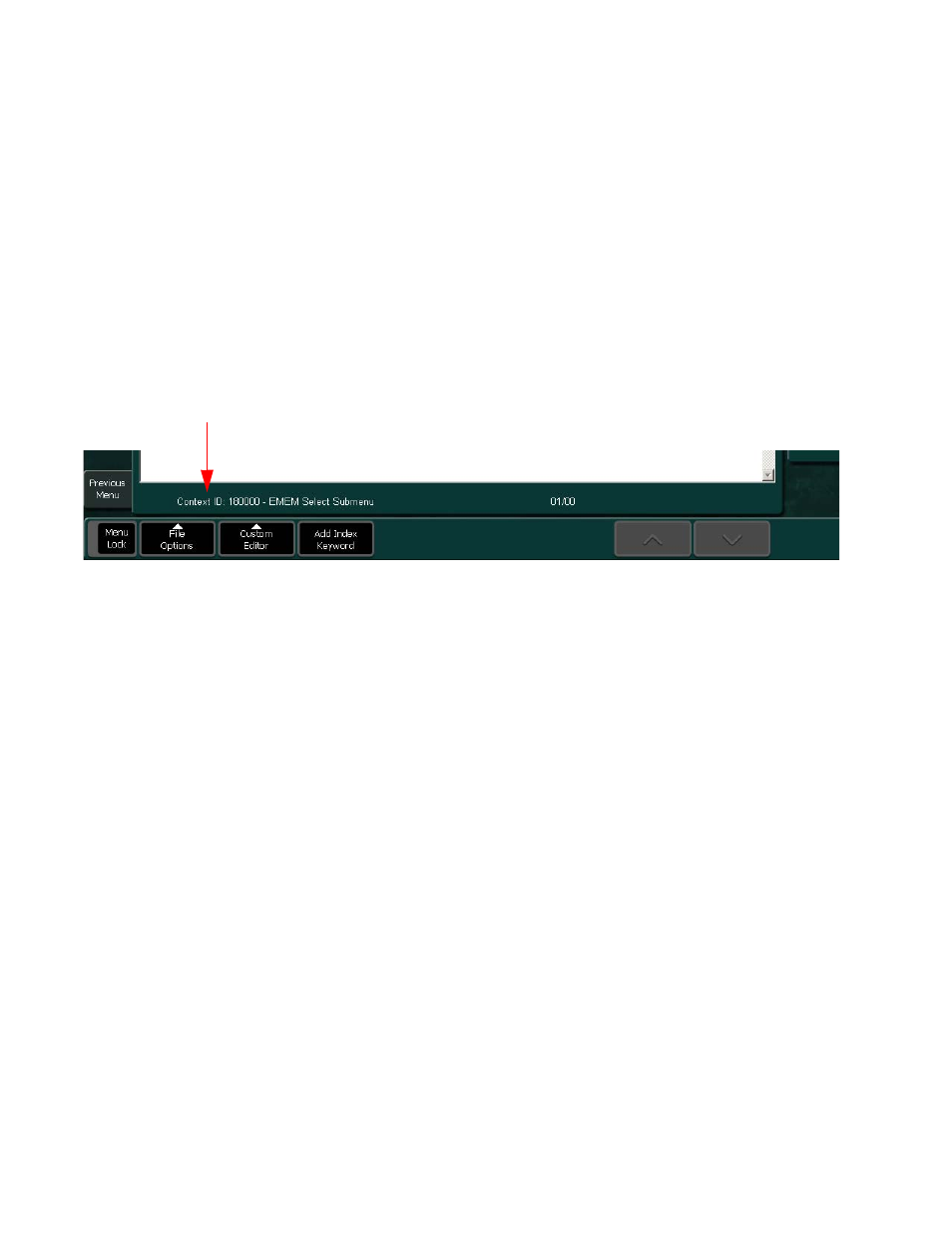
Figure 211. Help Editor Page,
With the buttons on the bottom of the page, advances functions can be
selected:
•
File Options:
•
Save: Press Save to store the current custom page.
•
New: Press New to start a new (next) custom page belonging to the
same currently selected manual page.
•
Import: Press Import to import a external text file. A dialog appears
to select a file on your computer or USB device.
•
Custom Editor: Possibility do define and start an external text editor.
•
Add Index Keyword: Possibility to enter a keyword belonging to the
current custom page.
•
Up/Down Arrows: Navigation buttons.
Buttons are active, when more than one page is available inside the
current custom page.
Belonging Manual Page