System bars, Overview – Grass Valley Kayenne XL Package v.7.0.4 User Manual
Page 176
Advertising
174
Kayenne XL Package — User Manual
Section 3 — Control Panel
System Bars
Overview
There are three lengths of system bar to accommodate the four basic
models of panel.
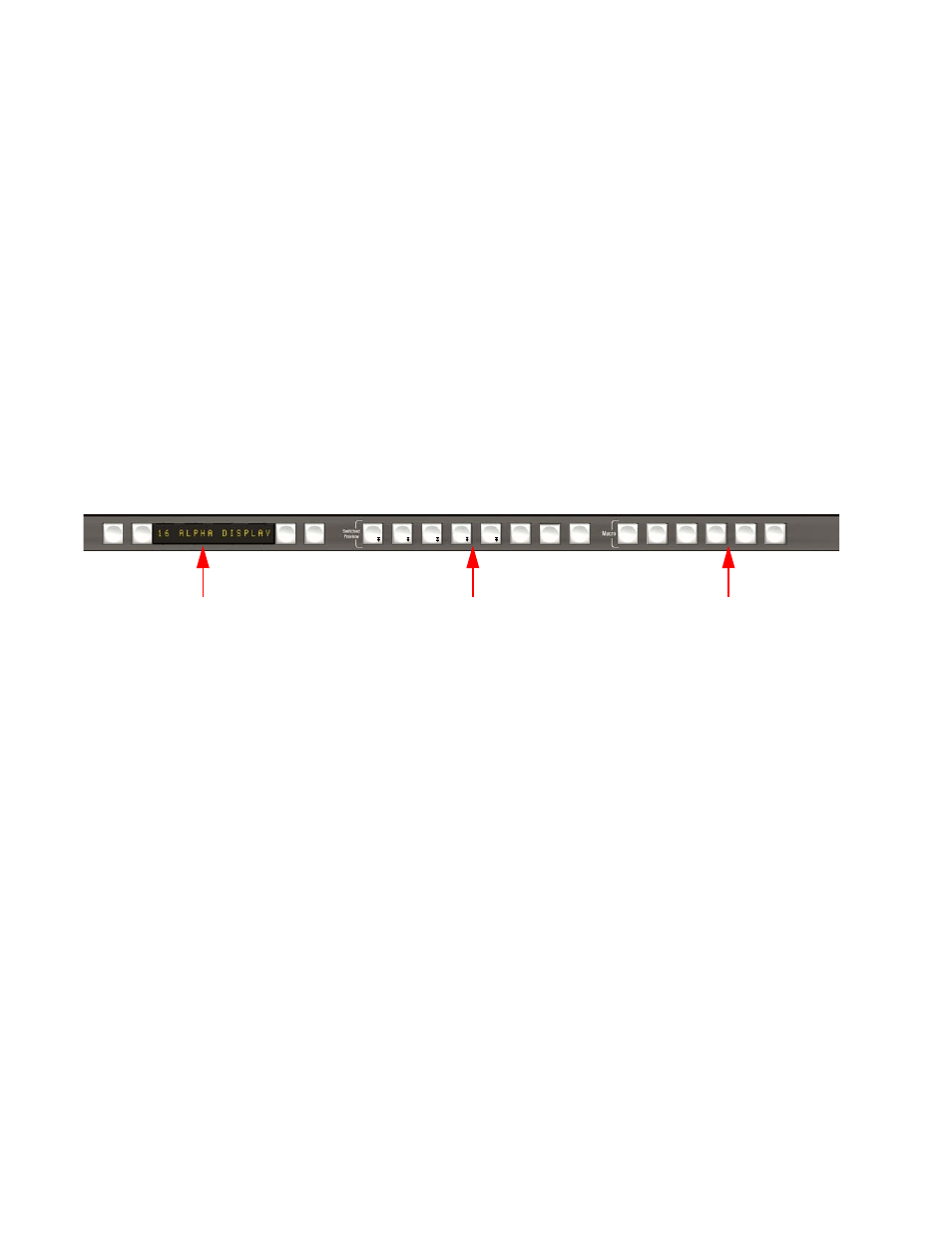
The System Bar is used for
•
Switched Preview selection
•
Macro Recording / Editing
•
Machine Control
Figure 117. System Bar
The Kayenne XL control panel types are different:
•
The 4, 3 and 2 M/E control panels (35 sources) have 6 machine control
groups.
•
The 2 M/E panel (25 sources) has 6 machine control groups.
•
The 1 M/E panel (15 sources) has 2 machine control groups.
ME
1
ME
2
ME
3
PGM
ME
h
eDPM
Attch
Enable
Show
Attch
Repl
Attch
Delete
Ins
Pause
Rec
Cue/
Load
Play
Prev
Next
Machine Control Group
Switched Preview
Macro Recording /Edting
Advertising
This manual is related to the following products: