Grass Valley Kayenne XL Package v.7.0.4 User Manual
Page 523
Advertising
Kayenne XL Package — User Manual
521
RamRecorder Menu
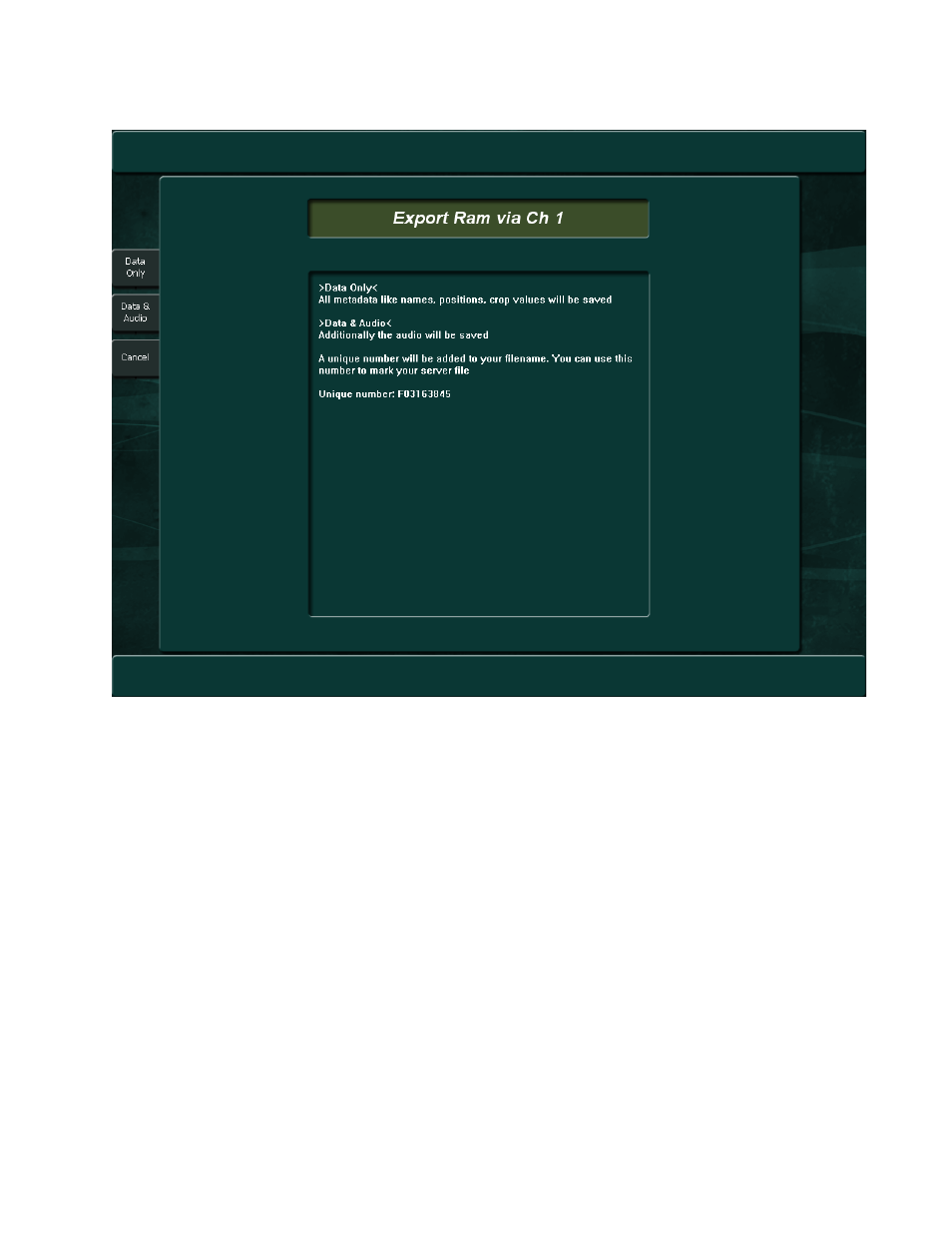
Figure 433. Export Dialog
•
Upon transferring the metadata and audio, a request dialog appears:
Start your external server in record mode and press Export Data.
•
Be sure that your external device is connected with the Ram channel
selected.
•
Assign the Ram channel for playout (for example, Ram1) to an Aux
Out #, using the Aux Controls in the Aux menu and Install - E-Box -
Aux Bus menu.
•
Connect your external device with Aux Out #.
•
Start your external device in Record mode.
•
Press Export Video. All video clips/stills will be transferred in real-time
to the external device.
Advertising
This manual is related to the following products: