Overview: display modes, Test run and program run 15.1 graphics – HEIDENHAIN TNC 320 (77185x-01) ISO programming User Manual
Page 440
Advertising
Test run and program run
15.1 Graphics
15
440
TNC 320 | User's Manual for DIN/ISO Programming | 3/2014
Overview: Display modes
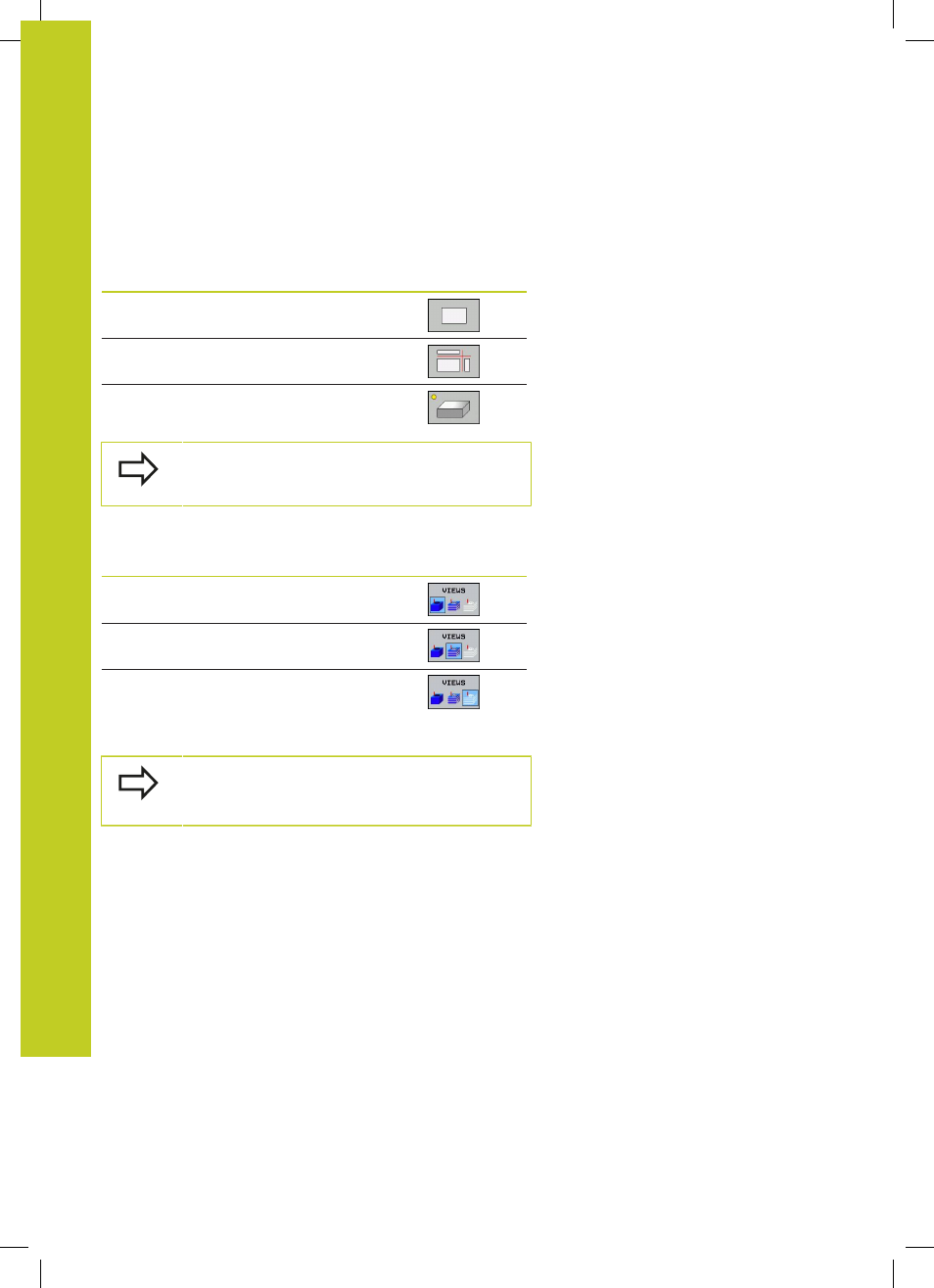
The TNC displays the following soft keys in the Program Run and
Test Run modes of operation:
View
Soft key
Plan view
Projection in three planes
3-D view
The position of the soft keys depends on the
selected operating mode.
The Test Run operating mode additionally offers the following
views:
View
Soft key
Volume view
Volume view and tool paths
Tool paths
Limitations during program run
The result of the simulation can be faulty if the TNC's
computer is overloaded with complicated processing
tasks.
Advertising