Casio V-N500 User Manual
Page 173
Advertising
E-171
Theft Protection
This allows you to have the Paper Writer emit a loud warning tone when it is removed from the
charger (Ethernet Cradle or Cradle-type Battery Charger) and that removal constitutes theft.
Enable Theft Protection (Lock)
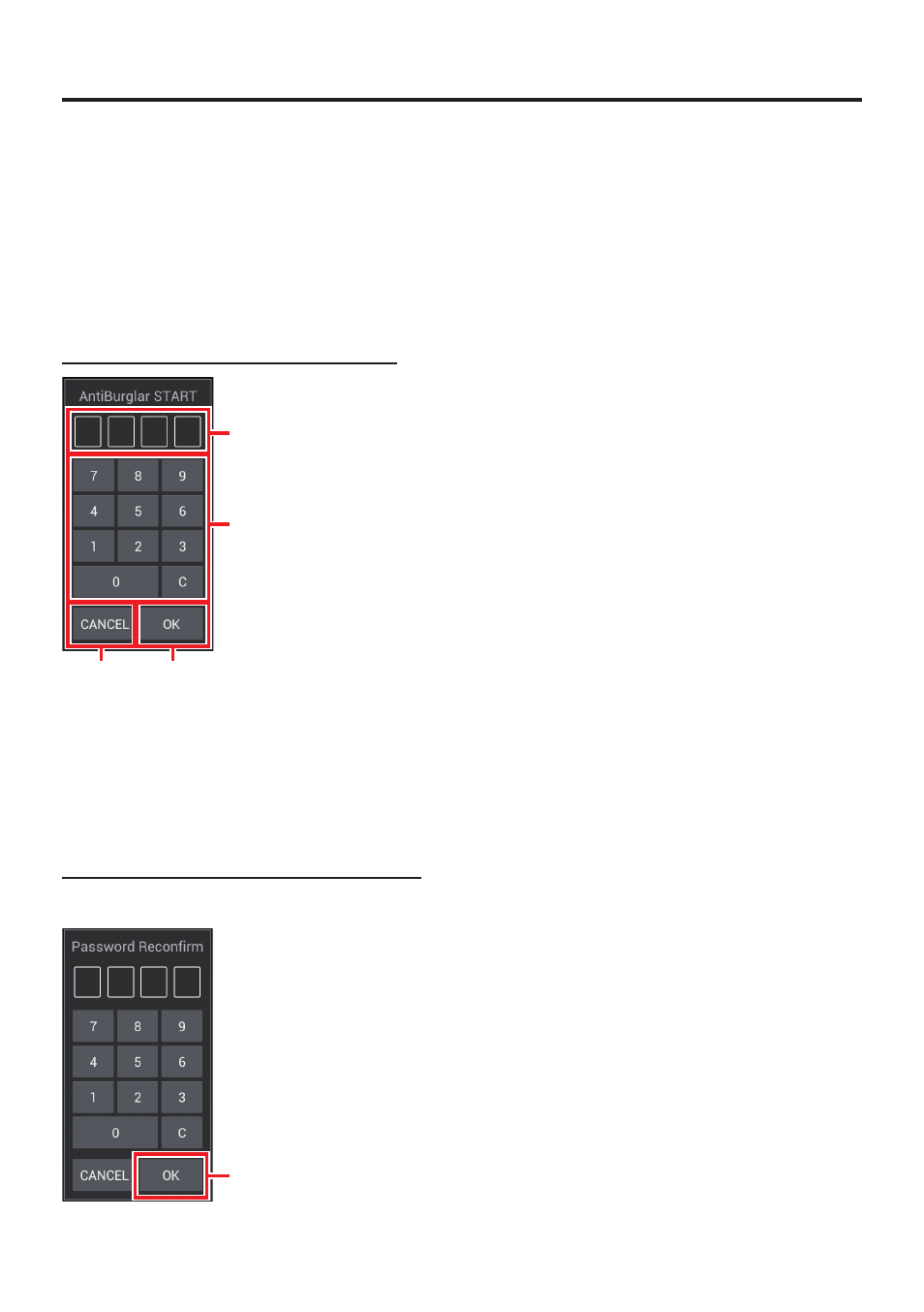
To use the Theft Protection function, enter the PIN code twice.
Enter the 4-digit PIN code (fi rst time)
➀
➃
➂
➁
➀
Shows the entered PIN code.
➁
Keys for input
➂
Confi rms entered PIN code.
➃
Exit this app (Theft Protection is not set).
Enter the 4-digit PIN code (second time)
When a similar reconfi rmation screen appears, enter the PIN code again.
➄
➄
Enables the Theft Protection function.
■
Advertising
This manual is related to the following products: