Barcode scanner – Casio V-N500 User Manual
Page 185
Advertising
E-183
Barcode Scanner
Scans barcodes.
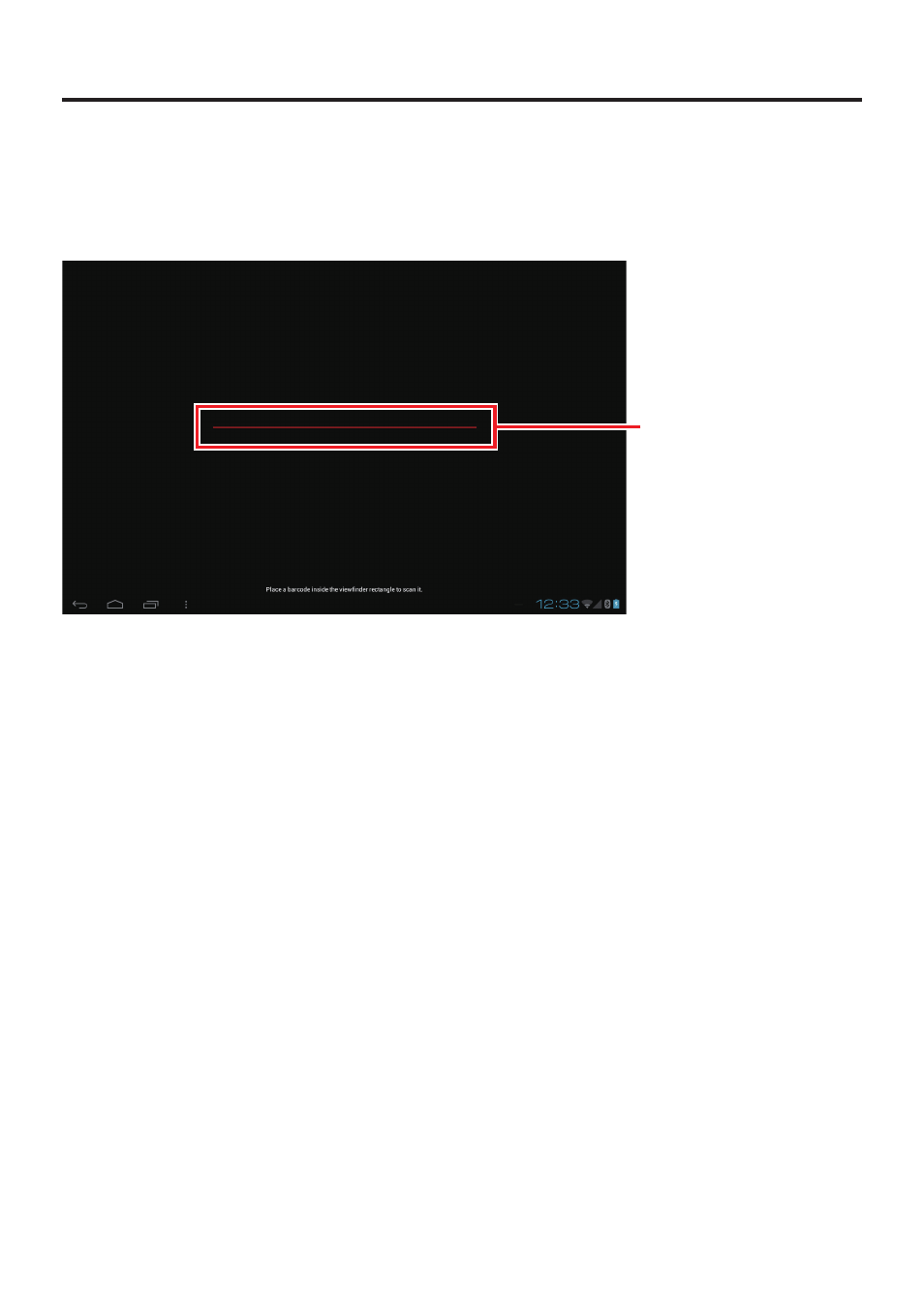
Barcode scanning screen
➀
➀
Barcode preview area
Barcode preview area
Position the Paper Writer so that the barcode to be scanned appears in this area.
When the Paper Writer scans the barcode, it emits a short beep and transitions to the barcode
data display screen on the next page.
■
Advertising
This manual is related to the following products: