12 qcl status – PLANET WGSD-10020HP User Manual
Page 190
User’s Manual of WGSD-10020 Series
Dport
Destination TCP/UDP port:(0-65535) or 'Any', specific or port range
applicable for IP protocol UDP/TCP
Class
QoS class: (0-7) or 'Default'.
DPL
Valid Drop Precedence Level can be (0-3) or 'Default'.
DSCP
Valid DSCP value can be (0-63, BE, CS1-CS7, EF or AF11-AF43) or
'Default'.
'Default' means that the default classified value is not modified by this QCE.
Action Parameters
Buttons
: Click to apply changes
: Click to undo any changes made locally and revert to previously saved values
: Return to the previous Page without saving the configuration change
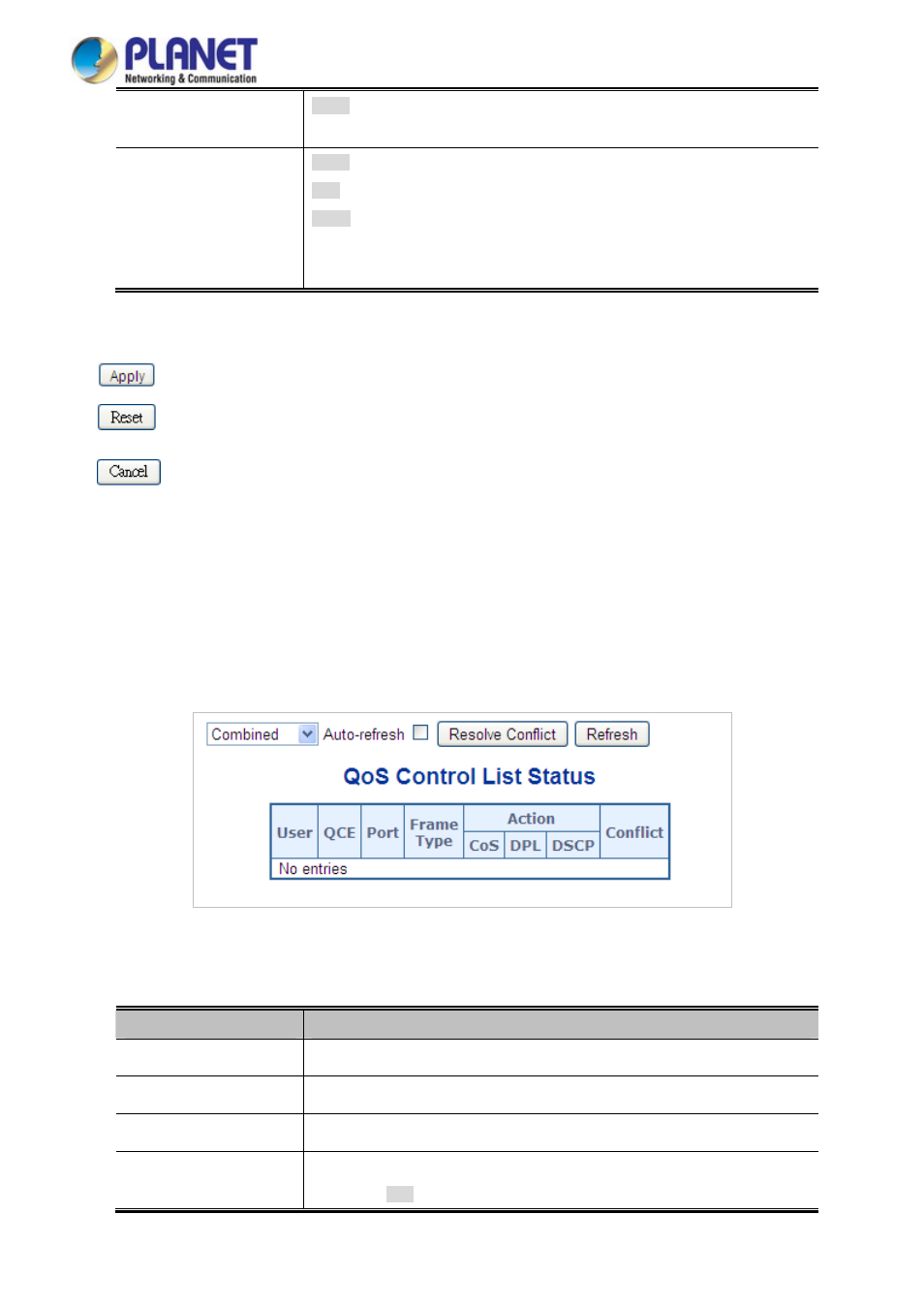
4.9.12 QCL Status
This Page shows the QCL status by different QCL users. Each row describat is defined. It is a conflict if a specific
QCE is not applied to the hardware due to hardware limitations. The maximum number of QCEs is 256 on each switch. The
QoS Control List Status screen in
Figure 4-9-14
appears.
Figure 4-9-14:
QoS Control List Status Page Screenshot
The Page includes the following fields:
Object
Description
Indicates the QCL user.
User
Indicates the index of QCE.
QCE#
Indicates the list of ports configured with the QCE.
Port
Frame Type
Indicates the type of frame to look for incoming frames. Possible frame types are:
■
Any
: The QCE will match all frame types.
190