Harmonizer settings, Changing the settings – Pioneer Toraiz SQUID - Creative Multitrack Sequencer User Manual
Page 148
Changing the settings
148
En
HARMONIZER settings
1 through 6 of the
[HARMONIZER]
buttons can be set with selected
Note
For Harmonizer, refer to “HARMONIZER” (page 71).
1 Hold down the
[SHIFT]
button and press one of the
[HARMONIZER]
buttons.
The display shows the chord type being selected.
The chord of the
[HARMONIZER]
button is shown on the 16-pads.
•
The chord is shown with white lit on the 16-pads.
•
The note on the pad increases by a semitone at a time from the lower-left
root note towards the top right corner in a lateral direction.
2 Turn the rotary selector to select a chord type.
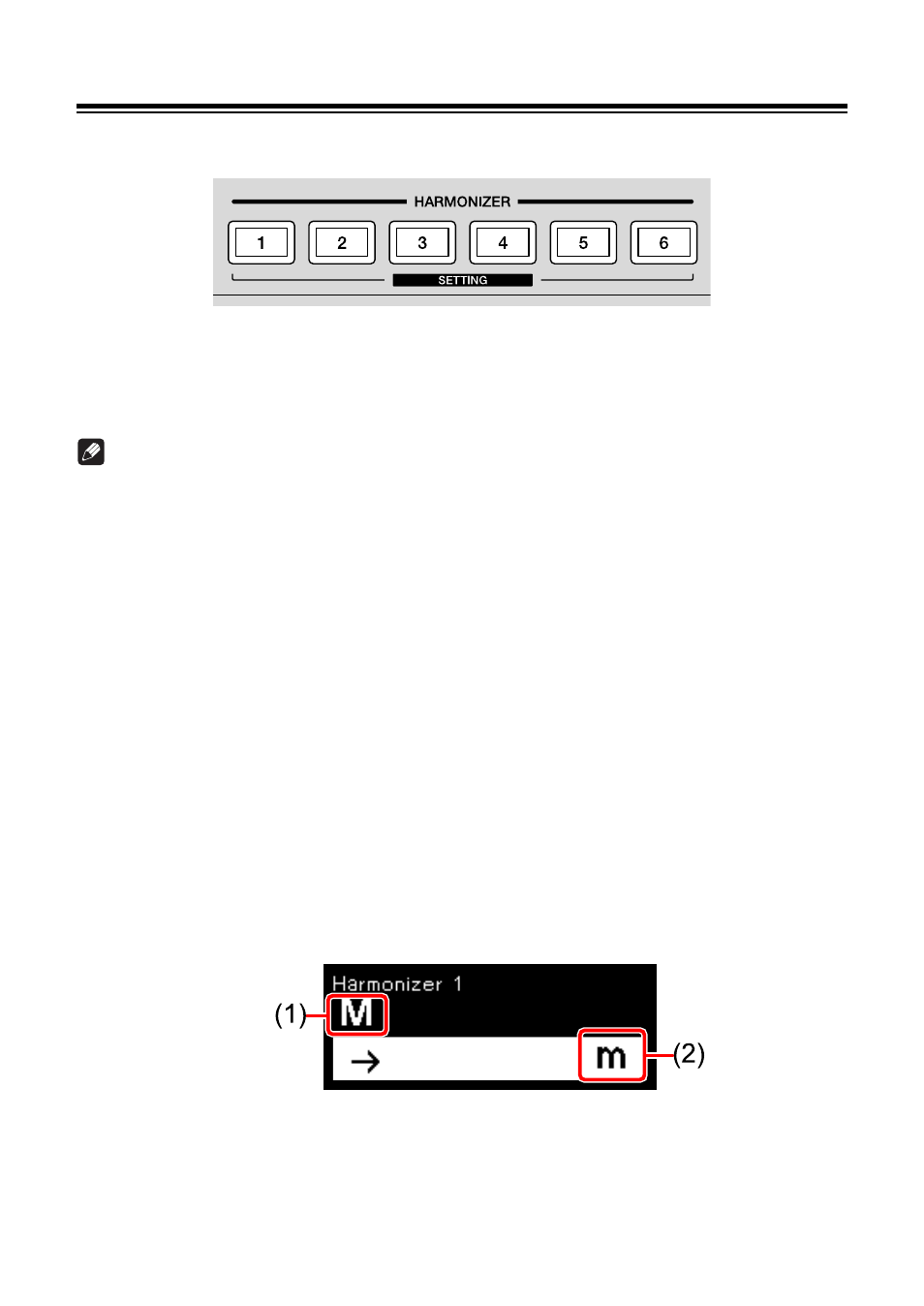
The chord name before the change and the chord name after the change are
shown on the display.
(1) Chord before the change, (2) Chord after the change
•
For the chord type, refer to “Setting value:” (page 149).