Setting the bpm (beats per minute) of a sequence, Setting the bpm with a numerical value, Setting the bpm by tapping the [tap] button – Pioneer Toraiz SQUID - Creative Multitrack Sequencer User Manual
Page 28: Basic operation
Basic Operation
28
En
Setting the BPM (Beats Per Minute) of a sequence
The BPM can be set in the following method:
•
Setting the BPM with a numerical value
•
Setting the BPM by tapping the
[TAP]
button
Setting the BPM with a numerical value
1 Press the
[TAP]
button.
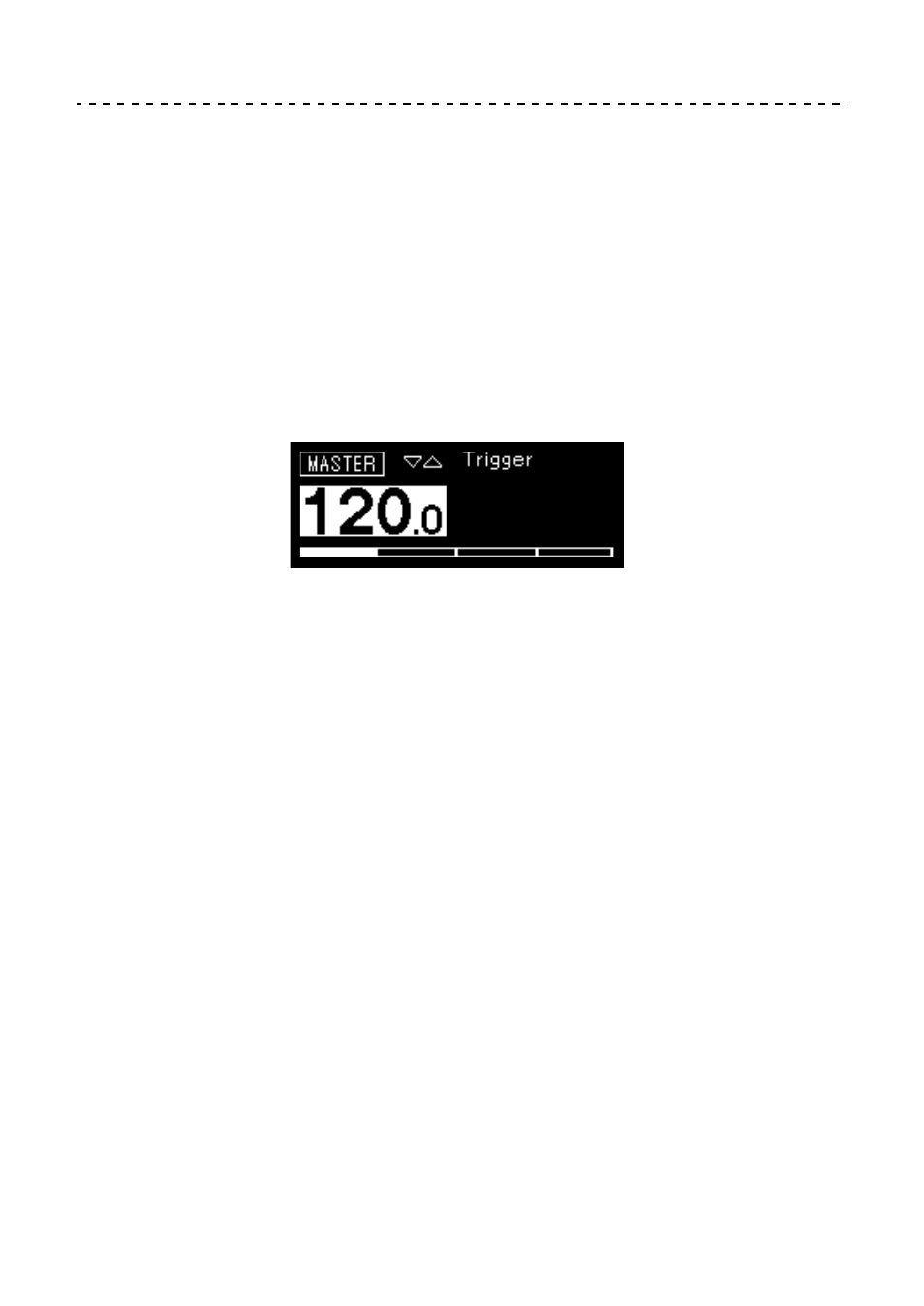
The BPM indicator is highlighted on the display.
2 Turn the rotary selector to change the BPM.
The changed BPM is applied immediately.
•
The value can be set from
[30 BPM]
to
[300 BPM]
.
•
To change a value after the decimal point, hold down the
[SHIFT]
button and
turn the rotary selector.
•
Shortly after changing the BPM, the display returns to the former state.
Setting the BPM by tapping the [TAP] button
1 Tap the
[TAP]
button twice or more.
The BPM is calculated based on the interval of tapping and applied
immediately.
•
The calculated BPM is shown for each tap.
•
Shortly after tapping, the display returns to the former state.