H3C Technologies H3C MSR 50 User Manual
Page 143
Advertising
122
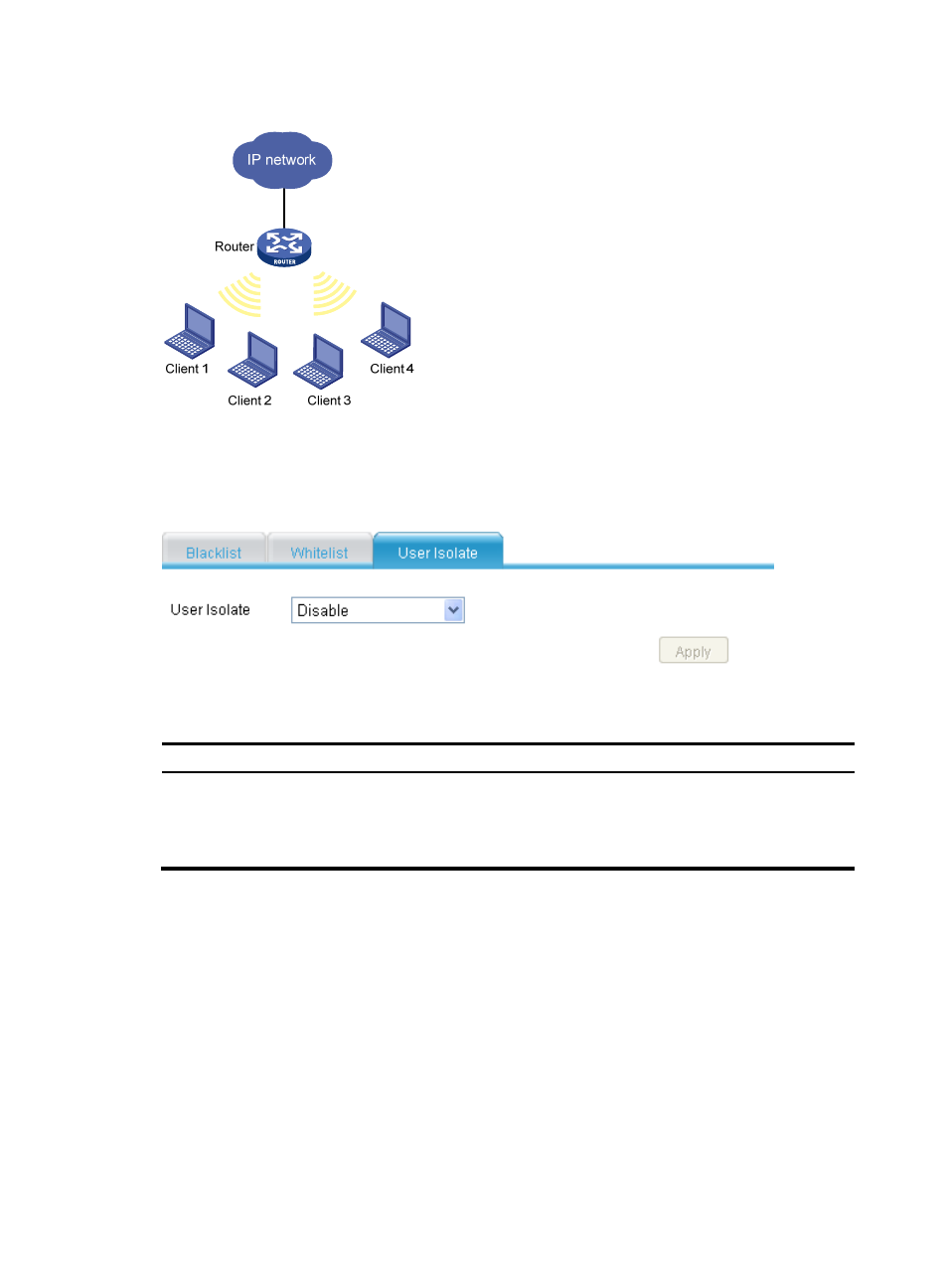
Figure 117 Network diagram
To configure user isolation:
Select Interface Setup > Wireless > Security from the navigation tree, and click the User Isolate tab.
Figure 118 Configuring user isolation
Table 67 Configuration items
Item Description
User Isolate
•
Enable—Enables user isolation on the AP to isolate the clients associated with it
at Layer 2.
•
Disable—Disables the user isolation.
By default, wireless user isolation is disabled.
Advertising
This manual is related to the following products: