User group configuration example, Network requirements – H3C Technologies H3C MSR 50 User Manual
Page 323
302
Item Description
Port
configurable.
•
If you select NotCheck as the operator, port numbers will not be checked
and no ports need to be specified.
•
If you select Range as the operator, you must specify both start and end
ports to define a port range.
•
If you select other option as the operator, only a start port needs to be
specified.
ToPort
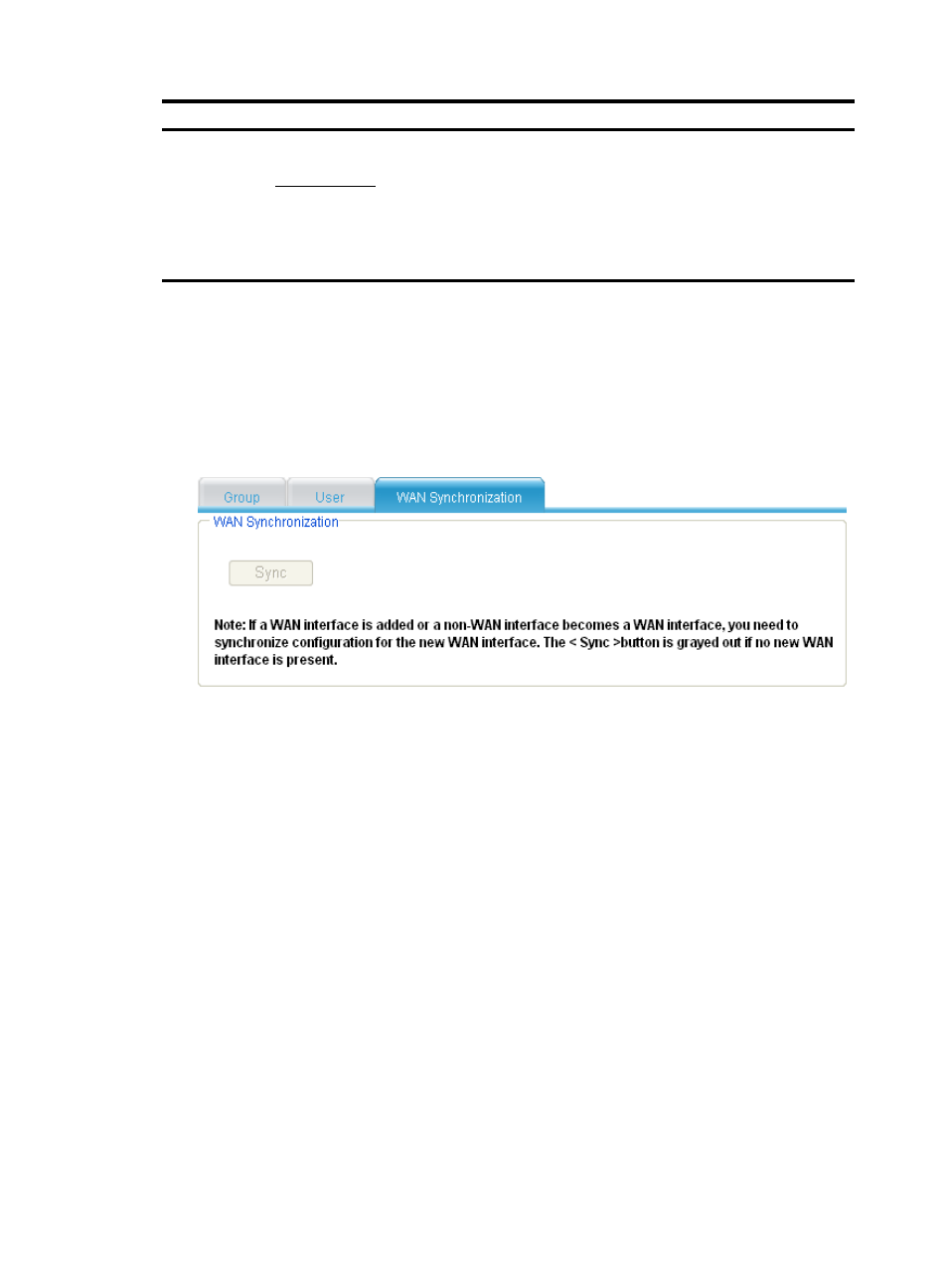
Synchronizing user group configuration for wan interfaces
1.
Select Advanced > Security > Usergroup from the navigation tree, and then select the WAN
Synchronization tab to enter the page, as shown in
.
2.
Click the Sync button to synchronize the user group configuration for WAN interfaces.
Figure 312 User group configuration synchronization
User group configuration example
Network requirements
As shown in
, the router connects the private network to the Internet. Host A is used by the
manager, Host B, Host C, and Host D are used by common users. Do the following on the router:
•
Configure access control so that access from common users to the Internet during work time (9:00
to 18:00 from Monday through Friday) is denied while access from the manager is allowed.
•
Configure application control so that access from common users to MSN application is denied
while access from the manager is allowed.
•
Configure the maximum average rate of Internet access as 8 kbps for common users and 54 kbps
for the manager.
•
Configure packet filtering so that access to the server at the address 2.2.2.1 from common users is
denied.