Nat configuration examples, Network requirements – H3C Technologies H3C MSR 50 User Manual
Page 171
150
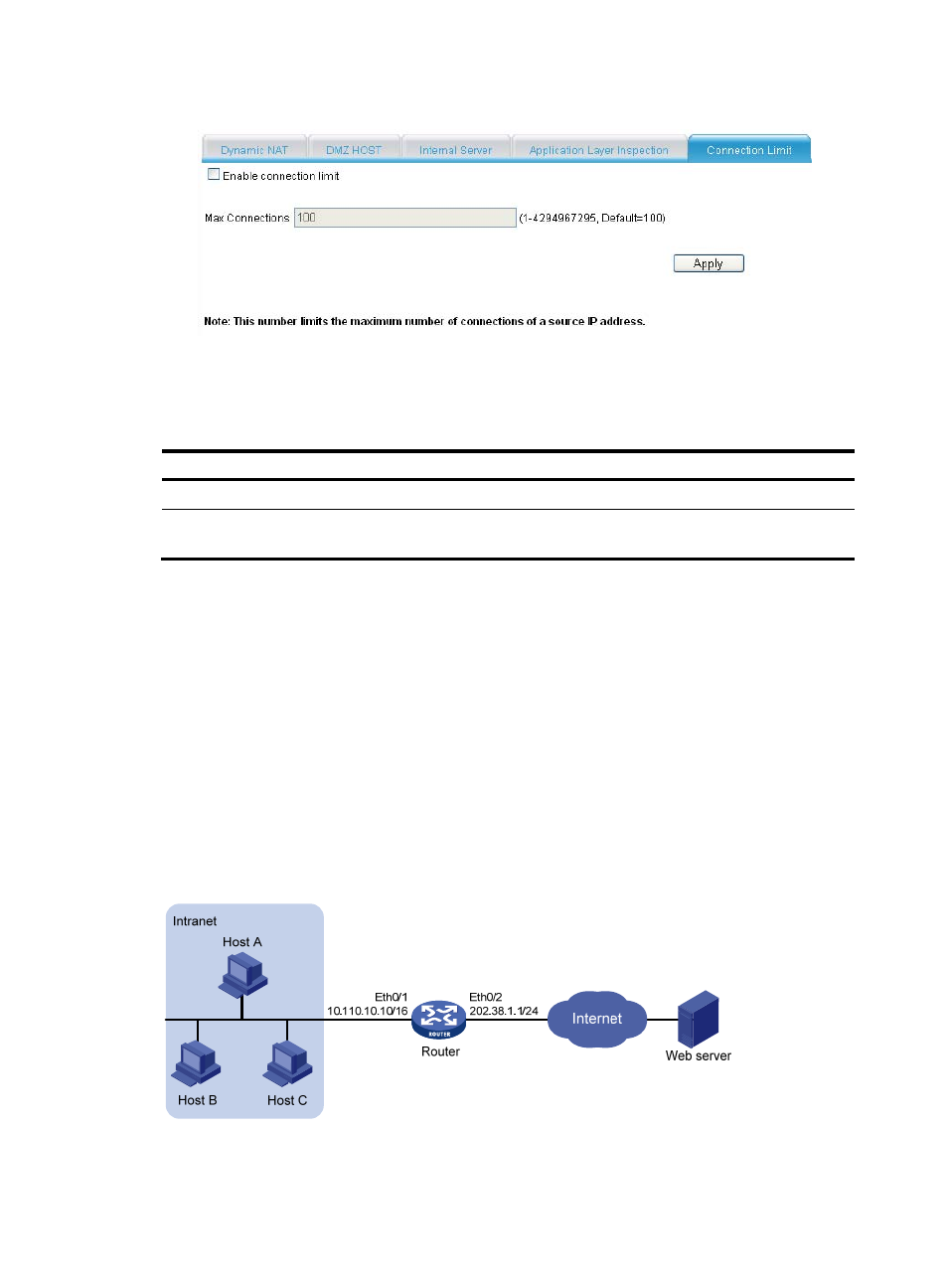
Figure 151 Configuring connection limit
3.
Configure the parameters as described in
.
4.
Click Apply.
Table 89 Configuration items
Item Description
Enable connection limit
Enable or disable connection limit.
Max Connections
Set the maximum number of connections that can be initiated from a source IP
address.
NAT configuration examples
Internal hosts accessing public network configuration example
Network requirements
As shown in
, a company has three public IP addresses in the range of 202.38.1.1/24 to
202.38.1.2/24, and internal network address is 10.110.0.0/16. Specifically, the company has the
following requirements:
•
The internal users can access the Internet by using public addresses 202.38.1.2 and 202.38.1.3.
•
Configure the upper limit of connections as 1000 based on the source IP address.
Figure 152 Network diagram