Configuring the domain policy, Performing basic configurations for the ssl, Vpn domain – H3C Technologies H3C MSR 50 User Manual
Page 446: Configuring the domain, Policy
Advertising
61
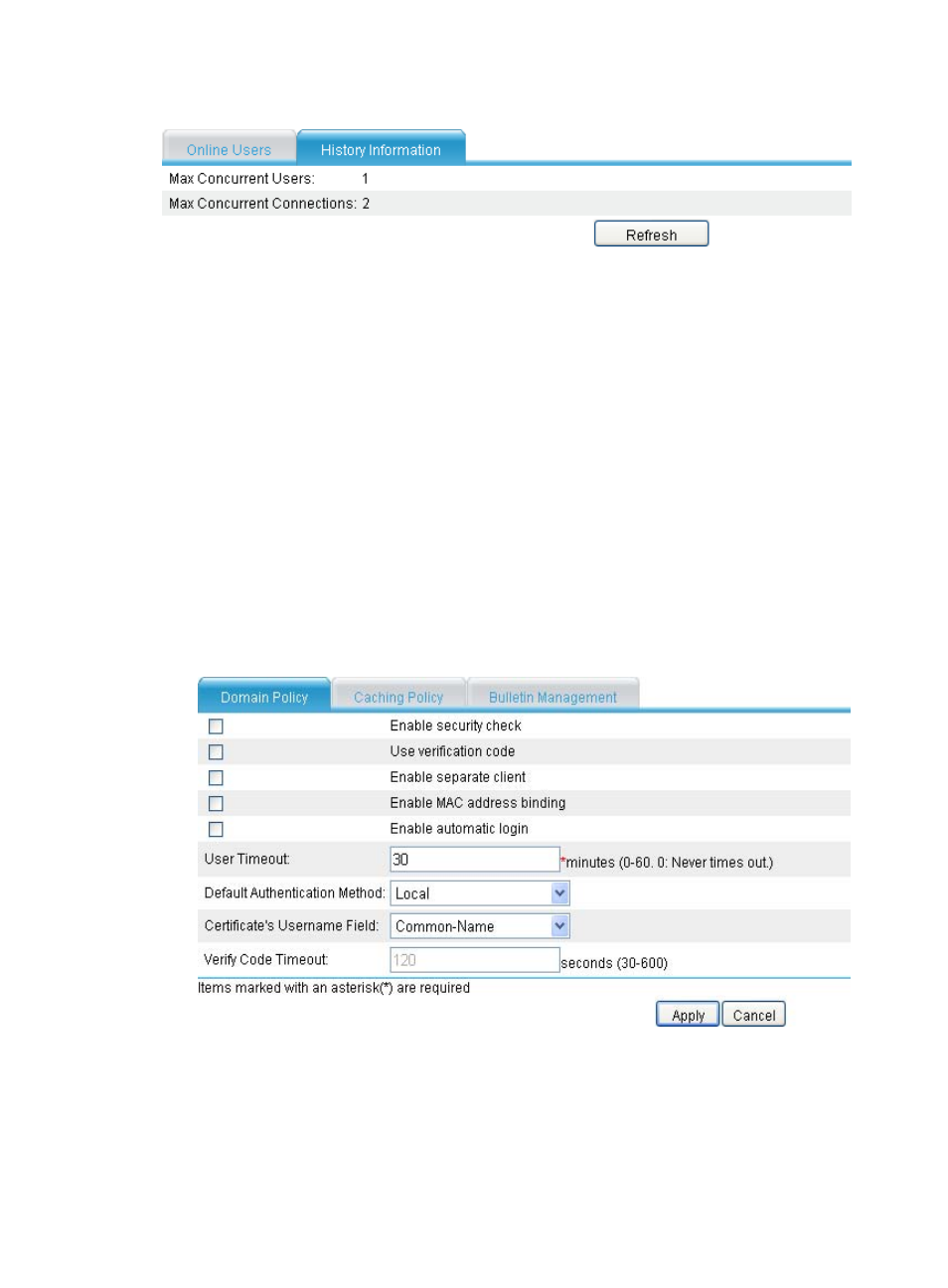
Figure 434 History information
Performing basic configurations for the SSL VPN
domain
Configure a domain policy, caching policy, and a bulletin:
•
Domain policy—Defines the common parameters and functions for the SSL VPN domain.
•
Caching policy—Specifies which cached contents to clear from user hosts when users log out from
the SSL VPN system.
•
Bulletin management—Allows you to provide different information to different users.
Configuring the domain policy
1.
Select VPN > SSL VPN > Domain Management > Basic Configuration from the navigation tree. The
Domain Policy tab appears.
Figure 435 Domain policy
2.
Configure the domain policy as described in
.
3.
Click Apply.
Advertising
This manual is related to the following products: