Installing an rc or an rc filler module – Grass Valley PFR 500/E Dec 10 2001 User Manual
Page 59
Advertising
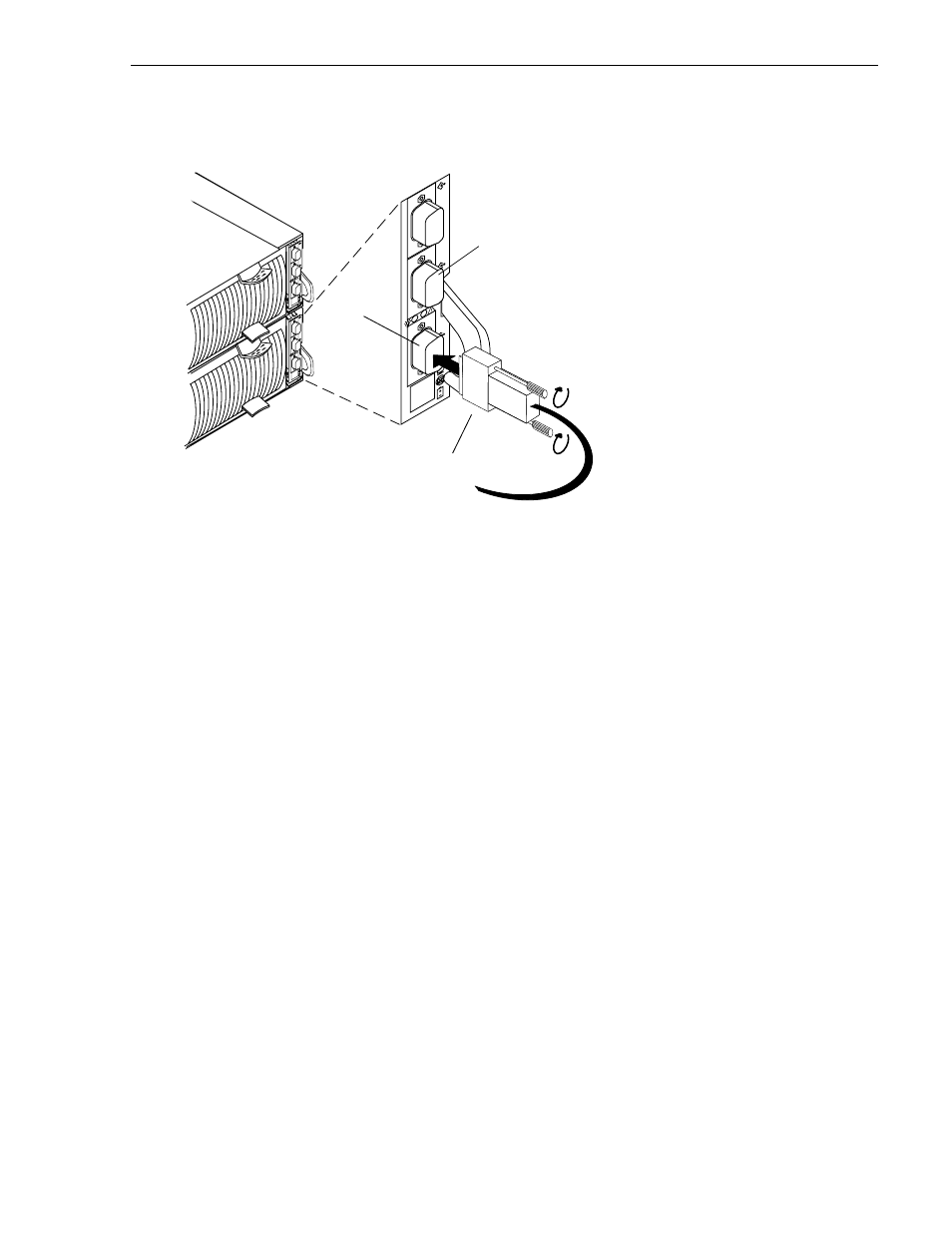
Installing an RC or an RC filler module
November 17, 2000
PFC 500/E Instruction Manual
59
3. Install the cables connected to the RC:
4. Remove and store the ESD wristband.
A
B
EXP
A
B
EXP
A
B
EXP
A. Plug the copper cable(s) from the
server, hub, or other FC device into
port(s) A and/or B on the RC.
B. Tighten the two screws on each
cable connector.
Port A
Port B
To Profile XP Fibre Channel Disk board.
Advertising
This manual is related to the following products: