Repositioning the fields – SMA Sunny Data Control V.5.0 User Manual
Page 53
Advertising
Displaying Data
SMA Technologie AG
Technical Description
SDC-TEN081450
55
2.
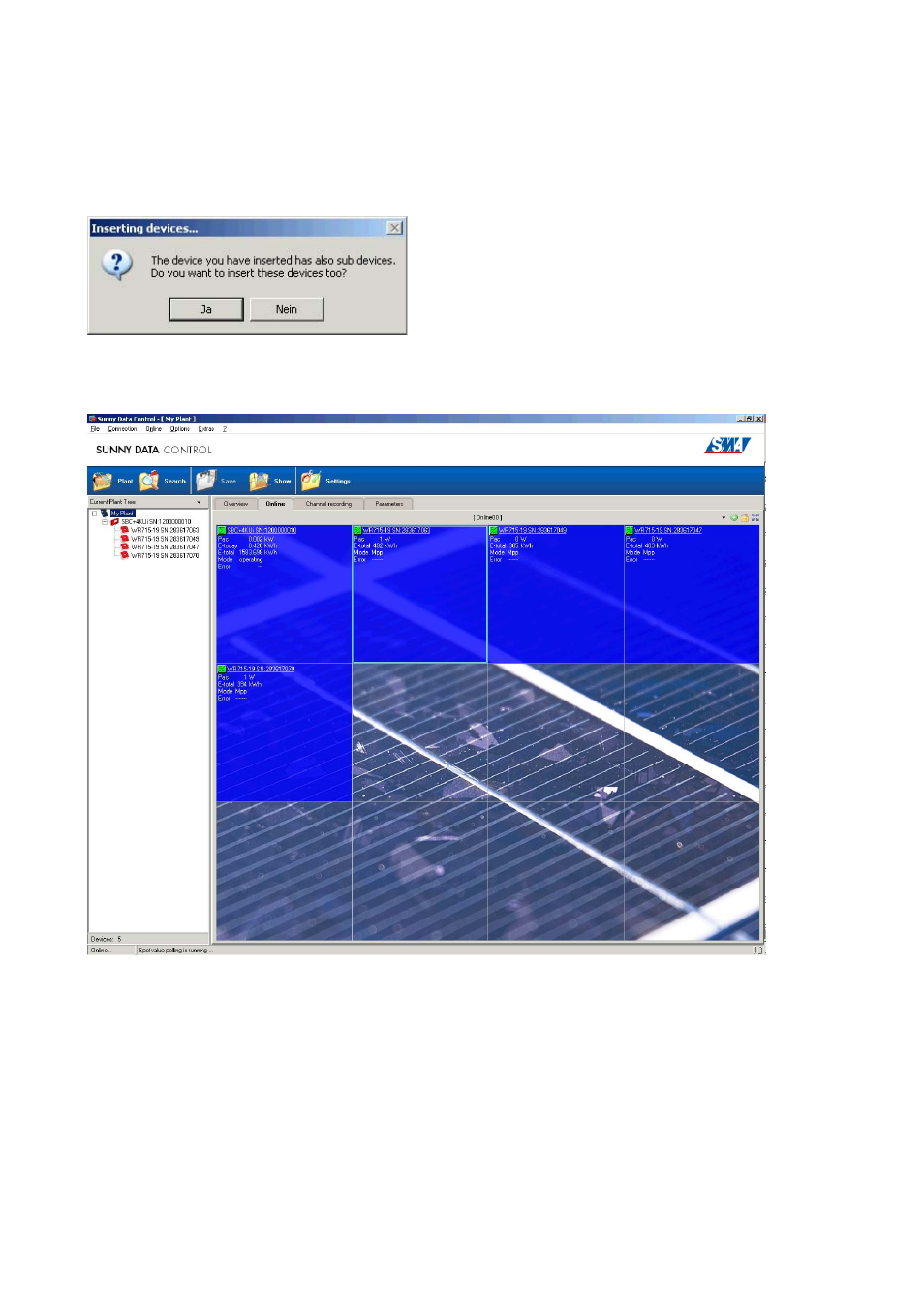
If you have dragged a Sunny Boy Control into a field, a prompt window opens.
-
Klick on <yes> to add all inverters corresponding to Sunny Boy Control as well.
-
To add only the Sunny Boy control, click on <No>.
Depending on whether you clicked <Yes> or <No> in the prompt window, either just the Sunny Boy
Control, or the Sunny Boy Control with all of its inverters, are added to the "Spot values" page.
Repositioning the Fields
3.
Drag and drop occupied fields onto the desired empty fields.
This enables you to represent the actual structure of your plant pictorially in the overview
display or to combine several devices in groups.
Advertising