SMA Sunny Data Control V.5.0 User Manual
Page 80
Advertising
Managing Data and Saving Data Locally
SMA Technologie AG
82
SDC-TEN081450
Technical Description
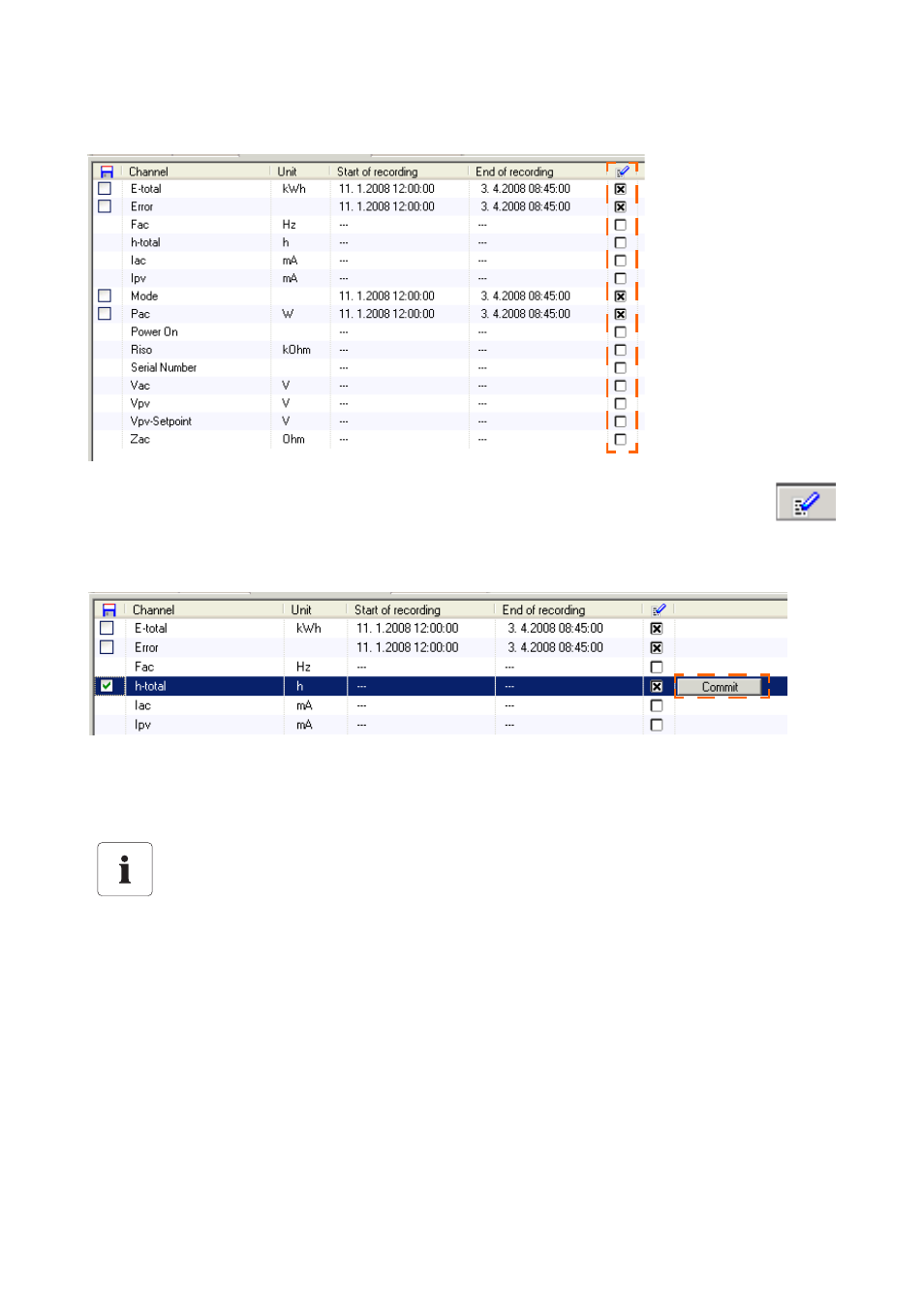
A list of the device's archive channels is displayed.
3.
Click in the box next to the "End of recording" column for the respective channel
(under the symbol seen in the figure to the right), thus adding or removing a cross.
If a cross is added, the channel is recorded in the Sunny Boy Control.
The "commit" button appears.
4.
Click on one of the <Commit> buttons to apply the new settings, and to transfer them to the
Sunny Boy Control.
Calling up newly recorded channels.
The first channel values of a newly recorded channel are only accessible after the Sunny
Boy Control's recording interval has passed. This is usually after 15 minutes.
Advertising