Interface, Usb interface, Specifications – TA Triumph-Adler P-C3570DN User Manual
Page 235: Basic specification, Connectors, Cable, Transfer mode, Power control, Interface signals, Usb connector pin assignment
A-2
Interface
This chapter explains the signals used in the printer's USB, and network
interfaces. It also lists pin assignments, signal functions, timings,
connector specifications, and voltage levels.
• USB Interface
• Network Interface
USB Interface
This printer supports the Hi-Speed USB. USB (Universal Serial Bus)
interface specifications and interface signals are as follows.
Specifications
Basic Specification
Complies with the Universal Serial Bus Specification Revision 2.0.
Connectors
Printer: B-type receptacle (female) with upstream port
Cable: B-type plug (male)
Cable
Use a shielded cable that complies with USB 2.0 (Hi-Speed USB) and not
longer than 5 meters (16 feet).
Transfer Mode
High speed (480 Mbps maximum)
Full-Speed (12 Mbps maximum)
Power Control
Self-power device
Interface Signals
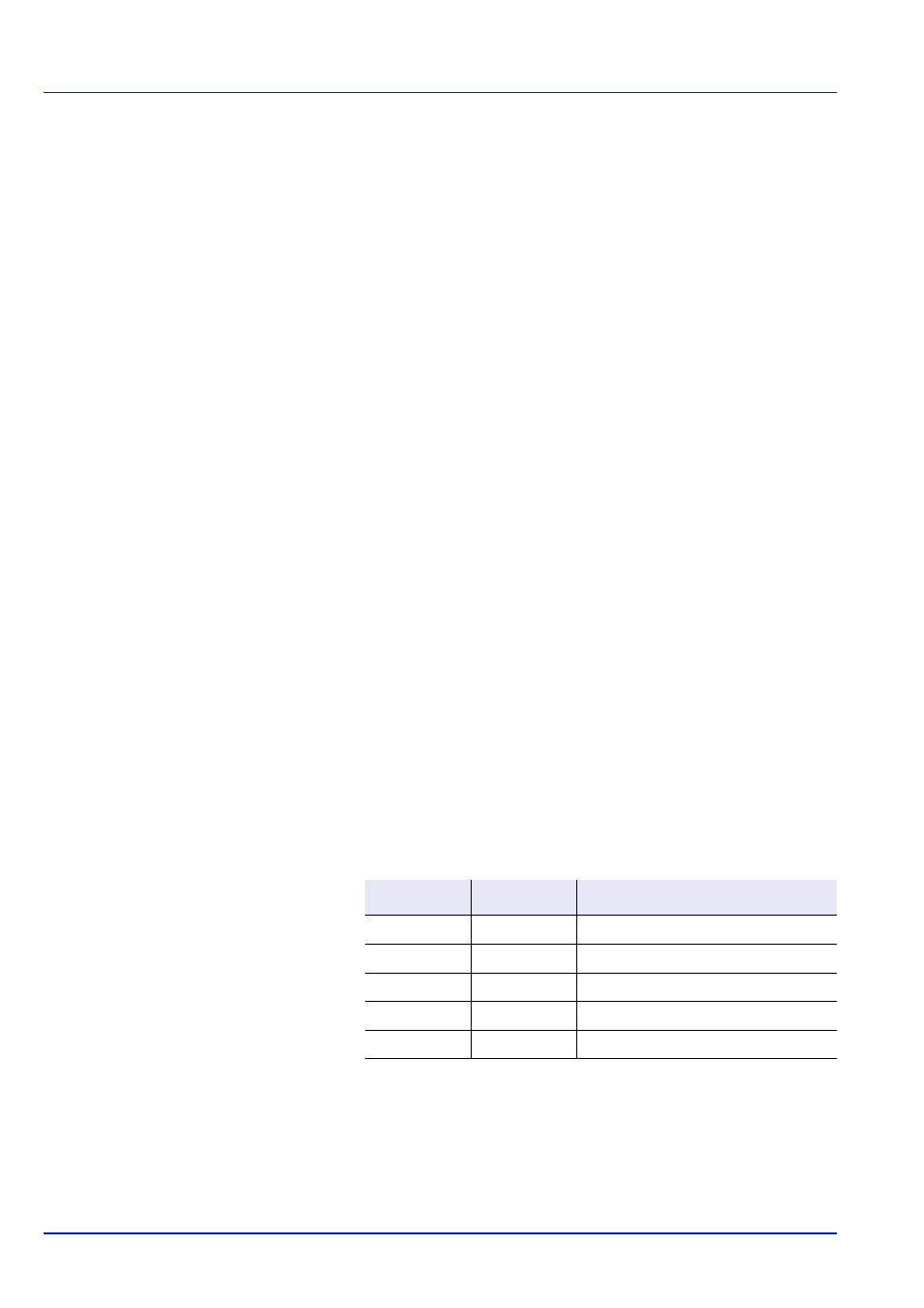
USB Connector Pin Assignment
Pin
Signal
Description
1
Vbus
Power supply (+5 V)
2
D-
Data transmission
3
D+
Data transmission
4
GND
Signal ground
Shell
—
Shield