TA Triumph-Adler CX 8682 User Manual
Page 69
CHAPTER 7 MANAGEMENT AND SETTING
7-11
3
4
1
2
(Inch)
(Metric)
2
1
(Inch)
(Metric)
(Inch)
(Metric)
6
5
1
2
(Inch)
(Metric)
2
2
2
2
2
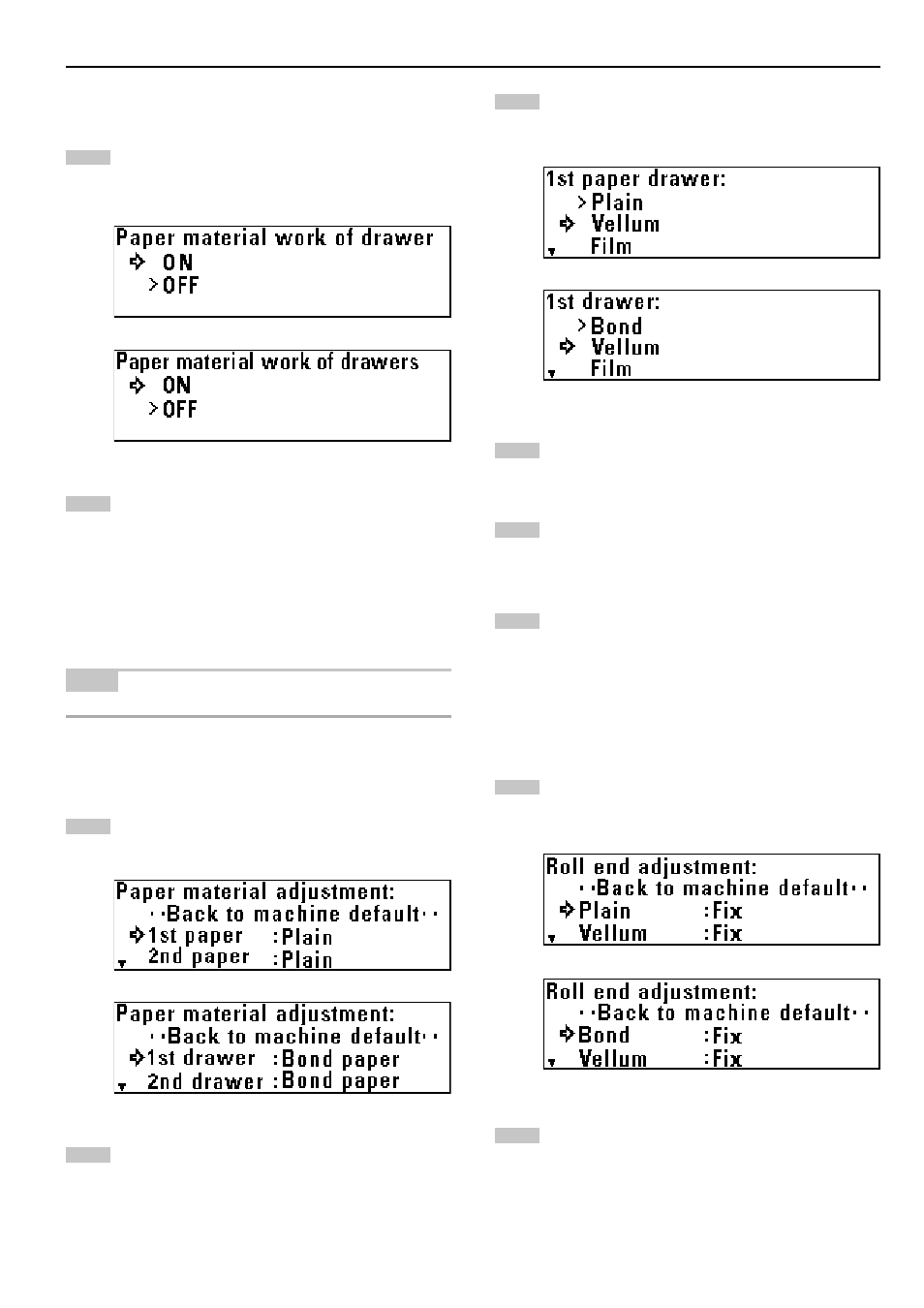
Paper working
To enable registration of paper material for each paper
source, press the
▼
or
▲
key to select “ON”.
Press the OK key. The machine will return to the machine
default setting screen.
3
3
3
3
3
Paper material adjustment
NOTE
If “
2
Paper working” is set to “OFF”, this item cannot be set.
Press the
▼
or
▲
key to select a paper source.
Press the OK key.
Press the
▼
or
▲
key to select a paper material.
Press the OK key.
Press the
▼
or
▲
key to select “Back to machine default”.
Press the OK key. The machine will return to the machine
default setting screen.
4
4
4
4
4
Roll end adjustment
Press the
▼
or
▲
key to select a paper material.
Press the OK key.