TA Triumph-Adler CX 8682 User Manual
Page 78
CHAPTER 7 MANAGEMENT AND SETTING
7-20
1
2
2
(Inch)
(Metric)
1
1
2
(Inch)
(Metric)
1
2
(Inch)
(Metric)
(Inch)
(Metric)
@
@
@
@
@
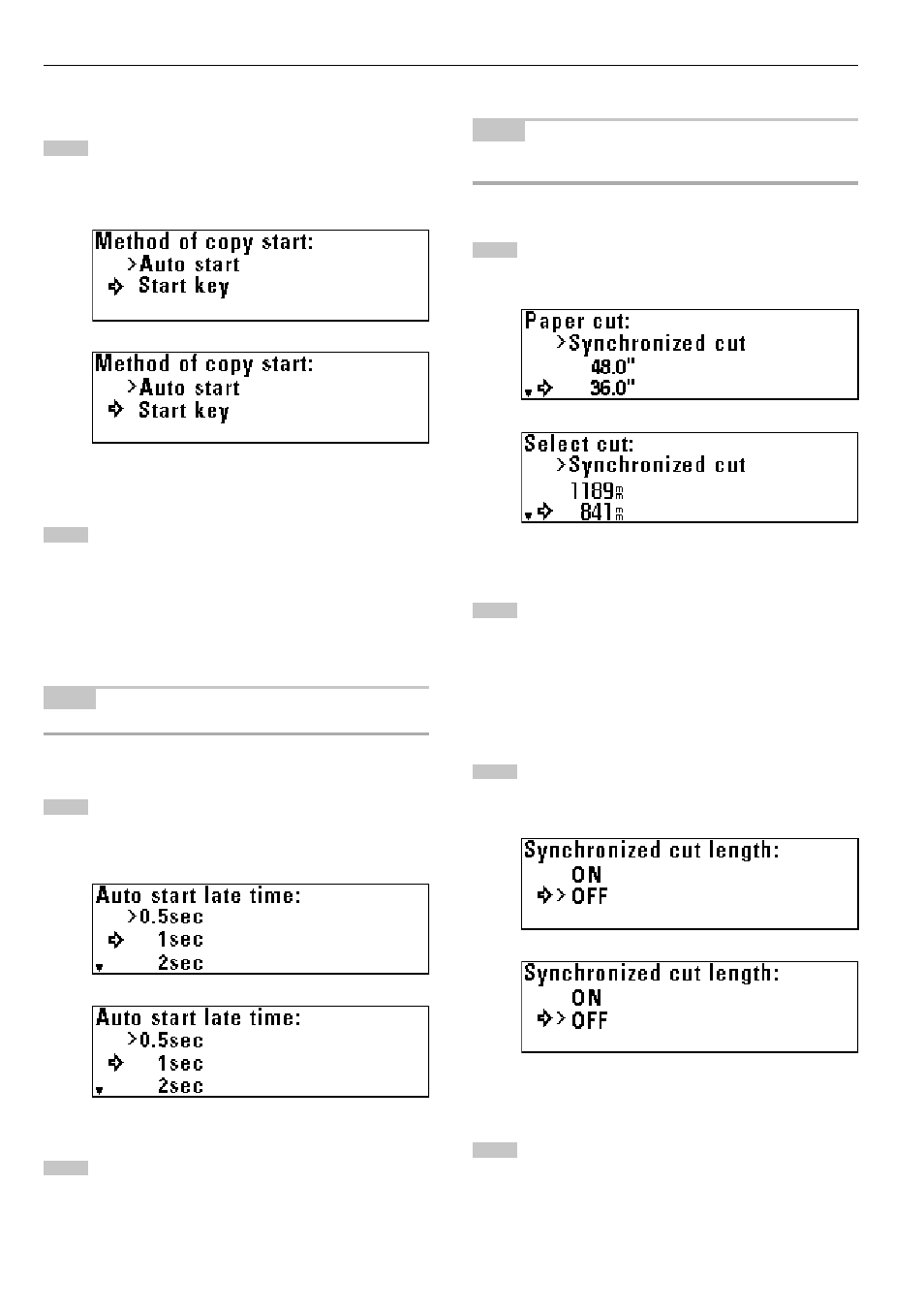
Method copy start
Press the
▼
or
▲
key to select the desired copy start
method.
Press the OK key. The machine will return to the copy default
setting screen.
#
#
#
#
#
Start late time
NOTE
• If “
@
Method copy start” is set to “Start key”, this item cannot be set.
Press the
▼
or
▲
key to select the desired delay time for
auto start.
The time can be set to from 0.5 second to 5 seconds.
Press the OK key. The machine will return to the copy default
setting screen.
$
$
$
$
$
Paper cut [Select cut. Method]
NOTE
• The sizes displayed depend on the setting of “
#
Standard size set” of
the machine default setting.
Press the
▼
or
▲
key to select the desired cut size.
Press the OK key. The machine will return to the copy default
setting screen.
%
%
%
%
%
Sync. Cut length
To display the synchronized cut length, press the
▼
or
▲
key
to select “ON”.
Press the OK key. The machine will return to the copy default
setting screen.