TA Triumph-Adler CX 8682 User Manual
Page 81
Advertising
CHAPTER 7 MANAGEMENT AND SETTING
7-23
8
6
7
(Inch)
(Metric)
(Inch)
(Metric)
1
2
(Inch)
(Metric)
10
9
Press the
▼
or
▲
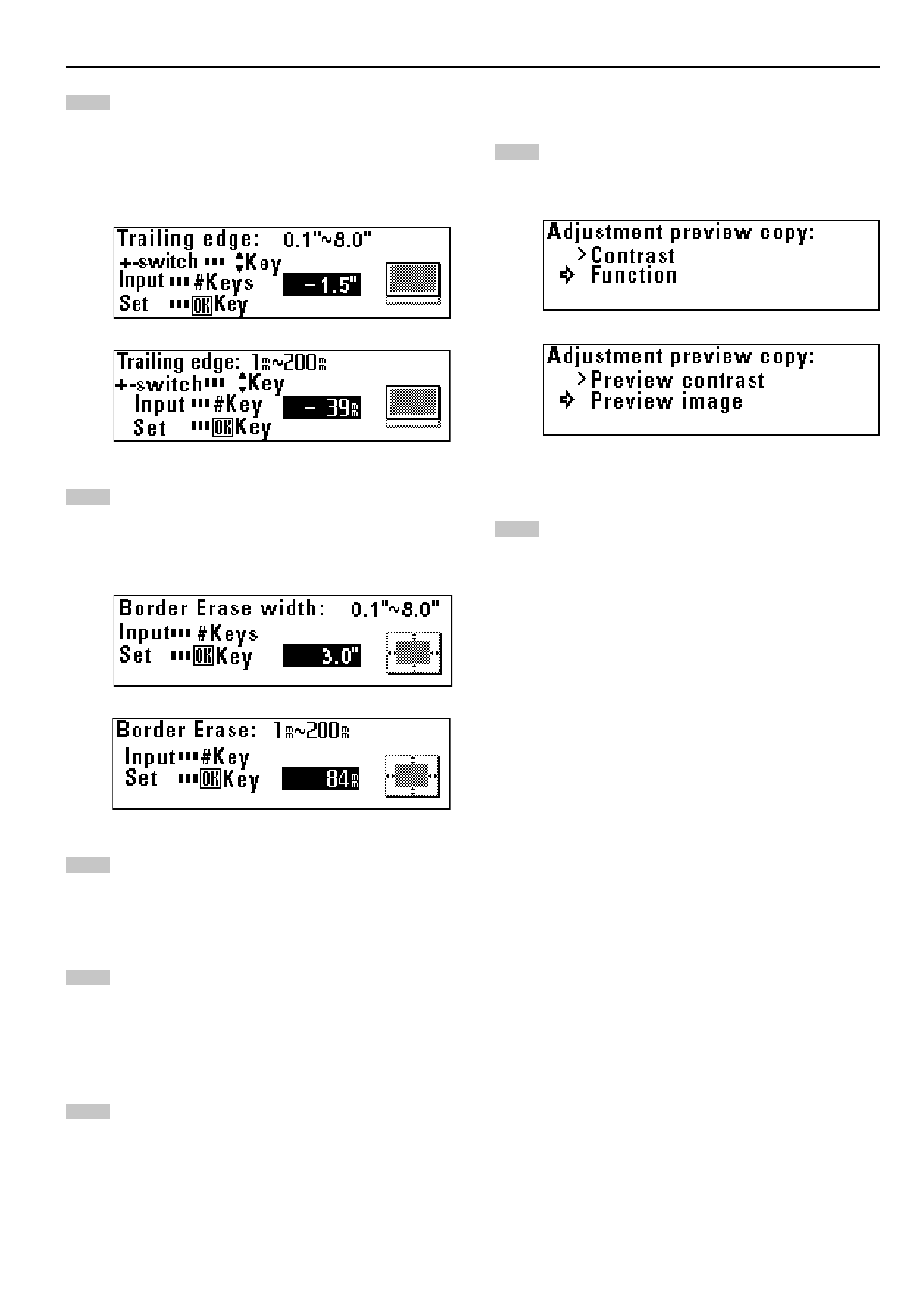
key to select “+” or “-” and use the numeric
keys to enter the margin amount.
Set the margin amount to from -8.0" to +8.0" [-200 mm to
+200 mm].
Proceed to step 8.
Use the numeric keys to enter the border erase amount.
Set the border erase amount to from 0" to +8.0" [0 mm to
+200 mm].
Proceed to step 8.
Press the OK key.
Press the
▼
or
▲
key to select “Back to copy default”.
Press the OK key. The machine will return to the copy default
setting screen.
¤
¤
¤
¤
¤
Adj. preview copy
Press the
▼
or
▲
key to select the desired preview copy
type.
Press the OK key. The machine will return to the copy default
setting screen.
Advertising