PLANET FGSW-2620CS User Manual
Page 35
User’s Manual of FGSW-2620CS
Default VLANs
The Switch initially configures one VLAN, VID = 1, called "default." The factory default setting assigns all ports on the
Switch to the "default". As new VLAN are configured in Port-based mode, their respective member ports are removed
from the "default."
Base on the Switch chipset specification, the Switch supports SVL(Shared VLAN Learning) ,
all VLAN groups share the same Layer 2 learned MAC address table.
VLAN Settings
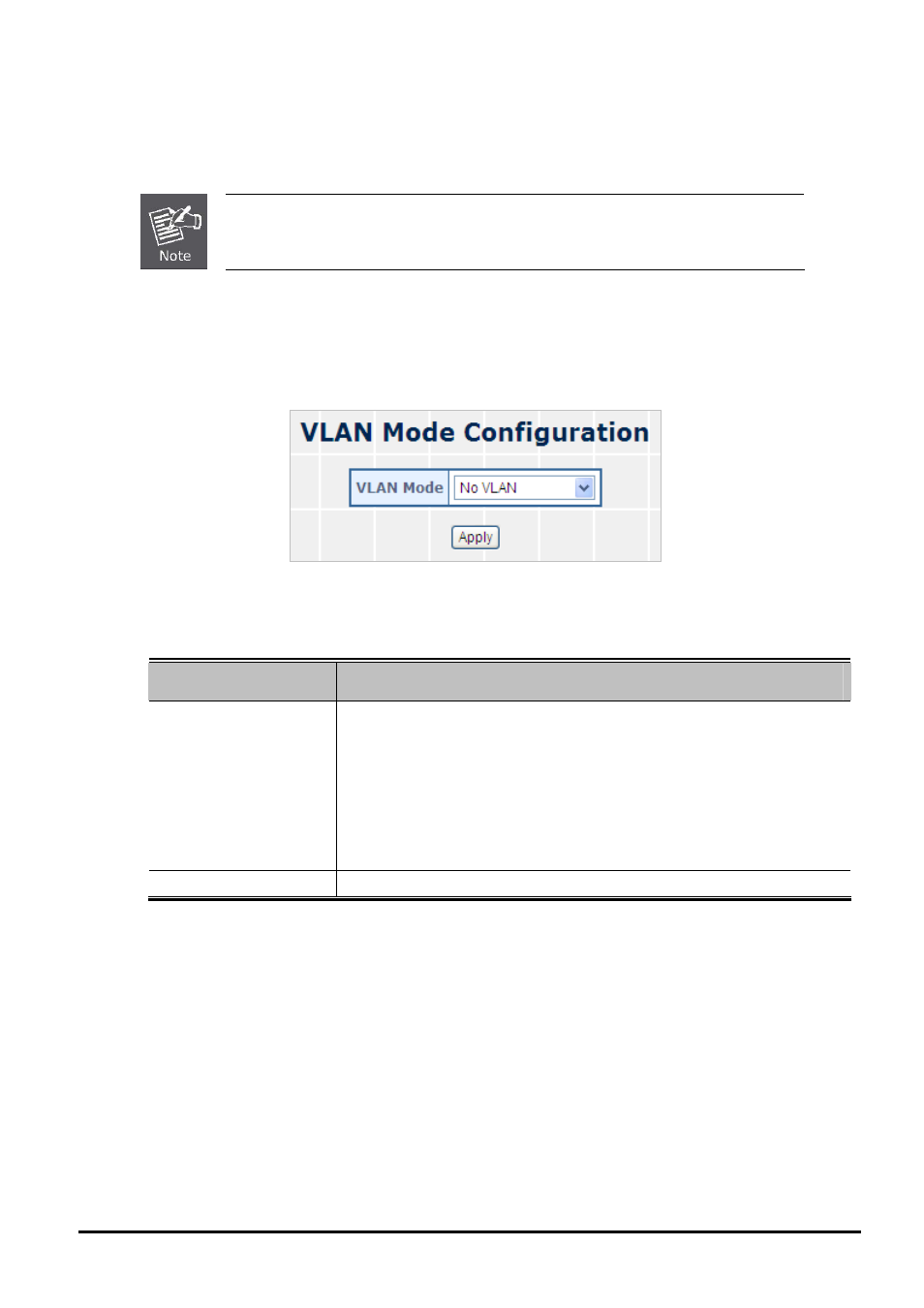
This section provides VLAN Configuration from Web Smart Switch, the screen in
Figure 4-22
appears and
Table 4-11
describes the VLAN Configuration object of Web Smart Switch.
Figure 4-22 VLAN Setting Web Page Screen
The page includes the following fields:
Object
Description
• VLAN Mode
Provide different VLAN operation mode, the available options are shown as be-
low:
No VLAN
802.1Q VLAN.
Explained in section 4.4.1.
Port Based VLAN.
Explained in section 4.4.3.
MTU.
Explained in section 4.4.5.
Default mode is No VLAN.
• Apply Button
Press this button for save current configuration of Web Smart Switch.
Table 4-11 Descriptions of the VLAN Setting Screen Objects
- 35 -