5 trunk, Runk – PLANET FGSW-2620CS User Manual
Page 49
User’s Manual of FGSW-2620CS
4.5 Trunk
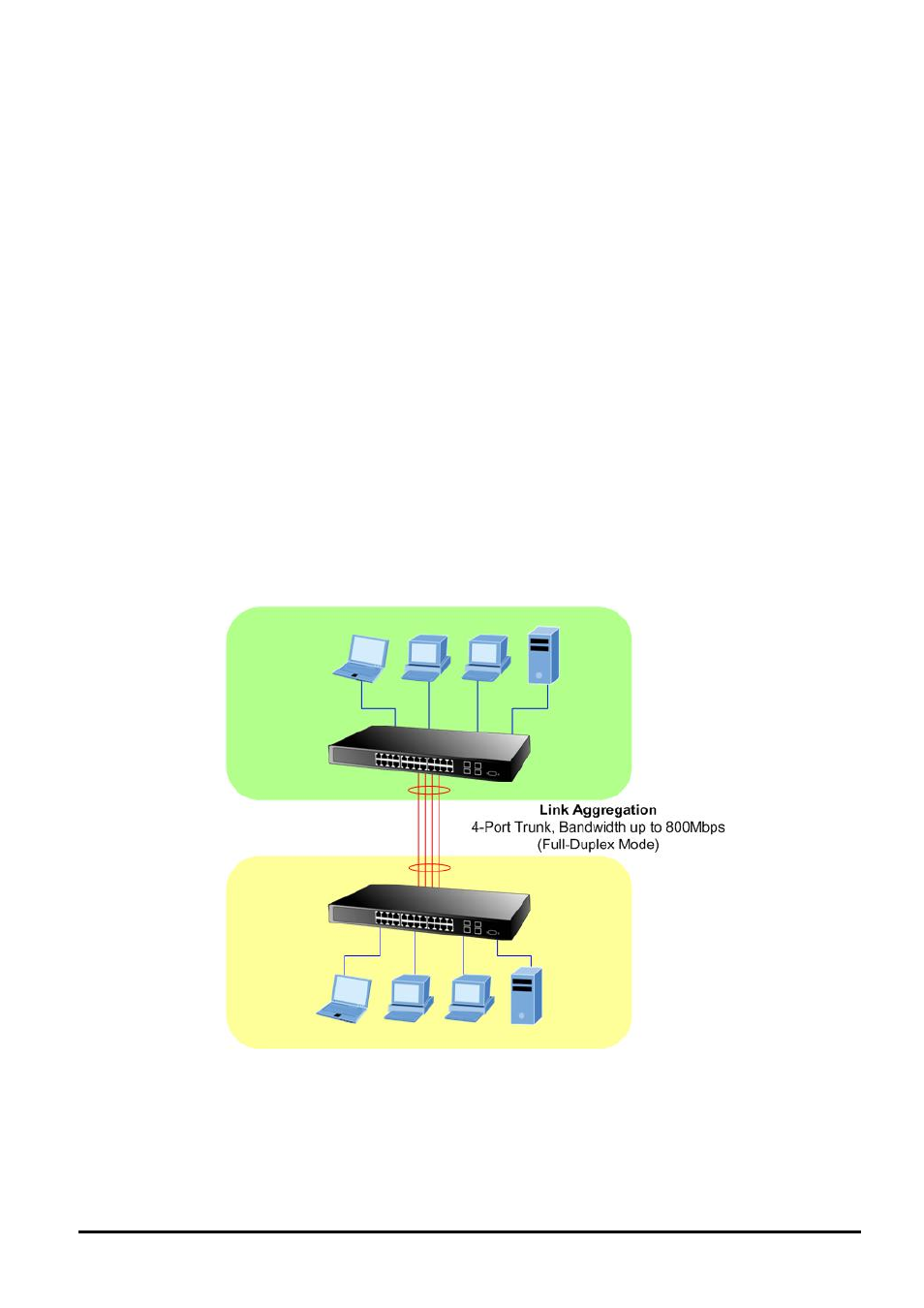
Port link aggregations can be used to increase the bandwidth of a network connection or to ensure fault recovery. Link
aggregation lets you group up to 4 consecutive ports into a single dedicated connection between any two the Switch or
other Layer 2 switches. However, before making any physical connections between devices, use the Link aggregation
Configuration menu to specify the link aggregation on the devices at both ends. When using a port link aggregation, note
that:
。
The ports used in a link aggregation must all be of the same media type (RJ-45, 100 Mbps fiber).
。
The ports that can be assigned to the same link aggregation have certain other restrictions (see below).
。
Ports can only be assigned to one link aggregation.
。
The ports at both ends of a connection must be configured as link aggregation ports.
。
None of the ports in a link aggregation can be configured as a mirror source port or a mirror target port.
。
Enable the link aggregation prior to connecting any cable between the switches to avoid creating a data loop.
。
Disconnect all link aggregation port cables or disable the link aggregation ports before removing a port link aggre-
gation to avoid creating a data loop.
It allows a maximum of 4 ports to be aggregated at the same time and up to 2 groups. If the group is defined as
a local static link aggregation group, then the number of ports must be the same as the group member ports.
- 49 -