PLANET WGS3-24000 User Manual
Page 55
55
。
Port
-This is the port on the host to which syslog messages are sent. The default port is 514. The default port is 514.
Specify the port in the text field.
。
Severity Filter
-A log records messages equal to or above a configured severity threshold. Select the severity option
by selecting the corresponding line on the pulldown entry field. These severity levels have been enumerated below:
-Emergency (0): system is unusable
-Alert (1): action must be taken immediately
-Critical (2): critical conditions
-Error (3): error conditions
-Warning (4): warning conditions
-Notice(5): normal but significant conditions
-Informational(6): informational messages
-Debug(7): debug-level messages
Non Configurable Data
。
Status
-This specifies wether the host has been configured to be actively logging or not.
Command Buttons
。
Submit
- Update the switch with the values you entered.
。
Refresh
- Refetch the database and display it again starting with the first entry in the table.
。
Delete
- Delete a configured host.
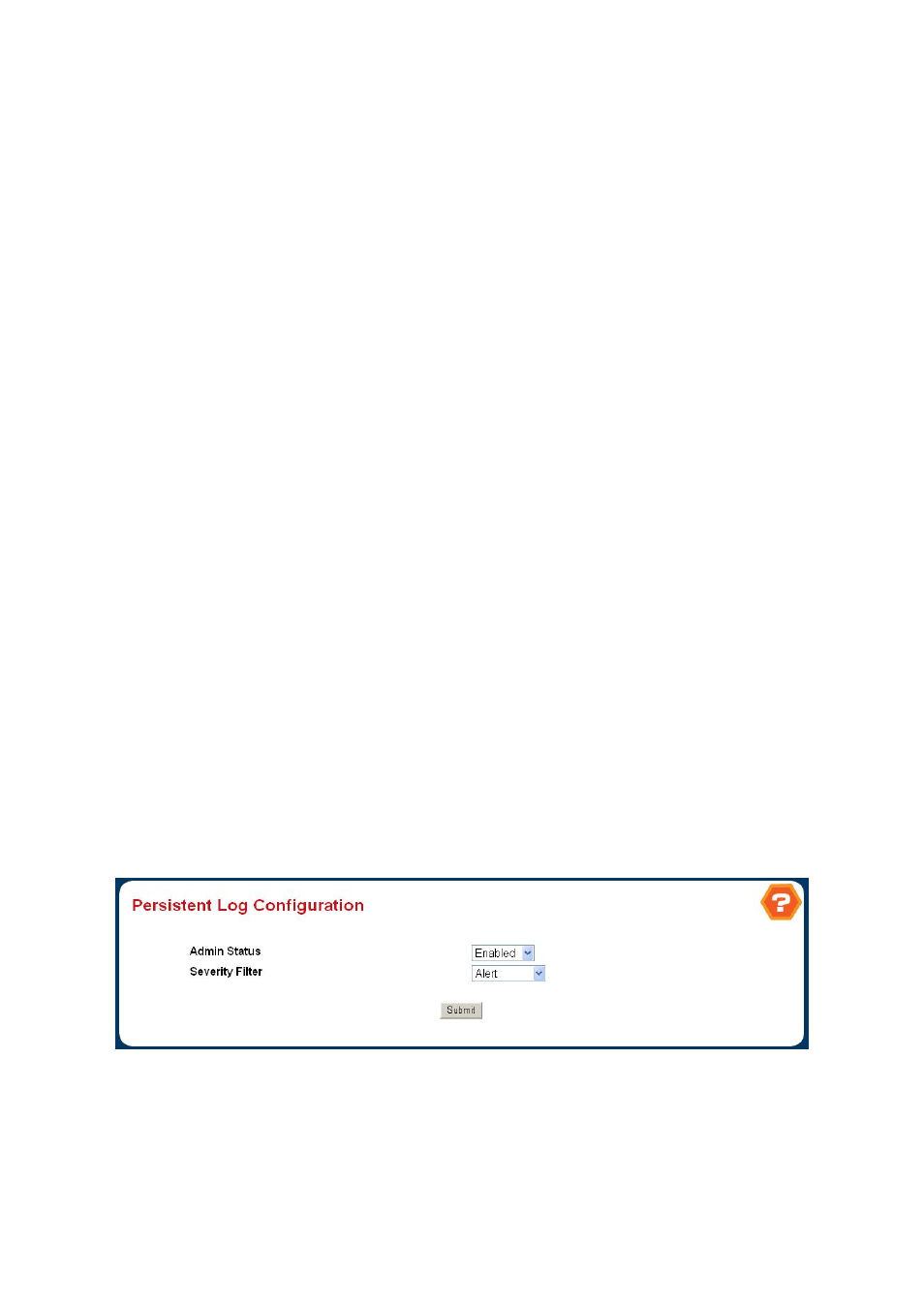
4.2.5.7 Persistent Log Configuration
A persistent log is a log that is stored in persistent storage. Persistent storage survives across platform reboots. The first log
type is the system startup log. The system startup log stores the first N messages received after system reboot. The second log
type is the system operation log. The system operation log stores the last N messages received during system operation.
Figure 4-2-23
Persistent Log Configuration
Configurable Data
。
Admin Status
- A log that is "Disabled" shall not log messages. A log that is "Enabled" shall log messages. Enable
or Disable logging by selecting the corresponding line on the pulldown entry field.