PLANET MH-2300 User Manual
Page 142
Advertising
Gigabit Multi-Homing VPN Security Gateway
MH-2300
142
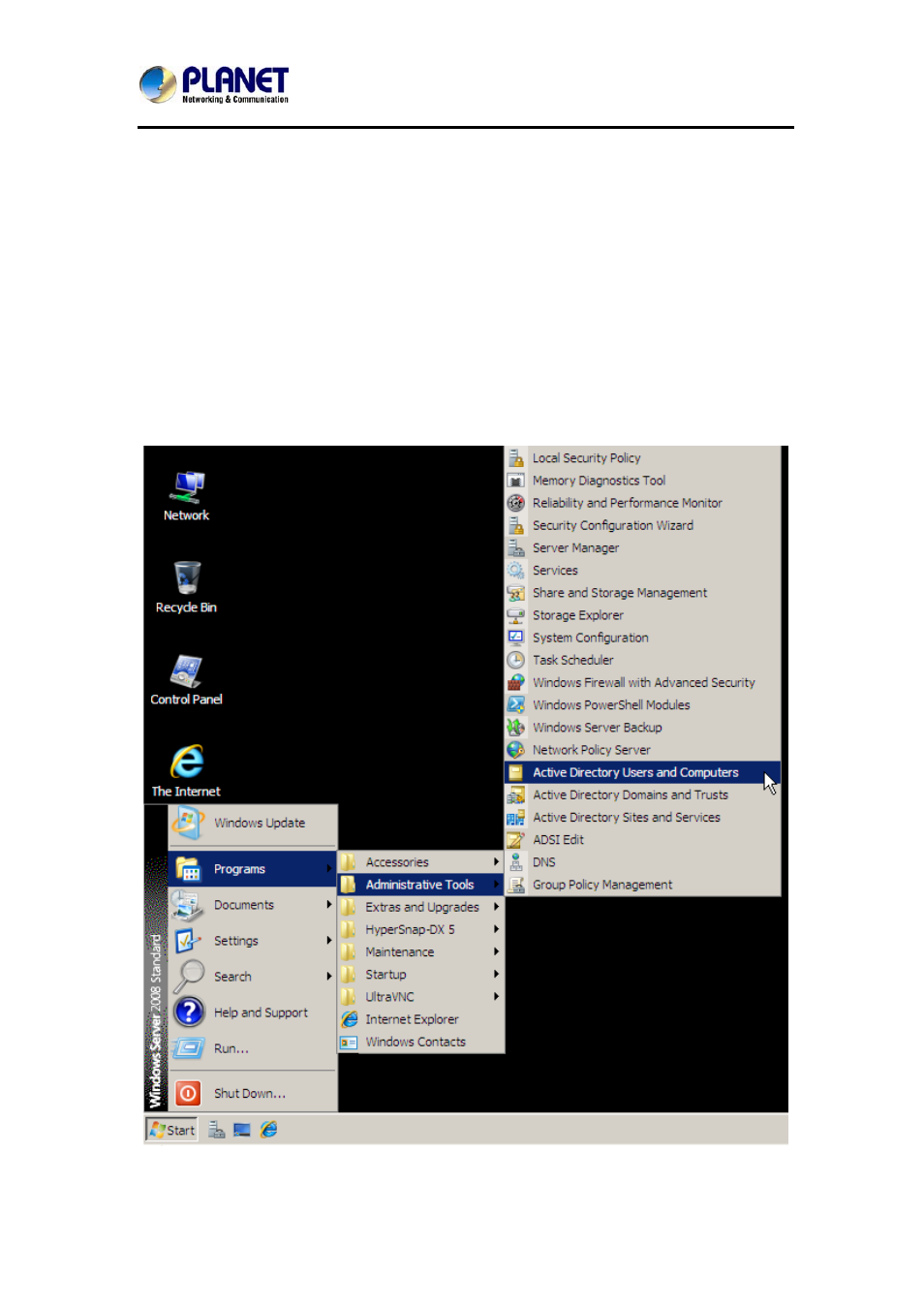
Step 2. Go to Start > Programs > Administrative Tools > Active Directory
Users and Computers and then set as shown below:
In the Active Directory Users and Computers tree panel,
expand my.com (or the name of your forest root domain),
right-click Users, select New, and then select User.
In
the
New Object-User dialog box, set as shown below:
Type in the First name, Full name, User logon name and
User logon name for pre-Windows 2000 respectively.
Click
Next.
Specify a password and repeat it to confirm.
Tick the box of “Password never expires”.
Click
Next.
Click
Finish to complete the settings.
Selecting the Active Directory Users and Computers on the Start Menu
Advertising