Right side, Right side top – Toshiba DynaPad WT12PE-A64 User Manual
Page 36
36
Getting Started
Features and components
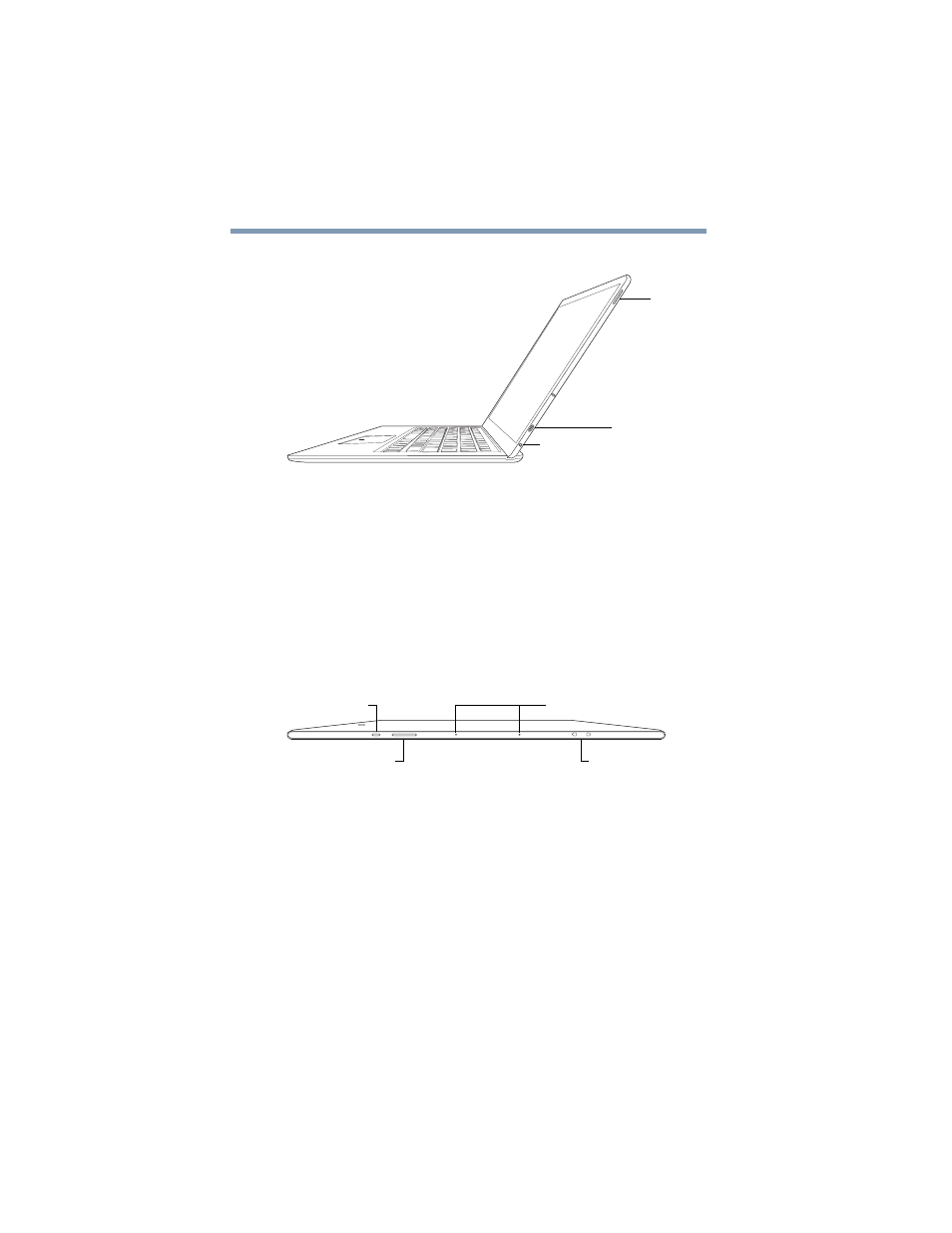
Right side
(Sample Illustration) Right side view
❖
Pen slot
—Allows you to keep the TruPen with you at all
❖
Micro USB port
—Allows the transfer of data via the
USB cable.
❖
Headphone/Microphone jack
—Allows you to listen
to or record sounds onto your device. For more
information, see
.
Top
(Sample Illustration) Bottom view
❖
Power button
—Turns the device ON/OFF. Press and
hold the button for several seconds to turn the device
ON/OFF. Press the button quickly to wake the device
from Sleep mode or to place it into Sleep mode. For
more information, see
.
❖
Volume control button
—Allows you to
increase/decrease the volume.
Micro USB port
Pen slot
Headphone/Microphone jack
Volume control button
Power button
Strap hook slot
TruTalk™ microphones*
*Available on certain models