4 replace the tray cover onto tray 1, Loading paper – TA Triumph-Adler LP 218 User Manual
Page 72
Advertising
3-9
Cha
p
te
r
3
U
s
in
g
th
e
P
rin
te
r
Loading Paper
3
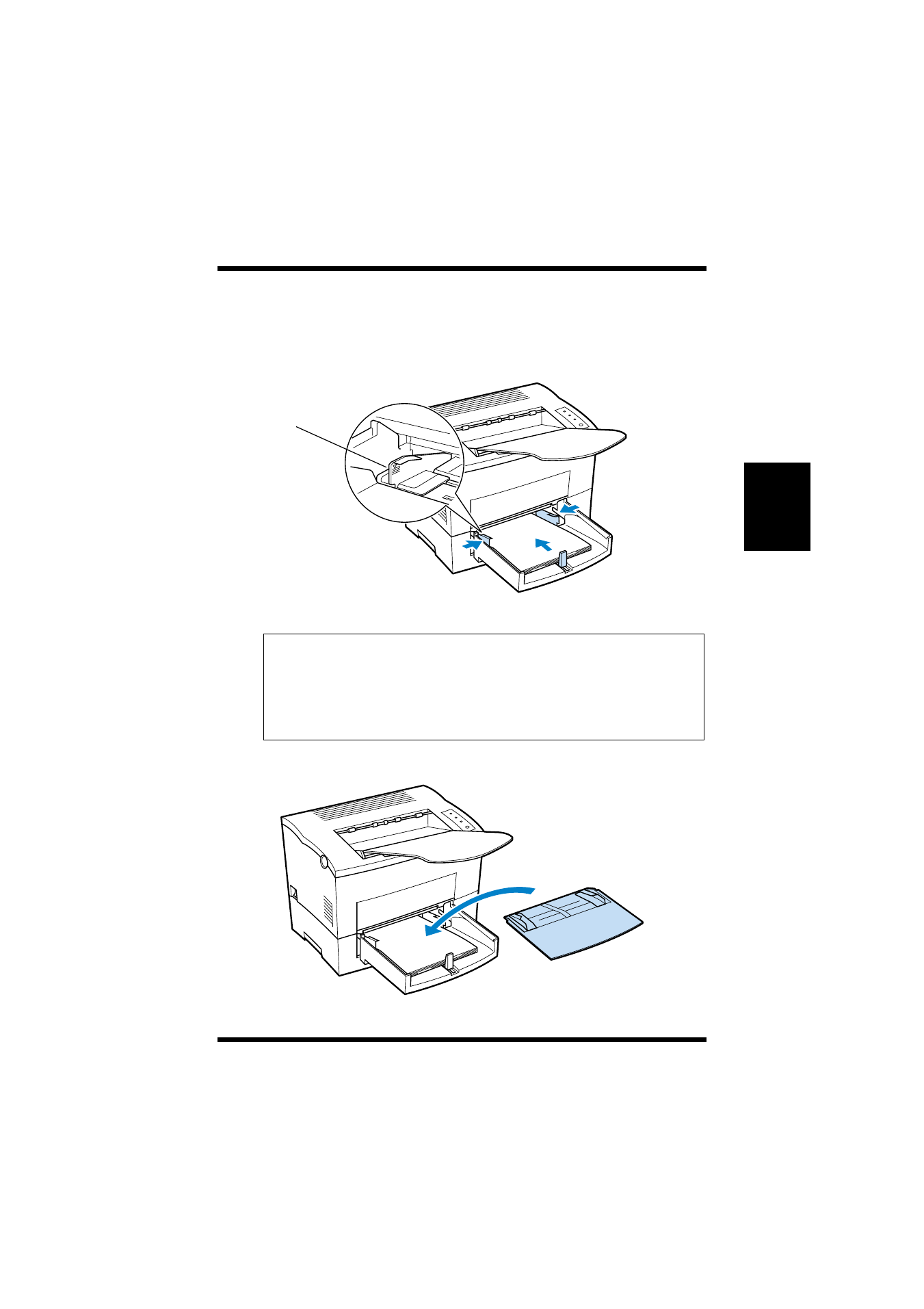
Place a stack of paper in the center of Tray 1. Adjust the paper
guides so that both the left and the right sides of the paper stack
are secure.
Note
4
Replace the tray cover onto Tray 1.
◆
A maximum level mark on the paper guide shows how high
you can stack paper on Tray 1. Make sure that paper is stacked no
higher than this mark.
◆
Do not load additional paper until the paper currently loaded onto
Tray 1 is completely used.
Maximum level
mark
Advertising