Printing on envelopes, Loading paper – TA Triumph-Adler LP 218 User Manual
Page 74
3-11
Cha
p
te
r
3
U
s
in
g
th
e
P
rin
te
r
Loading Paper
4
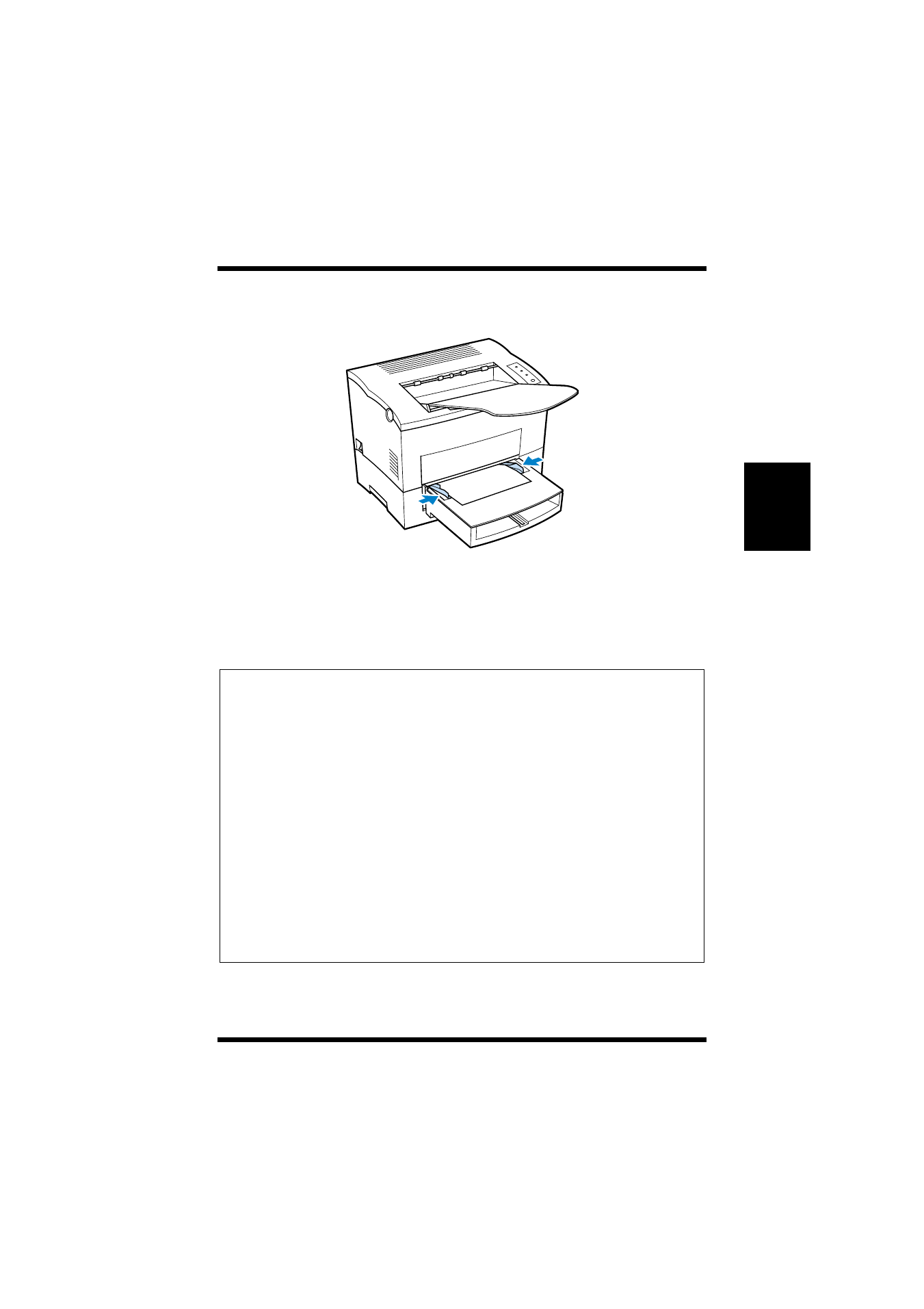
Adjust the paper guides so that both sides of the paper are
secure.
Printing on Envelopes
The manual feed tray supports Commercial 10, Monarch, DL, C5,
and B5 envelopes.
Note
◆
Because there is great variation in the quality of paper used for enve-
lopes, we suggest that you produce test prints of various types before
purchasing any envelope in large quantities for use with this printer.
◆
Make sure that all edges are creased sharply and that all flaps are folded
correctly.
◆
Do not use envelopes that are self-adhesive. Use only envelopes that
have standard sealing that sticks after it is moistened.
◆
Use envelopes of which flaps run the entire length of the envelope. Enve-
lopes that seal at one end will not feed properly.
◆
Do not use envelopes that have a window. Such envelopes can seriously
damage the printer.
◆
Do not use envelopes that are wrinkled.
◆
Never use envelopes that have clasps or any other type of fastener that
can damage the printer.
◆
Do not store envelopes in an area that is subject to high humidity.