PLANET MGSD-10080F User Manual
Page 151
User’s Manual of MGSD-10080F
151
The page includes the following fields:
Object
Description
• Delete
To delete a Group Name to VLAN map entry, check this box. The entry will be
deleted on the switch during the next Save
• Group Name
A valid Group Name is a string of atmost 16 characters which consists of a
combination of alphabets (a-z or A-Z) and integers(0-9), no special character is
allowed. Whichever Group name you try map to a VLAN must be present in
Protocol to Group mapping table and must not be preused by any other existing
mapping entry on this page.
• VLAN ID
Indicates the ID to which Group Name will be mapped. A valid VLAN ID ranges
from 1-4095.
• Port Members
A row of check boxes for each port is displayed for each Group Name to VLAN ID
mapping. To include a port in a mapping, check the box. To remove or exclude
the port from the mapping, make sure the box is unchecked. By default, no ports
are members, and all boxes are unchecked.
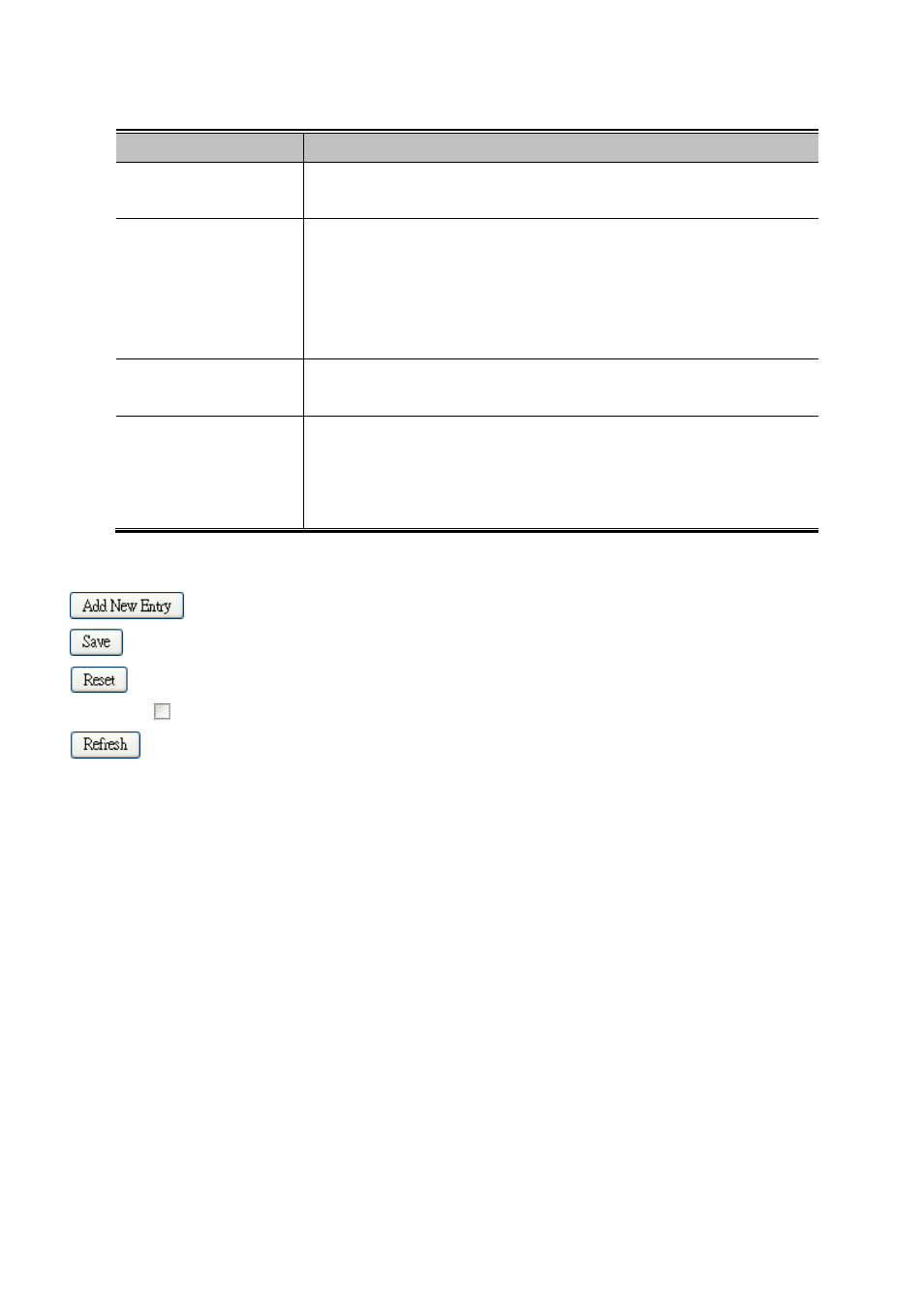
Buttons
: Click to add a new entry in mapping table.
: Click to save changes.
: Click to undo any changes made locally and revert to previously saved values.
Auto-refresh
: Check this box to refresh the page automatically. Automatic refresh occurs every 3 seconds.
: Click to refresh the page immediate