ATEIS UAPg2 User Manual
Page 77
Advertising
UAPG2 MANUAL
Version EN.24
77
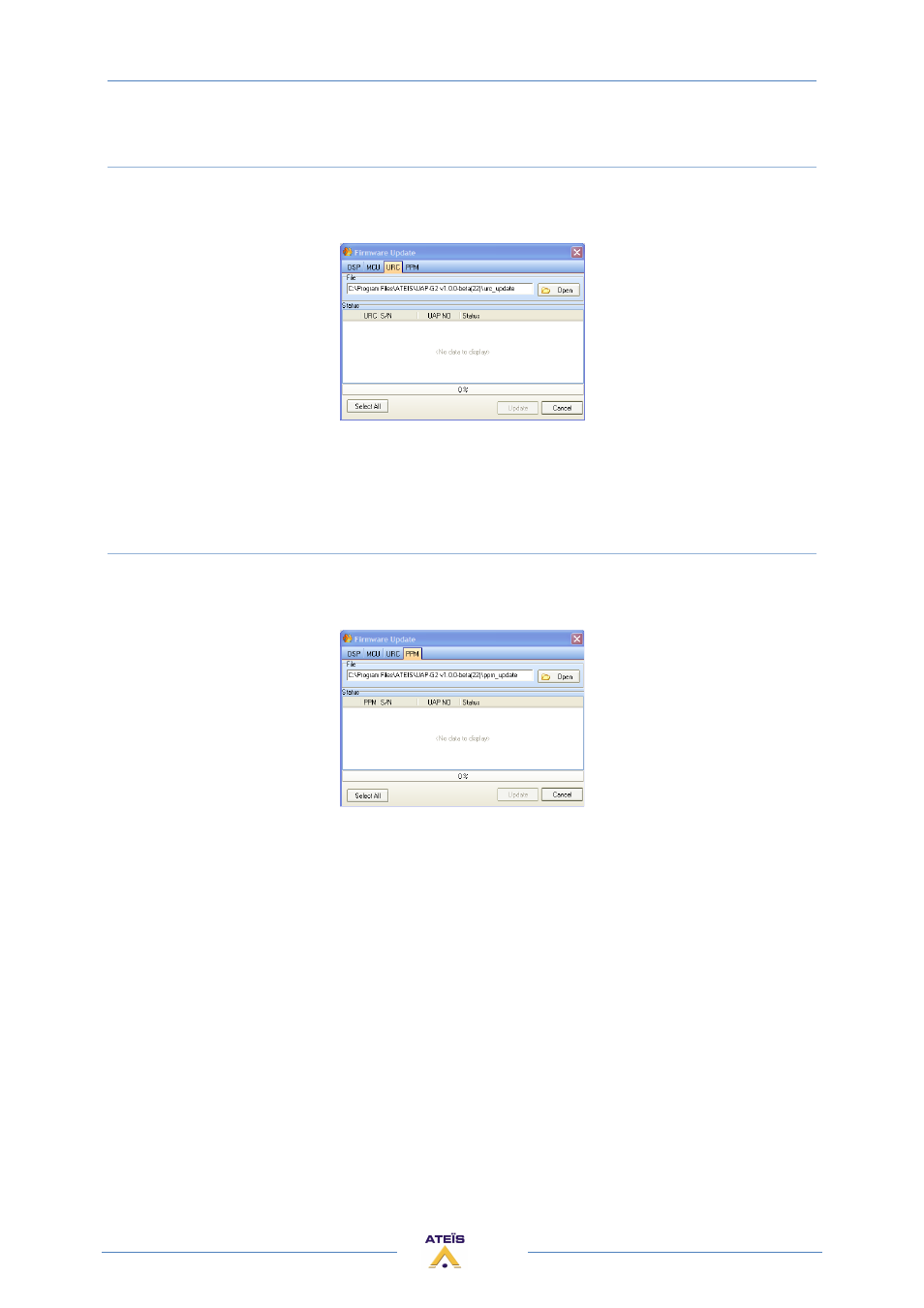
Update URC
•
Open the Ethernet connection
•
Be sure the URC is detected (search process and IP address given) and connected
•
Choose menu:
> Tools > Update... (URC tab)
•
Select the URC you want to update (click on the box on the left) (you can update several URC
at same time)
•
Click [Update]
Update PPM
•
Open the Ethernet connection
•
Be sure the PPM is detected (search process and IP address given) and connected
•
Choose menu:
> Tools > Update... (PPM tab)
•
Select the PPM you want to update (click on the box on the left) (you can update several URC
at same time)
•
Click [Update]
Advertising
This manual is related to the following products: