Configuring the color type, Configuring the text source – Grass Valley Trinix Multiviewer Installation User Manual
Page 125
125
TRINIX — TMV Installation and Service Manual
Section 6 — Trinix Multiviewer Editor
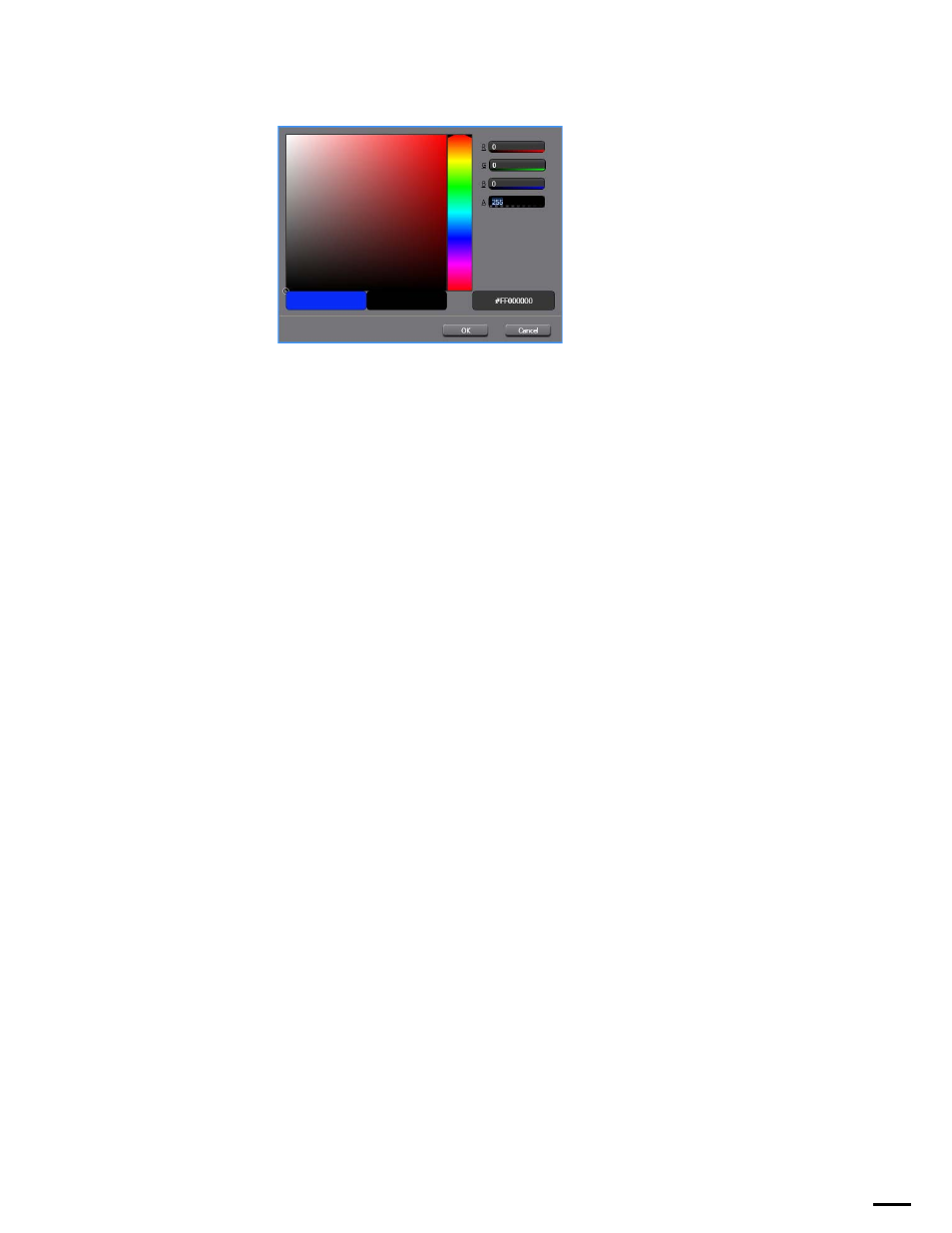
Figure 93. The Color Dialog
Configuring the Color Type
All color properties (Foreground, Background, and Border) are configured
identically. If the color type is:
Static:
•
The
Static Color
option is used to select the color by clicking the Ellipsis
button.
•
The
Static Color Transparency
slider is used to set the transparency level.
Note
Transparency only works over the video portion of a tile.
Tally:
•
The Tally ID field is the tally value supplied by the tally system (either
TSL or Image Video).
•
Tally Color Source drop-down list is the tally color that will be used.
The options are either Left Lamp, Text, or Right Lamp.
Destination Monitoring
:
•
The Ellipsis button by the Destination Monitoring field is used to select
one of the configured destination monitoring items.
Note
Each element in the destination monitoring item has a Use Text, Use Fore-
ground, Use Background, and Use Border check box associated with it. If the
check box is checked and the element is active then the destination moni-
toring value is used otherwise the static configured value is used.)
Configuring the Text Source
The Text Alignment drop-down list is used for all text sources. The options
are
Left, Right,
or
Center
.
If the Text Source is: