Grass Valley Trinix Multiviewer Installation User Manual
Page 63
63
TRINIX TMV Installation and Service Manual
Section 3 — Software Installation
4.
Click the
Next >
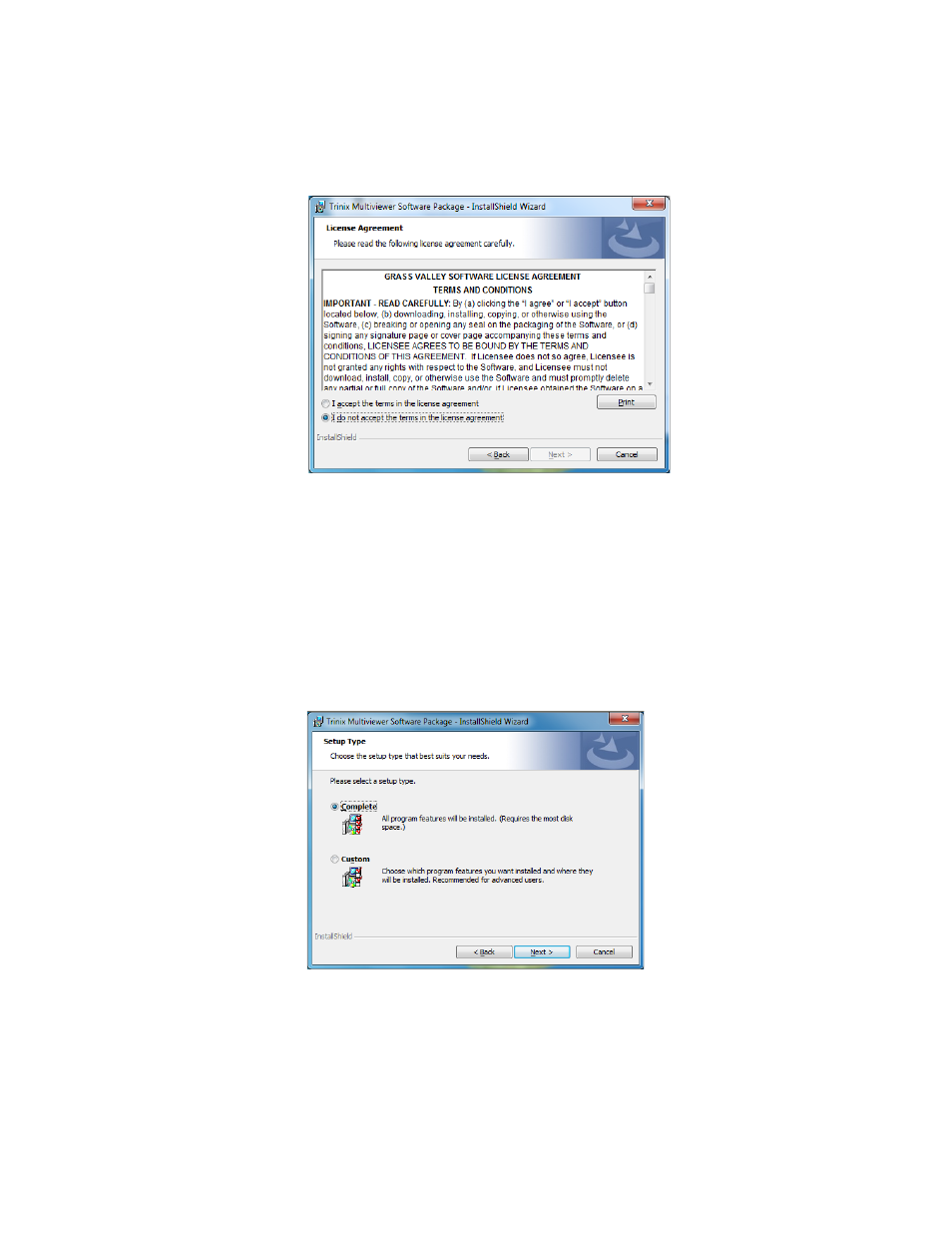
button. The Software License Agreement screen will
Figure 23. License Agreement
5.
Read the License Agreement and then click the
I accept the terms in the
license agreement
radio button to accept the license agreement.
Note
Clicking the I do not accept the terms in the license agreement radio button
will stop the installation process.
6.
Click the
Next >
button. The Setup Type screen will then appear
Figure 24. Setup Type Screen
7.
Select the preferred type of installation and then click the
Next >
button.
Grass Valley recommends that you choose the
Complete
radio button,
which is the default installation. The Ready to Install the Program
screen will then appear (
).