Setting the gmt offset – Grass Valley Trinix Multiviewer Installation User Manual
Page 185
Advertising
185
TRINIX — TMV Installation and Service Manual
Section 7 — Trinix Multiviewer Procedures
Setting the GMT Offset
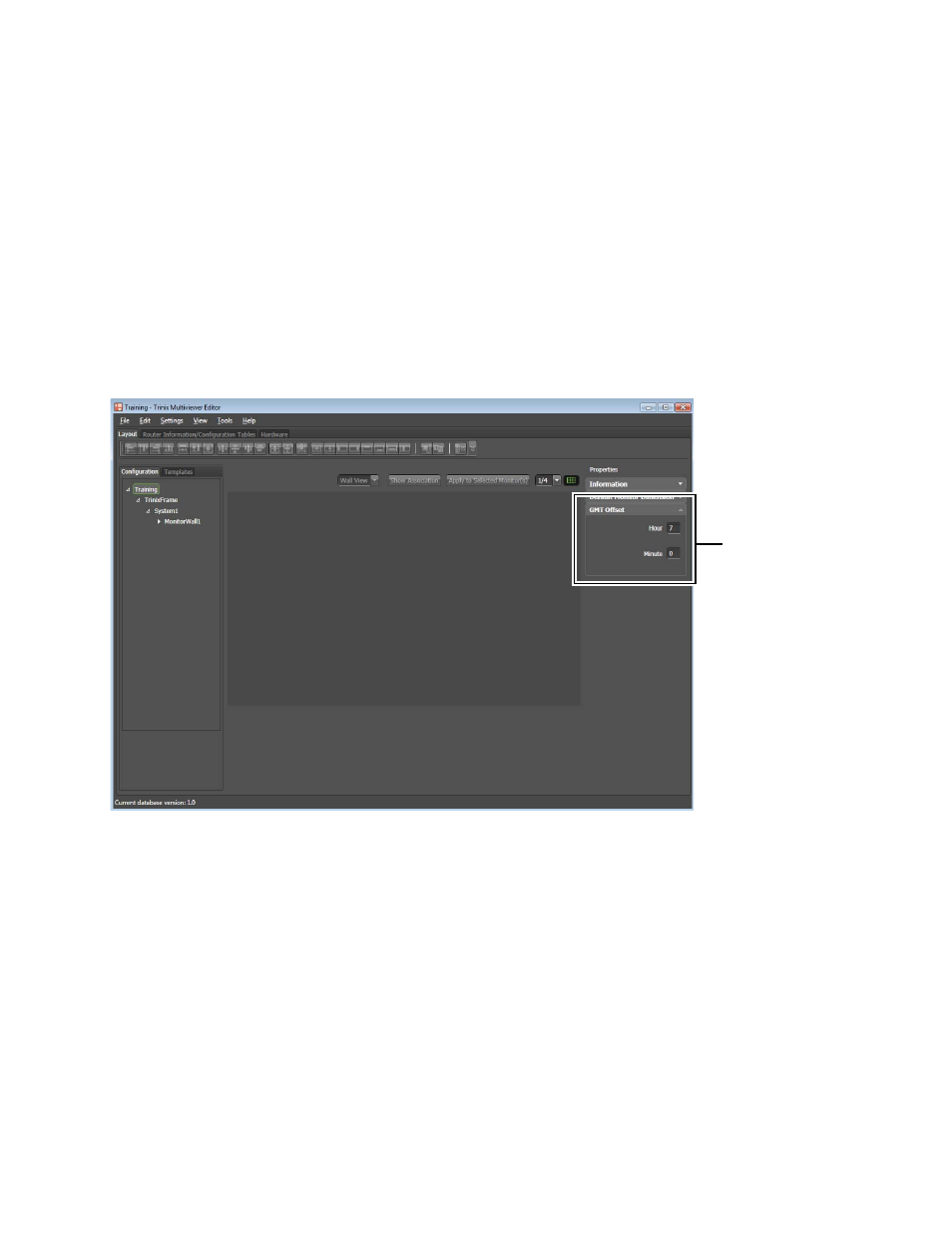
The GMT Offset can be configured in the TMV Configuration Editor.
1.
Select the
Layout
tab
2.
Click the
Configuration
button and then the Configuration Name in the
Navigation panel. The GMT Offset will appear in the Properties
section.
3.
Enter an hour in the Hour field from -23 to +23.
4.
Enter a minute in the Minute field from -59 to +59.
Figure 184. Example of Setting the GMT Offset
In the example shown in
, -7 was selected in the Hour drop-
down list.
Enter the hour and
minute in the
appropriate fields
Advertising