3 lacp system status – PLANET WGSW-20160HP User Manual
Page 111
User’s Manual of WGSW-20160HP/WGSW-24040HP series
111
4.5.3 LACP System Status
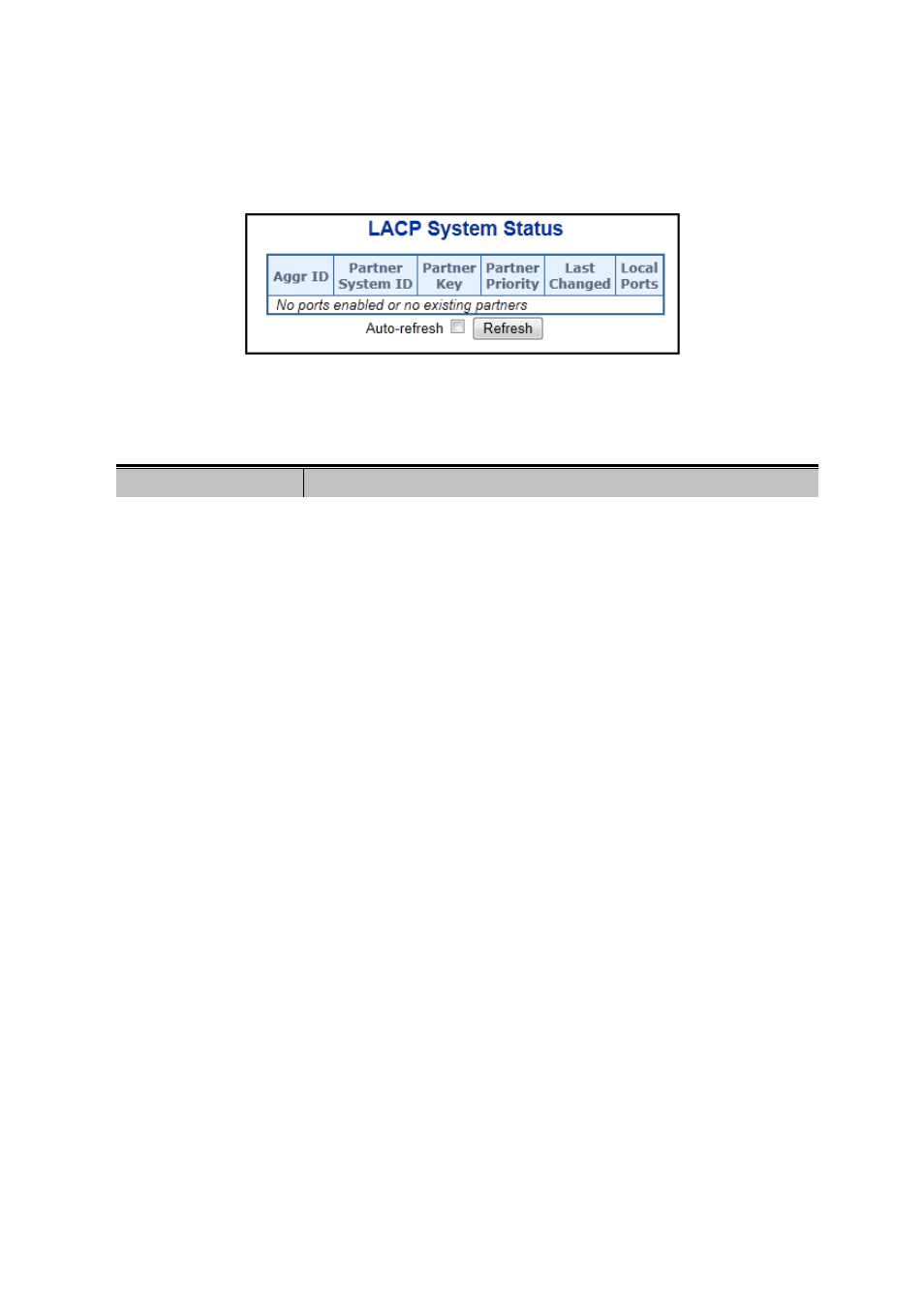
This Page provides a status overview for all LACP instances. The LACP Status Page display the current LACP aggregation
Groups and LACP Port status. The LACP System Status screen in
Figure 4-5-5
appears.
Figure 4-5-5: LACP System Status Page Screenshot
The Page includes the following fields:
Object
Description
•
Aggr ID
The Aggregation ID associated with this aggregation instance.
For LLAG the id is shown as 'isid:aggr-id' and for GLAGs as 'aggr-id'
•
Partner System ID
The system ID (MAC address) of the aggregation partner.
•
Partner Key
The Key that the partner has assigned to this aggregation ID.
• Partner Priority
The priority of the aggregation partner.
•
Last changed
The time since this aggregation changed.
•
Local Ports
Shows which ports are a part of this aggregation for this switch/stack.
The format is: "Switch ID:Port".
Buttons
: Click to refresh the Page immediately.
Auto-refresh
: Automatic refresh occurs every 3 seconds.