4 acl ports configuration – PLANET WGSW-20160HP User Manual
Page 229
User’s Manual of WGSW-20160HP/WGSW-24040HP series
229
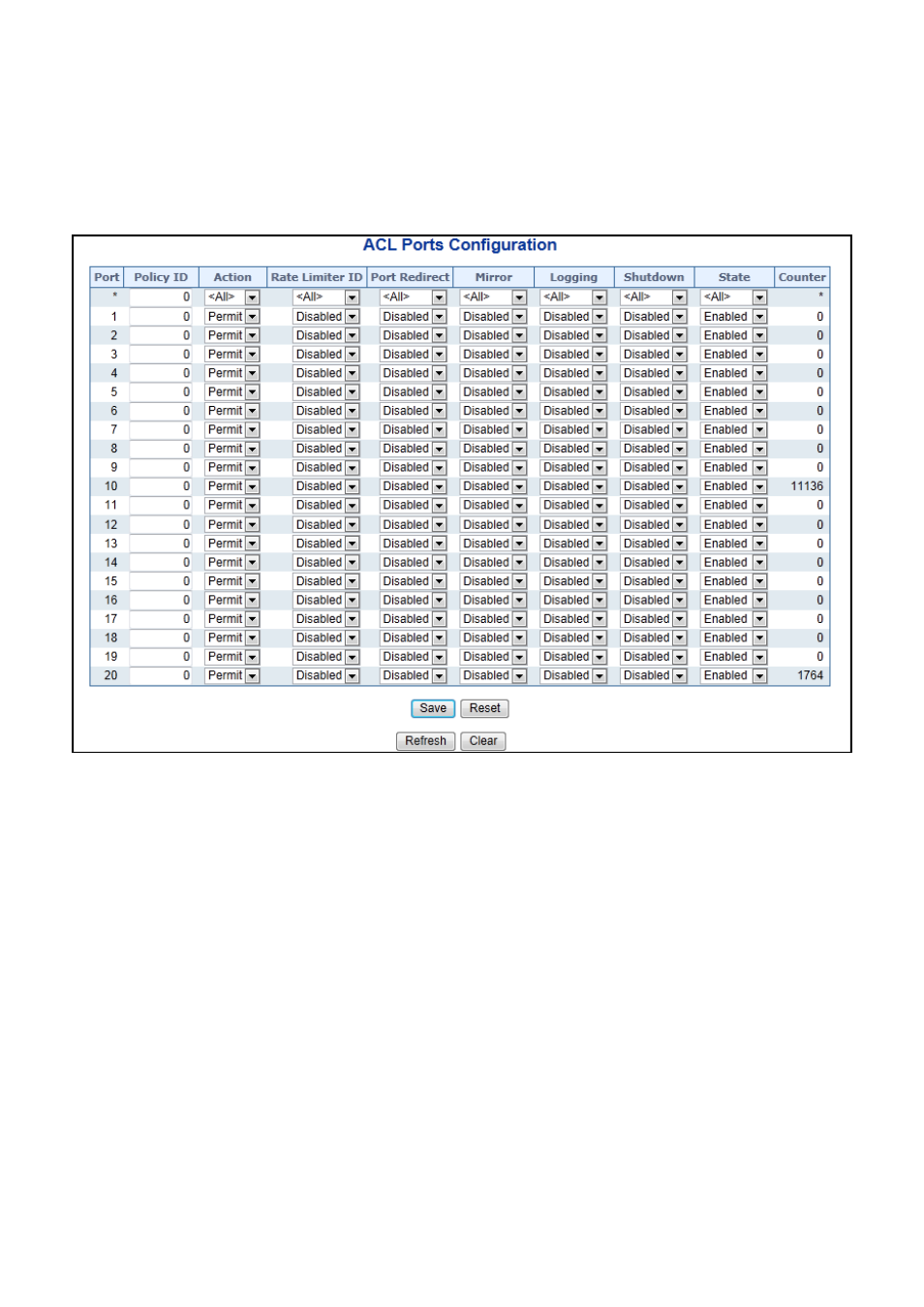
4.10.4 ACL Ports Configuration
Configure the ACL parameters of each switch port. These parameters will affect frames received on a port unless the
frame matches a specific ACE.
The ACL Ports Configuration screen in
Figure 4-10-4
appears.
Figure 4-10-4: ACL Ports Configuration Page Screenshot
The Page includes the following fields:
Object
Description
•
Port
The logical port for the settings contained in the same row.
•
Policy ID
Select the policy to apply to this port. The allowed values are 0 through 255. The
default value is 0.
•
Action
Select whether forwarding is permitted ("Permit") or denied ("Deny"). The default
value is "Permit".
•
Rate Limiter ID
Select which rate limiter to apply on this port. The allowed values are Disabled or
the values 1 through 16. The default value is "Disabled".
• Port Redirect
Select which port frames are redirected on. The allowed values are Disabled or a
specific port number and it can't be set when action is permitted. The default
value is "Disabled".