Adding test instruments, Instrument functions – Seaward PATGuard 3 User Manual
Page 118
PATGuard 3
118 / 153
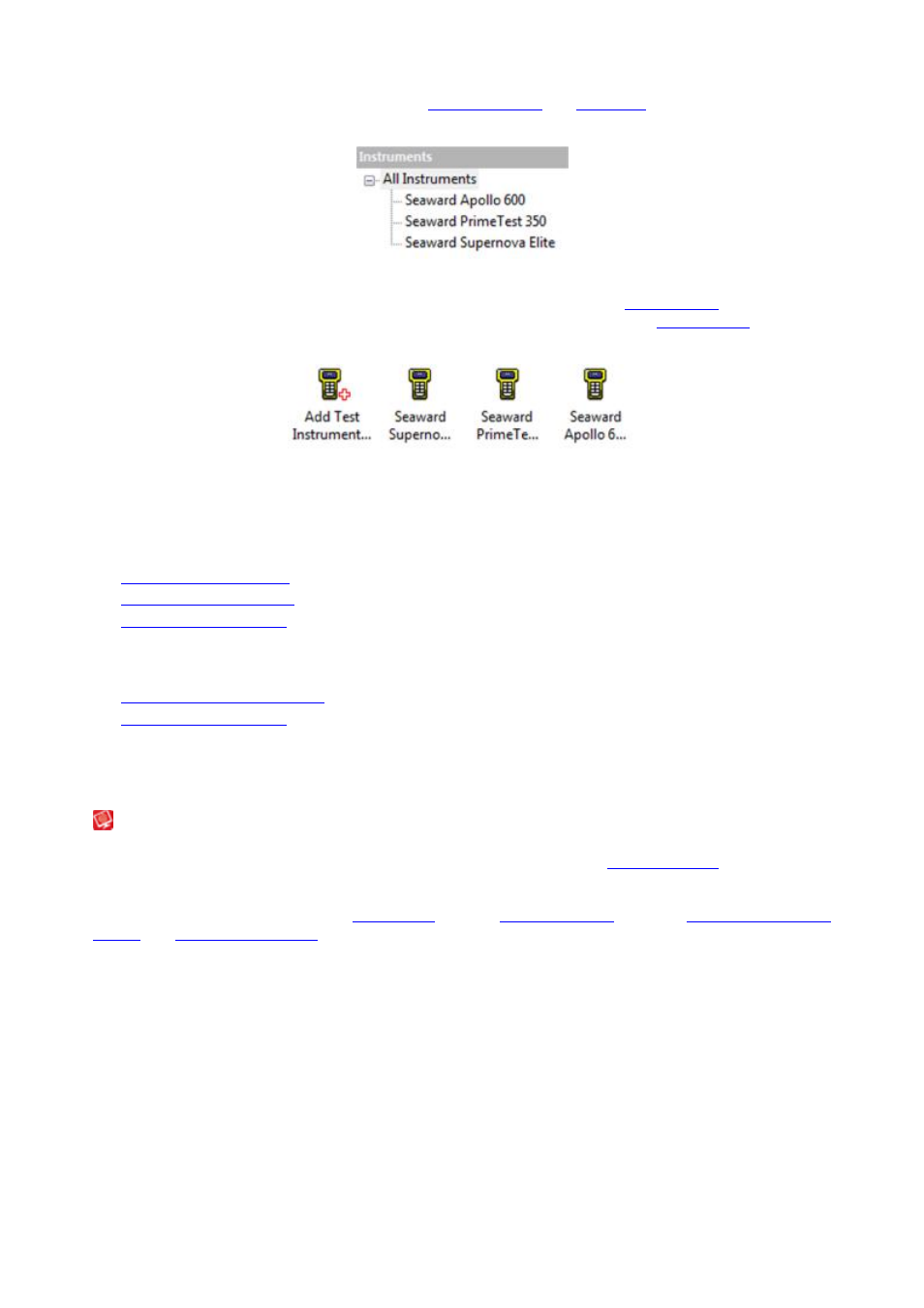
When the Instruments function is selected in the
Navigation Pane
, the
Tree View
will be replaced with a list
of configured Instrument types.
Navigation Pane - Configured Instrument Types
Selecting All Instruments will display all of the configured Instruments in the
Main Window
. Selecting a
particular Instrument type will display all configured Instruments of that type in the
Main Window
(for
example, all of the configured Apollo 600 Instruments).
Main Window - All Instruments
Instrument functions
There are a number of tasks that can be completed from within the Instruments function.
•
Adding Test Instruments
•
Entering Calibration Data
•
Adding Test Sequences
There are also a number of other features related to the Instruments function.
•
Downloading from your tester
•
Uploading to your tester
Click on the links above for more information about each function.
Adding Test Instruments
Adding Test Instruments
PATGuard 3 allows you to store details of your Test Instruments, including
Calibration Data
, as Instruments
in the database.
To add a new Test Instrument, select
Instruments
from the
Navigation Pane
. See also
Changing Instrument
Details
and
Deleting Instruments
.